
Sodium
The fastest and most compatible rendering optimization mod for Minecraft. Now available for both NeoForge and Fabric!
Versions
Sodium 0.8.4 for NeoForge 1.21.11
mc1.21.11-0.8.4-neoforge · 1 week ago · 1.05 MB
Sodium 0.8.4 for Fabric 1.21.11
mc1.21.11-0.8.4-fabric · 1 week ago · 1.78 MB
Sodium 0.8.3 for Fabric 1.21.11
mc1.21.11-0.8.3-fabric · 1 week ago · 1.78 MB
Sodium 0.8.3 for NeoForge 1.21.11
mc1.21.11-0.8.3-neoforge · 1 week ago · 1.05 MB
Sodium 0.8.2 for Fabric 1.21.11
mc1.21.11-0.8.2-fabric · 1 month ago · 1.79 MB
Gallery
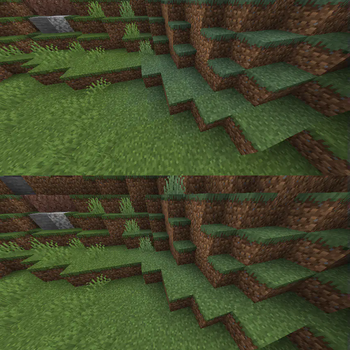
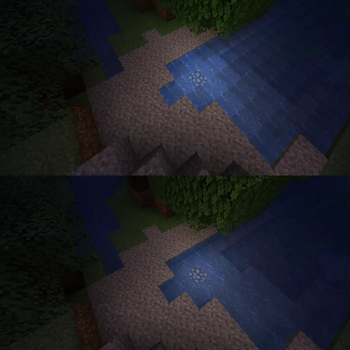
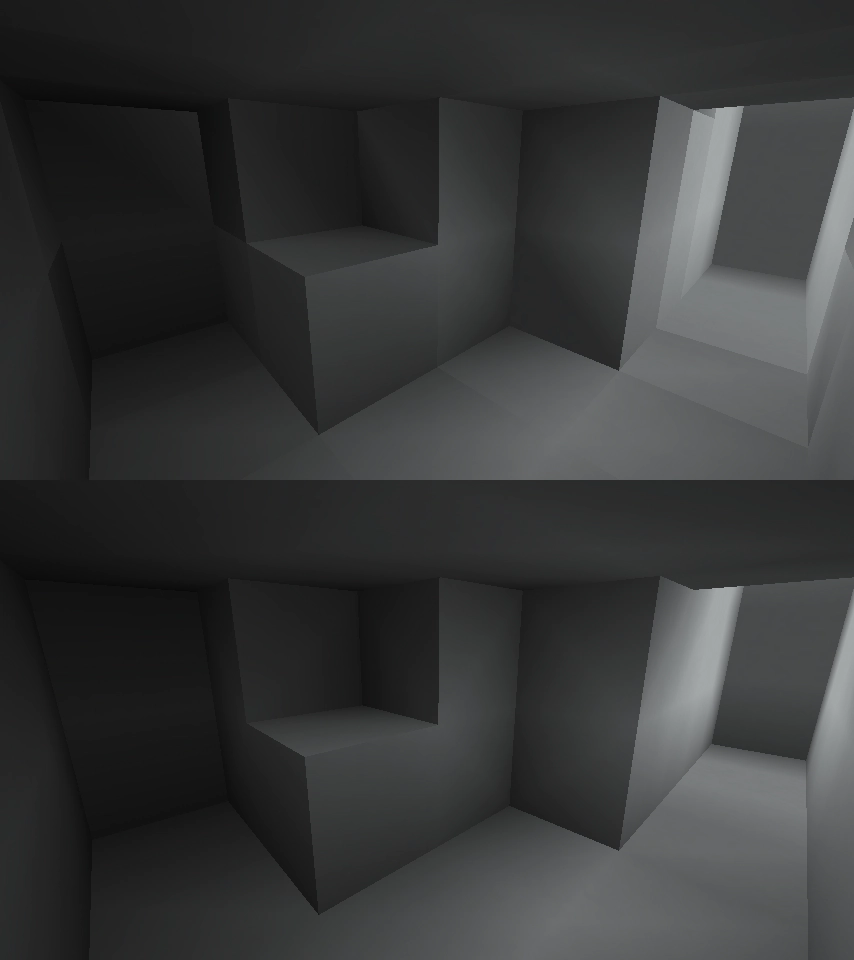
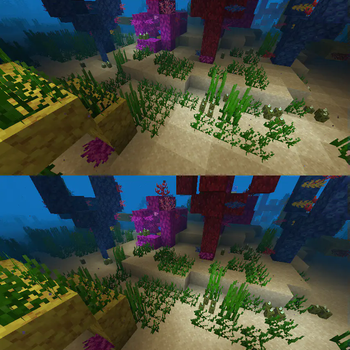
About
This mod is the result of thousands of hours of development, and is made possible thanks to players like you. If you would like to show a token of your appreciation for my work, and help support the development of Sodium in the process, then consider buying me a coffee.


Sodium is a powerful optimization mod for the Minecraft client, which greatly improves frame rates and micro-stutter, while fixing many graphical issues in Minecraft.
Unlike other rendering-focused mods, it boasts wide compatibility with the wider modding ecosystem. And it does so without compromising on how the game looks, giving you that authentic block game feel.


📥 Installation Guide
Sodium is available for multiple mod loaders, but we recommend using Fabric Loader for the most simple and lightweight experience. If you are using a third-party launcher, it probably has built-in functionality to automatically install mod loaders. Once you have installed your mod loader, you can simply place Sodium into your mods folder like anything else.
Not sure if you installed the mod correctly? Check your Video Settings screen in Minecraft, which should show our new and improved user interface for changing settings.
Not sure how to configure the mod? Don't worry, you probably don't need to. By default, Sodium will enable all optimizations which are supported on your system, giving you the best experience possible. You should generally only change video settings related to performance and other advanced features if you are experiencing issues.
Need even more performance? By design, Sodium only optimizes the rendering code of Minecraft. You should also install our other mods, such as Lithium (for MC 1.15+) and Phosphor (for MC <1.19), to optimize the other parts of your game. This is done so that players can pick and choose which mods they want to use, but we generally recommend using our entire collection.
✅ Hardware Compatibility
Android devices (and some Windows-on-ARM devices) which use OpenGL translation layers (such as GL4ES, ANGLE, GLonD3D12 etc) are not supported and will have severe performance issues.
We only provide official support for desktop graphics cards which have up-to-date drivers compatible with OpenGL 4.5 or newer. Most graphics cards released in the past 12 years will meet these requirements, including the following:
- INTEL HD Graphics 500 Series (Skylake) or newer
- NVIDIA GeForce 400 Series (Fermi) or newer
- AMD Radeon HD 7000 Series (GCN 1) or newer
Nearly all desktop graphics cards that are already compatible with Minecraft (which requires OpenGL 3.3) should also work with Sodium. But our team cannot ensure compatibility or provide support for older graphics cards, and they may not work with future versions of Sodium.
If you are running into problems, you should make sure that your graphics drivers are up-to-date. Out-of-date graphics drivers are often the reason for most crashes, rendering bugs, and performance issues.
🐛 How to Report Issues
Please use the issue tracker linked at the top of the page to report bugs, crashes, and other issues. Make sure you include information about the mods you are using, and attach any crash/log files you have.
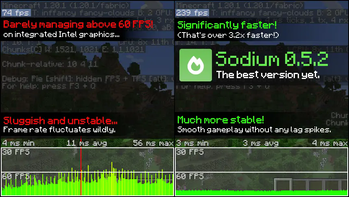
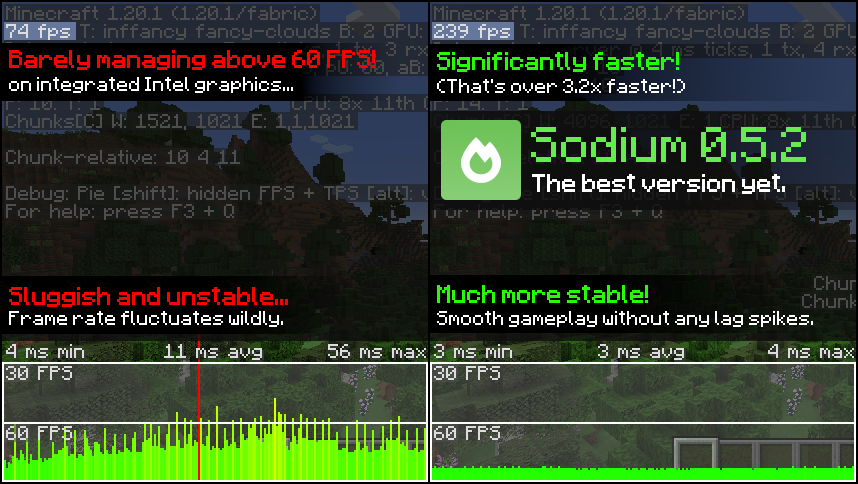
Note: The level of performance you see while using the Sodium mod will vary depending on exact hardware and software configuration. For all performance comparisons provided on this page, we used a computer with integrated graphics which we believe to be representative of the casual player.
Hardware configuration: Intel Core i7-1165G7 (4c/8t, up to 4.70 GHz) with Intel Xe Graphics (96 EUs, up to 1.30 GHz), 2x16 GB DDR4-3200. Software configuration: Fedora 41, Linux 6.12.4, Mesa 24.3.4, Prism Launcher 9.1, OpenJDK 21.0.7 runtime (as packaged by distribution), Fabric Loader 0.16.10.
Related projects

Iris Shaders
by coderbot
A modern shader pack loader for Minecraft intended to be compatible with existing OptiFine shader packs


Entity Culling
by tr7zw
Using async path-tracing to hide Block-/Entities that are not visible

Lithium
by jellysquid3
No-compromises game logic optimization mod. Well suited for clients and servers of all kinds. Now available for Fabric and NeoForge!
Sodium
Download Sodium
or
Select a game version to see available downloads
No versions match your filters
About the organisation

CaffeineMC
Organisation
We're leading the charge on improving the performance of Minecraft so that more players than ever can enjoy the game.
View organisation on ModrinthAbout the creator

About the creator

jellysquid3
Project Lead · Sodium
Professional idiot at day, maniac programmer by night.
Member since January 2021
View profile on Modrinth
Conversation