
Iris & Oculus Flywheel Compat
Enable Flywheel's optimizations when using shaderpacks.
Versions
About
The version 2.0.3 fully supports Create 6.0 now!
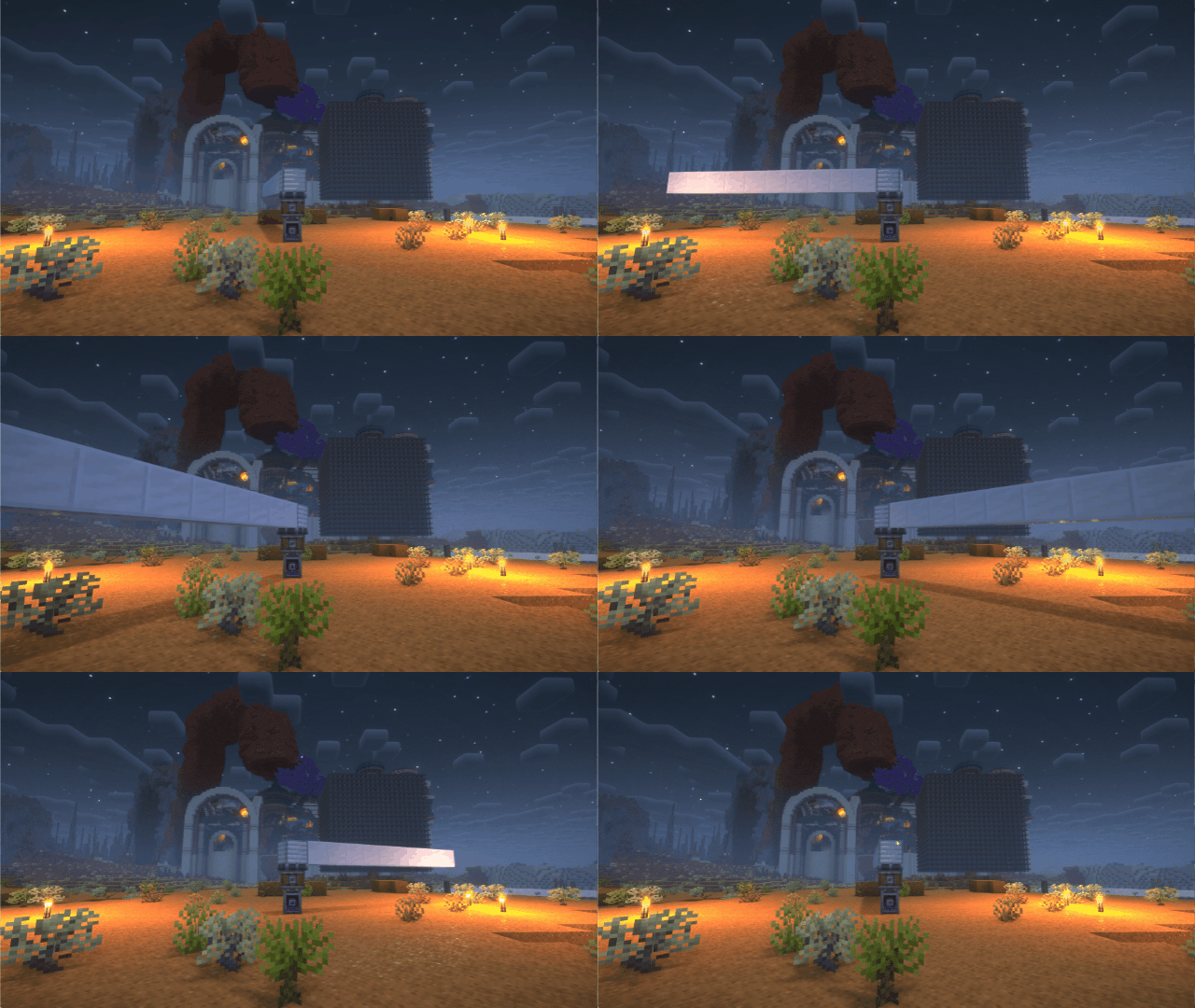
If you have any suggestions or issues, please raise them on the GitHub issue page.
What's this?
Flywheel will disable its optimizations when you are using shaderpacks.
This mod forces Flywheel's optimizations to be enabled.
For those using shaderpack and mods depend on Flywheel, this mod can significantly improve fps.
If you don't use shaderpack, this mod has no effect. Because Flywheel's optimizations are enabled by default.
Compatibility
The shaders that have been tested are:
BSL Complementary Complementary Reimagined SEUS renewed Sildurs Vibrant Shaders AstraLex Photon Kapa Nostalgia Rethinking Voxels SEUS PTGI HRR
There are some shaderpacks that are also supported, but not listed above, so you can test them by yourself.
This mod only supports some specific versions of Iris or Oculus !!!
Iris&OculusFlwCompat Iris or Oculus
2.0.0 ---- >= 1.8.1
0.2.2 ---- >= 1.6.13
0.2.1 ---- >= 1.6.5
0.2.0 ---- >= 1.6.2
0.1.9 ---- >= 1.5 and <= 1.6.1
0.1.7~0.1.8 ---- >= 1.4 and < 1.5
0.1.6 below ---- <1.4
Principle
Flywheel uses a method called GPU Instancing to render entities. It is very efficient when rendering a large number of repeating entities (e.g. gears in Create mod). But when you use iris and enable shaderpack, this optimization is disabled. Because flywheel needs to use its own shader to render these entities and flywheel's shader will no longer work when you enable shaderpack.
This mod will automatically merge flywheel's shader with the shader in shaderpack when shaderpack is enabled to be able to render entities using Instancing.
When you have a large number of entities to render, there is a huge CPU bottleneck with the original rendering method. This means that the better your GPU is, the bigger the FPS improvement from Flywheel.
How to use it?
-
Install Flywheel(Create has embedded flywheel so you don't need to install it separately now) and Iris (Oculus if you use forge).
-
Install this mod.




Conversation