

Audio Engine Tweaks
this mod changes how Minecraft schedules sounds in order to prevent the sound pool to fill up
Versions
Gallery


About
Audio Engine Tweaks
News
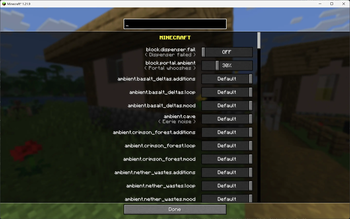
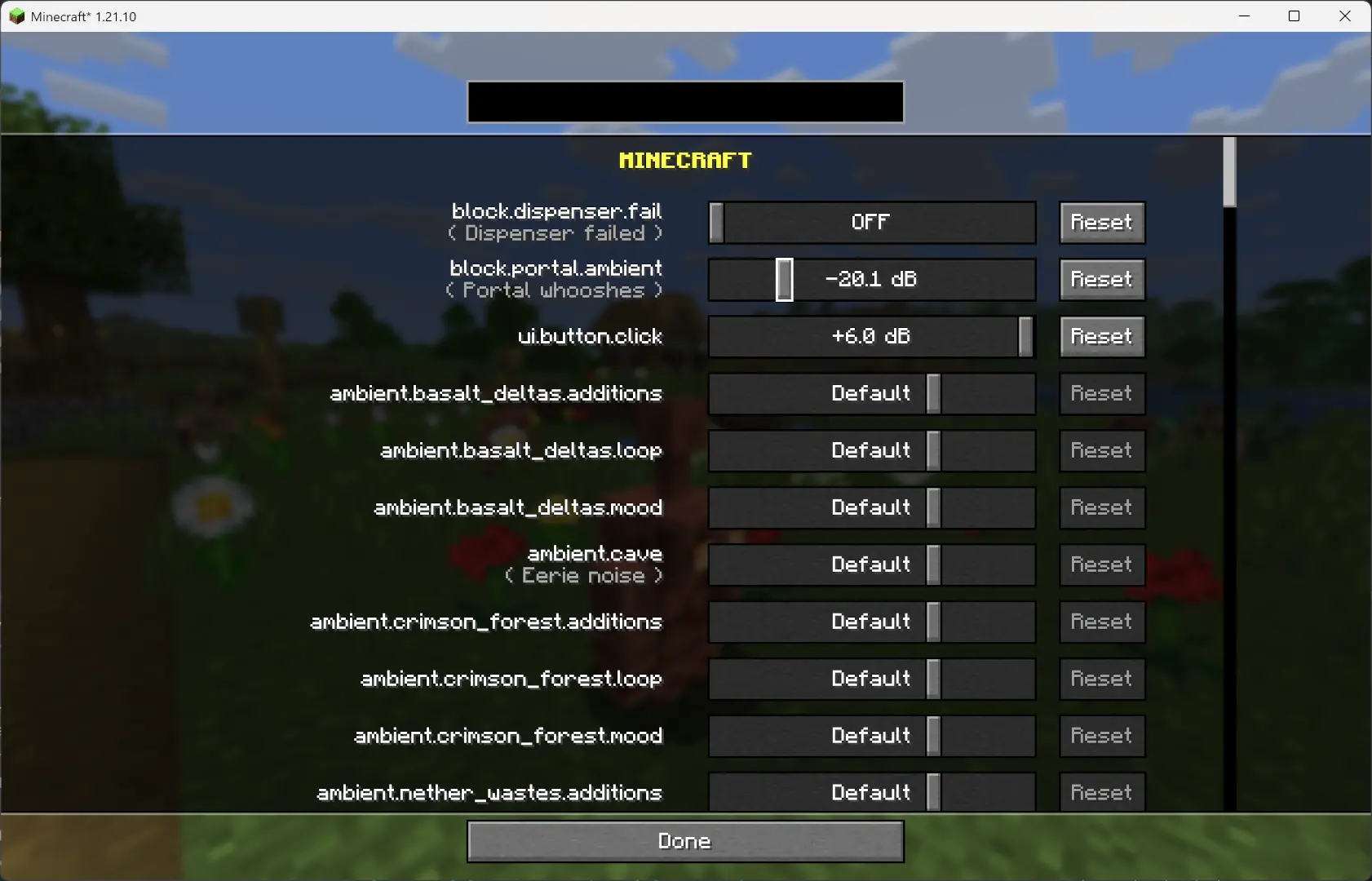
Since v1.2.7, you can now adjust the volume of each sound independently of the vanilla sliders.
Overview
This mod changes how Minecraft schedules sounds to prevent the sound pool from filling up, or at least reduce the effects of a full sound pool.
TL;DR
It fixes these common errors (and the related log spam):
[Render thread/WARN]: Failed to create new sound handle
[Sound engine/WARN]: Maximum sound pool size 247 reached
Without this mod, a full sound pool causes all in-game audio to stop until slots free up.
How It Works
-
Each tick, sounds are collected and categorized by type.
- Lower category = higher priority.
- Within categories, sounds are sorted by distance from the player.
-
Depending on the sound pool fill level, only certain sound types are allowed to play. Others are skipped.
- If the pool somehow fills completely (shouldn’t happen with thresholds), new sounds are skipped entirely.
-
Duplication check:
- Only a limited number of identical sounds can play from the same coordinate (1 block).
- Extra duplicates are skipped.
-
MASTER and MUSIC sounds bypass the queue and duplication check (important for main menu or GUI events when the server is frozen).
- They still follow fill-level thresholds.
- Other categories, if requested to play instantly, are instead deferred to the next tick.
-
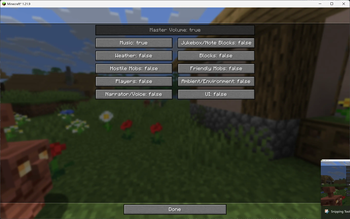
All values are configurable through ModMenu or by editing the config file directly.
Default Settings
MASTER    : cat 0, always allowed
VOICE     : cat 0, always allowed
PLAYERS   : cat 1, up to 95%
HOSTILE   : cat 2, up to 90%
BLOCKS    : cat 3, up to 80%
MUSIC     : cat 4, up to 70%
RECORDS   : cat 4, up to 70%
NEUTRAL   : cat 5, up to 60%
WEATHER   : cat 6, up to 50%
AMBIENT   : cat 6, up to 50%

maxDuplicatedSounds: 5



Conversation