
Tiers
Official Tier Tagger of PvPTiers. Supports other Tierlists: MCTiers, Subtiers
Versions
Tiers 0.7.1+1.21
0.7.1+1.21 · 4 days ago · 548.29 KB
Tiers 0.7.1+1.21.1
0.7.1+1.21.1 · 4 days ago · 548.29 KB
Tiers 0.7.1+1.21.2
0.7.1+1.21.2 · 4 days ago · 548.18 KB
Tiers 0.7.1+1.21.3
0.7.1+1.21.3 · 4 days ago · 547.49 KB
Tiers 0.7.1+1.21.4
0.7.1+1.21.4 · 4 days ago · 547.49 KB
Gallery



About

Tiers,
Official Display mod for PvPTiers. Also Supports other Tierlists: MCTiers and Subtiers
Mod showcase:
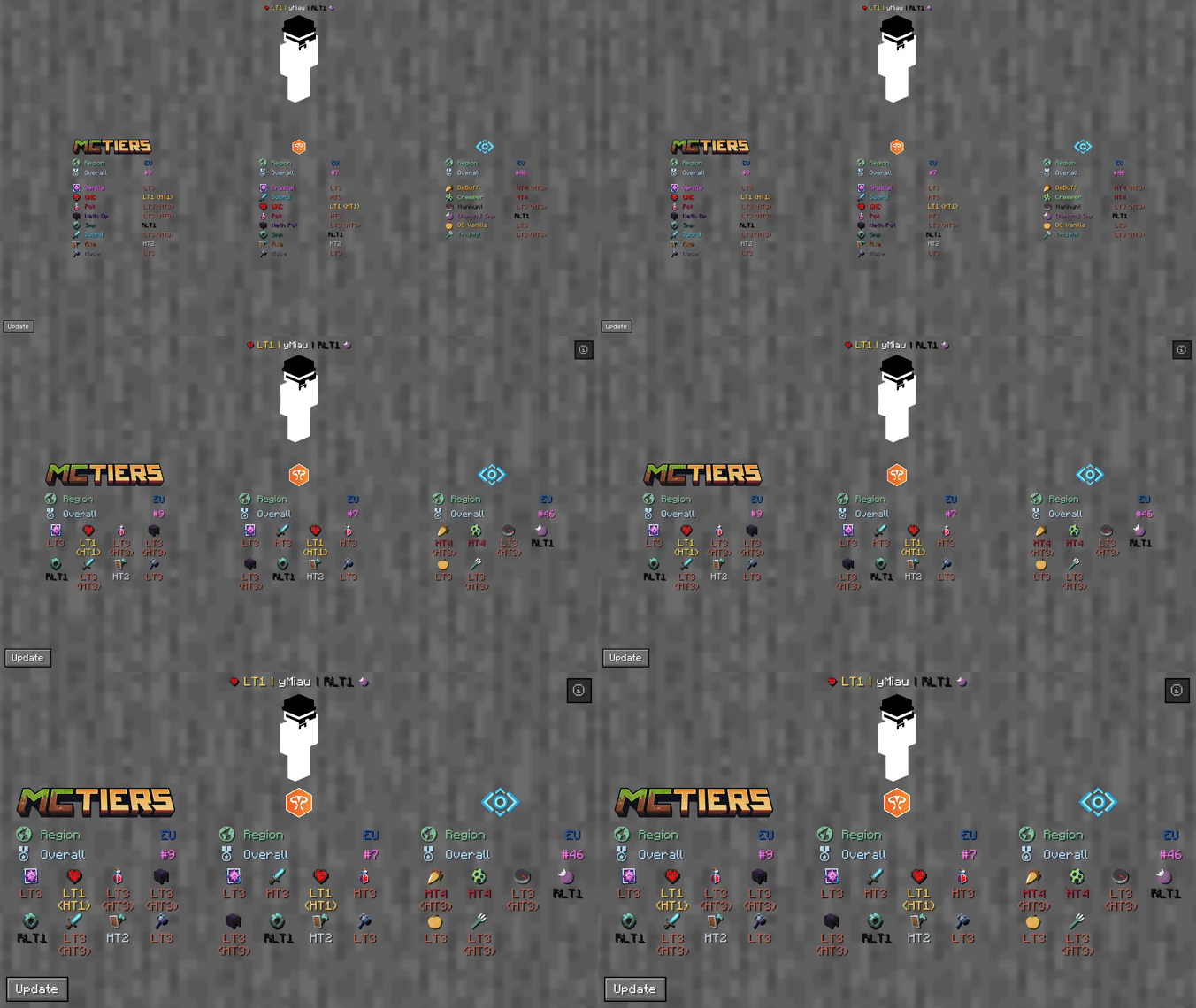
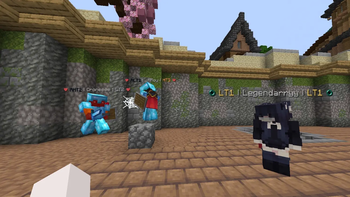
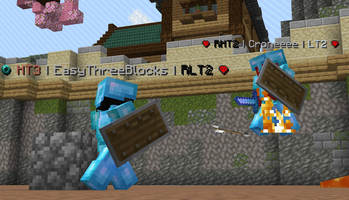
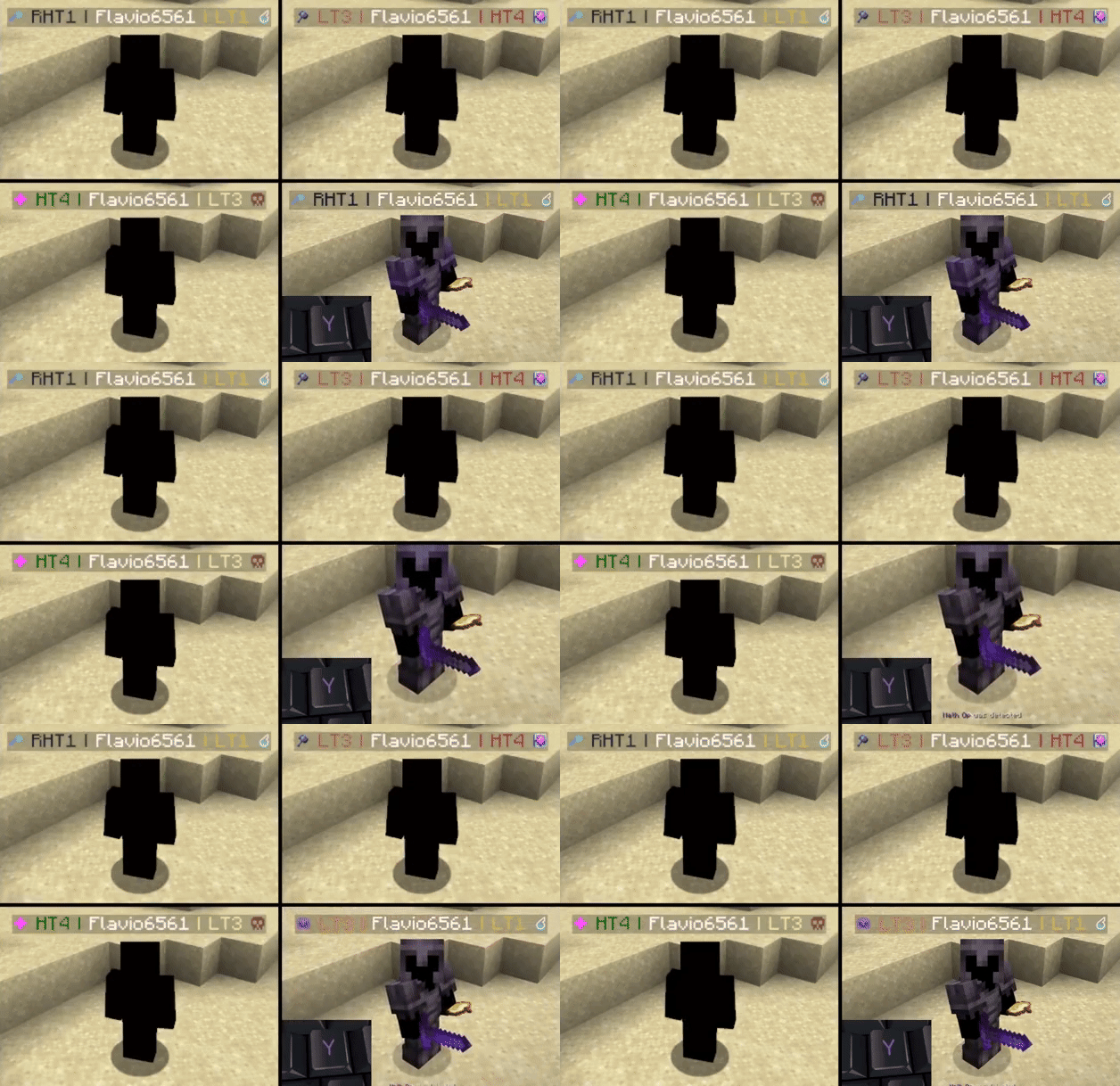
Switchable MCTiers, PvPTiers and Subtiers icons and colors
Auto detect kit: press 'Y' to autodetect the current gamemode
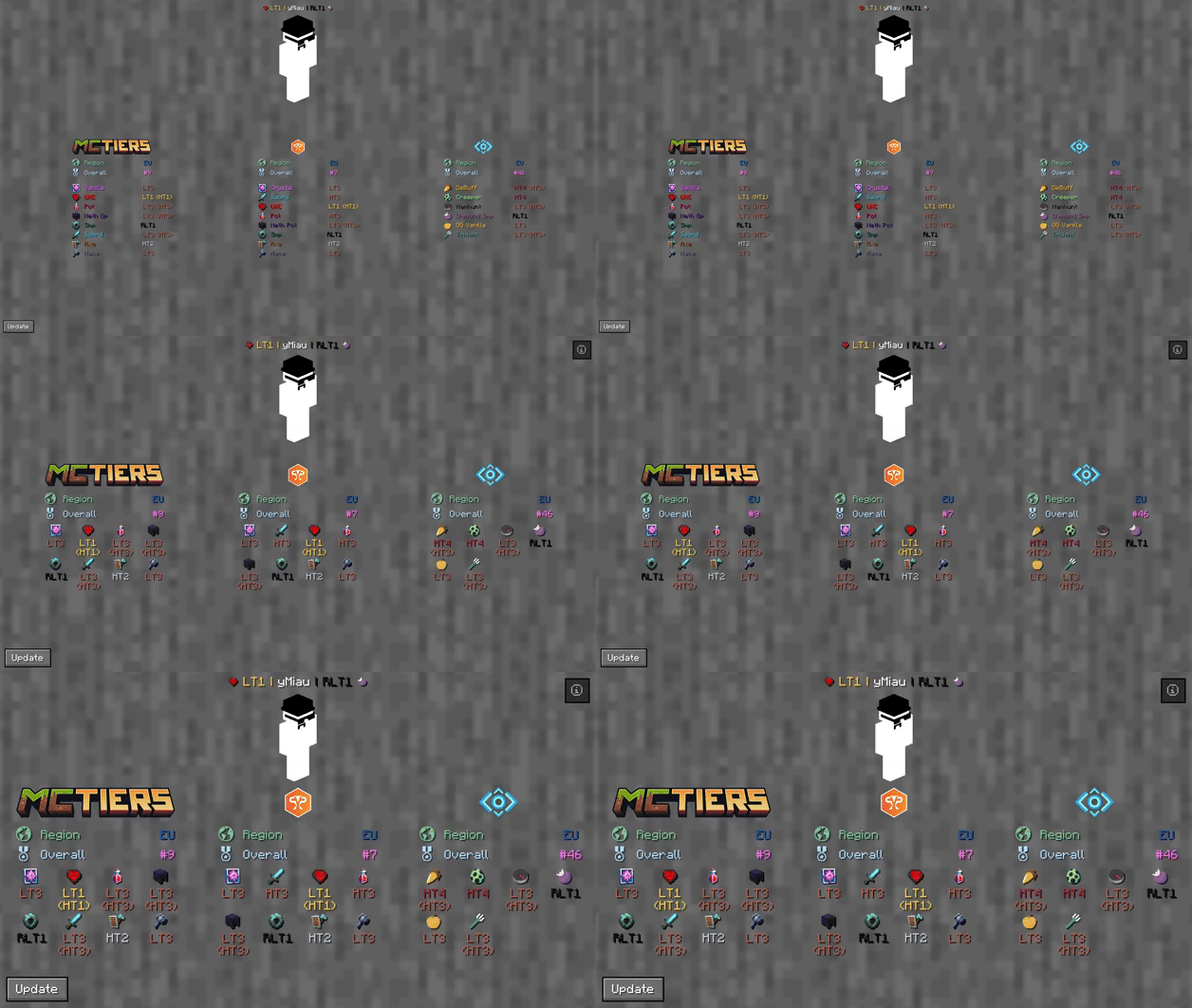
The profile search result screen with PvPTiers icons on different GUI scales
Tiers is still in beta. Report an issue
Mod features:
Auto detect kit:press Y (editable) to auto-detect the gamemode you are playing to easily switch and see opponents tiers in that gamemodeSee nearest player stats:press H (editable) to open the closest player search result screenSearch screen:see all tiers, peaks, regions, points, global rankings and skin with /tiers nameChange gamemodes and their position:choose a gamemode for each ranking site and decide whether to display it on the left or rightCycle keybinds:press U and I (editable) to easily cycle between the right and left displayed gamemodesChange preset styles:you can change icons and colors presets in the config screenDisplay gamemodes:whether to display selected mode, adaptive highest or absolute highest
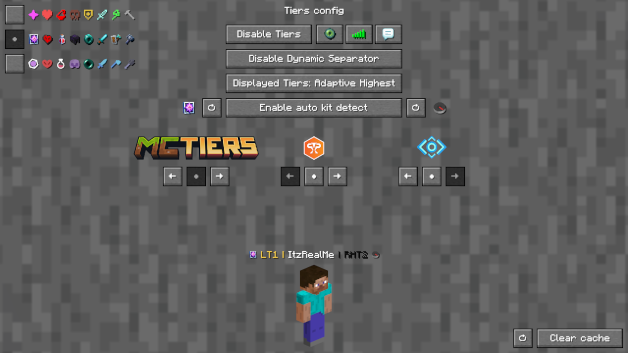
Screen config (ModMenu or /tiers config):
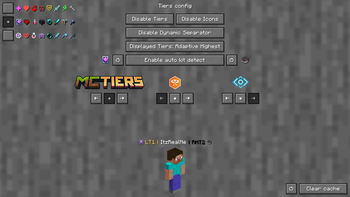
Toggle Tierstoggles the mod on or offToggle Iconstoggles the nametag icons on or offToggle Dynamic Separatordecides if the separator | is the same color as the tier or grayDisplayed Tierdecides whether to display selected mode, adaptive highest or absolute highestPreview Switcherdecides whether to preview the default profile (TheRandomizer) or your characterLeft and Right gamemode switcherswitches between gamemodes of the selected providerPosition Settingsdecides if the specific provider gamemodes are displayer on the right, left or neitherIcon and color presets:you can switch between classic, PvPTiers and MCTiers styled icons
The config screen on 3 GUI scale
Why Tiers?
All sites in one mod:
Tiers is able to track and display all rankings from the official tierlist PvPTiers and variant lists MCTiers, Subtiers
Customizable icons:
With Tiers you can customize gamemodes icons and text colors, as well as choosing where and what gamemode to display; want to manually modify the icons or tiers colors? Edit and add in your pack folder the default texture pack
Other:
Settings will be saved in your config folder and updated at runtime
The mod is client side (works on multiplayer)
Links:
Related projects


Mod Menu
by Prospector
Adds a mod menu to view the list of mods you have installed.

YetAnotherConfigLib (YACL)
by isxander
A builder-based configuration library for Minecraft!

Xaero's Minimap
by thexaero
Displays a map of the nearby world terrain, players, mobs, entities in the corner of your screen. Lets you create waypoints which help you find the locations you've marked.
Tiers
Download Tiers
or
Select a game version to see available downloads
No versions match your filters
About the organisation


Conversation