
Simple Voice Chat
A working voice chat in Minecraft!
Versions
Simple Voice Chat 2.6.11+26.1-snapshot-6
fabric-2.6.11+26.1-snapshot-6 · 4 days ago · 5.23 MB
Simple Voice Chat 2.6.11+26.1-snapshot-5
fabric-2.6.11+26.1-snapshot-5 · 1 week ago · 5.20 MB
Simple Voice Chat 2.6.11+26.1-snapshot-4
fabric-2.6.11+26.1-snapshot-4 · 2 weeks ago · 5.20 MB
Simple Voice Chat 2.6.11+26.1-snapshot-3
fabric-2.6.11+26.1-snapshot-3 · 3 weeks ago · 5.20 MB
Simple Voice Chat 2.6.11+26.1-snapshot-2
fabric-2.6.11+26.1-snapshot-2 · 1 month ago · 5.20 MB
Gallery
About
Modrinth | CurseForge | Discord | Wiki | FAQ | Credits | API
Simple Voice Chat
A proximity voice chat for Minecraft with a variety of addons that offer additional features and functionalities.
⚠️ NOTE This mod requires special setup on the server in order to work. Please read the wiki for more information.

Please join the Discord if you have questions!
Downloads
Features
- Push to talk
- Voice activation
- Proximity voice chat
- Password protected groups
- Automatic voice activity detection
- Automatic microphone gain adjustment
- Opus codec
- RNNoise recurrent neural network noise suppression
- OpenAL audio
- Cross compatibility between Fabric, NeoForge, Forge, Quilt, Bukkit, Spigot and Paper
- Support for Velocity, BungeeCord and Waterfall
- Compatibility with ModMenu (Use ClothConfig for a better configuration UI)
- Configurable push to talk key
- Microphone and speaker test playback
- Configurable voice distance
- Whispering
- Individual player volume adjustment
- Microphone amplification
- 3D sound
- AES encryption
- Audio recording with separate audio tracks
- A powerful API
- Many addons
Icons
| Icon | Description |
|---|---|
 |
You are talking |
 |
You are whispering |
 |
Player is talking |
 |
Player is whispering |
 |
Microphone muted |
 |
Voice chat disabled |
 |
Voice chat not connected Voice chat not installed |
The GUI
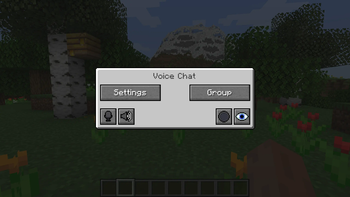
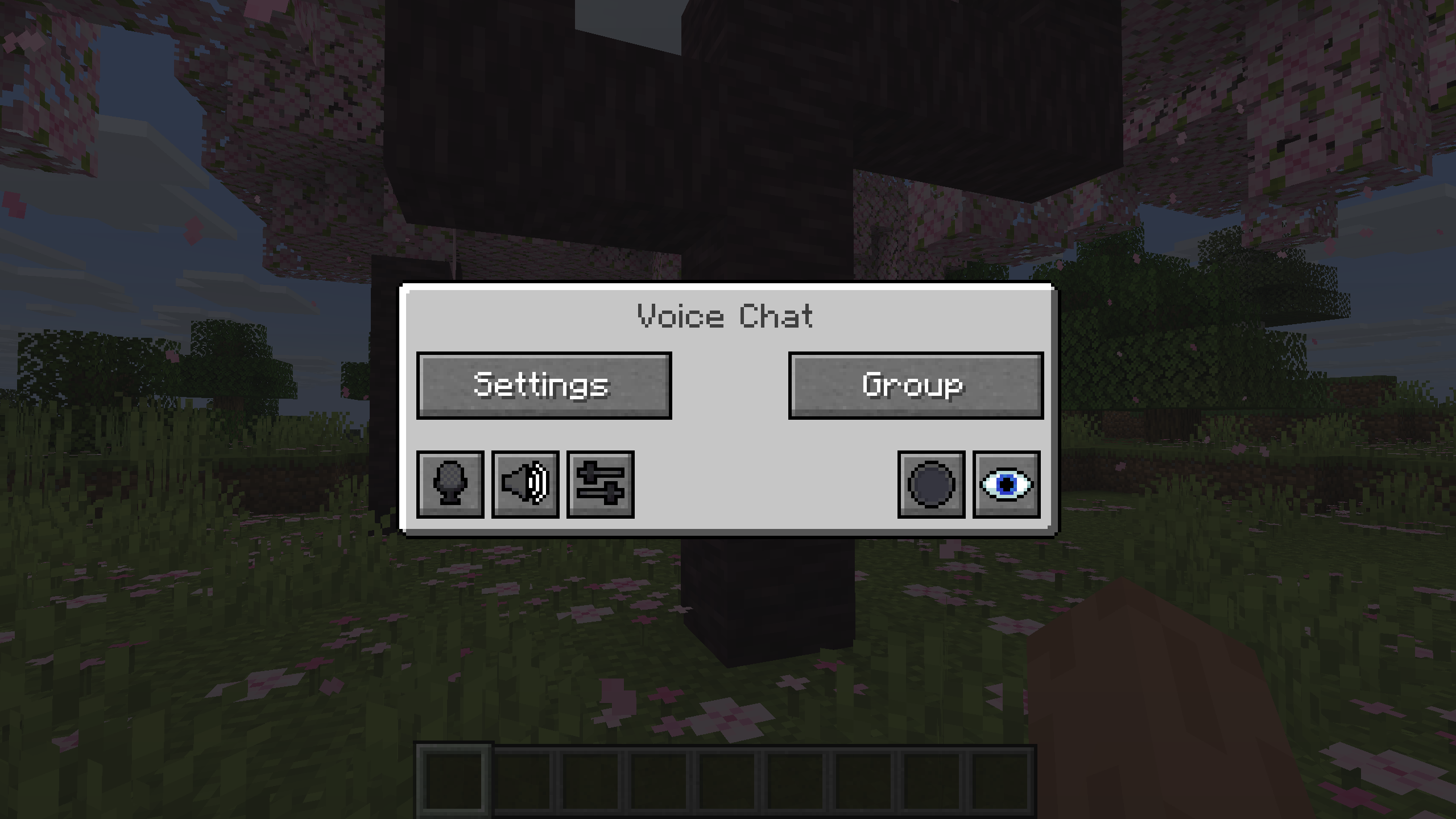
You can open the voice chat GUI by pressing the V key.
This allows you to open the settings, group chats, mute yourself, disable the voice chat, start/stop a recording and hide all icons.
Group Chats
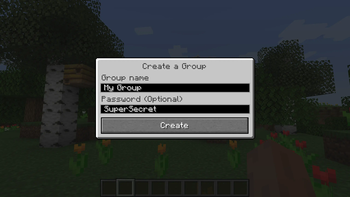
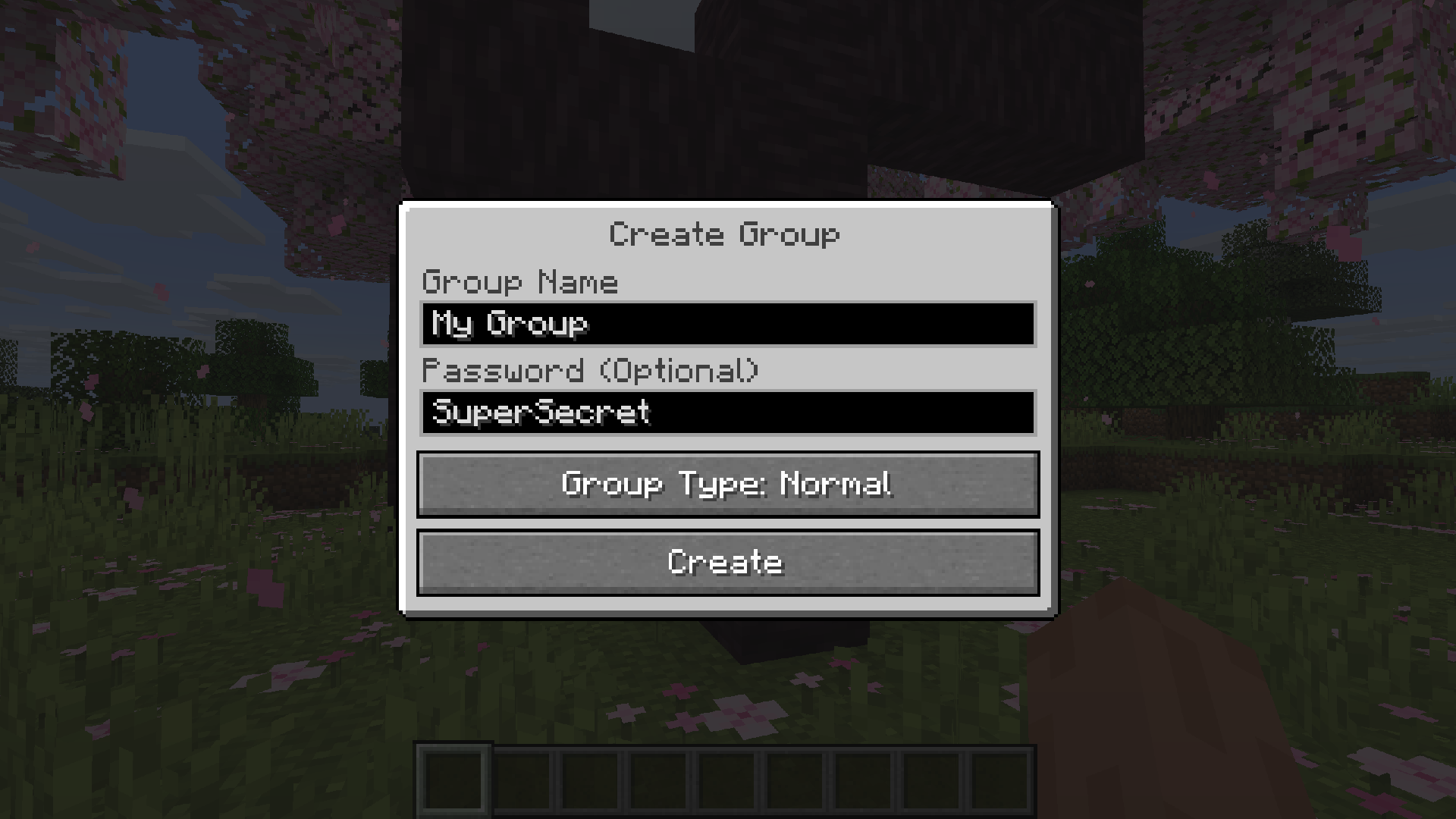
Group chats allow you to talk to players that are not in your vicinity. To open the group chat interface, either press the group button in the voice chat GUI or just press the group key.
To create a new group, just type a name in the text field and press the button at the bottom.
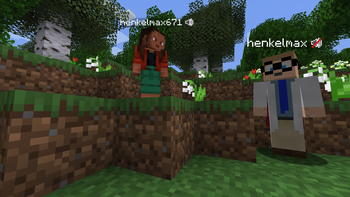
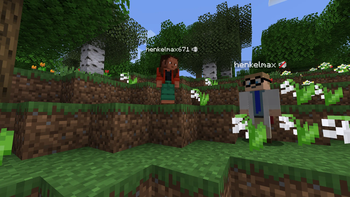
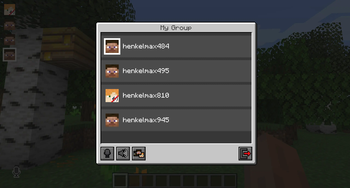
Creating or joining a group will bring you into the group chat interface. You will also see the heads of the group members in the top left corner of your screen. Talking players will be outlined. You can disable these icons by pressing the third button from the left.
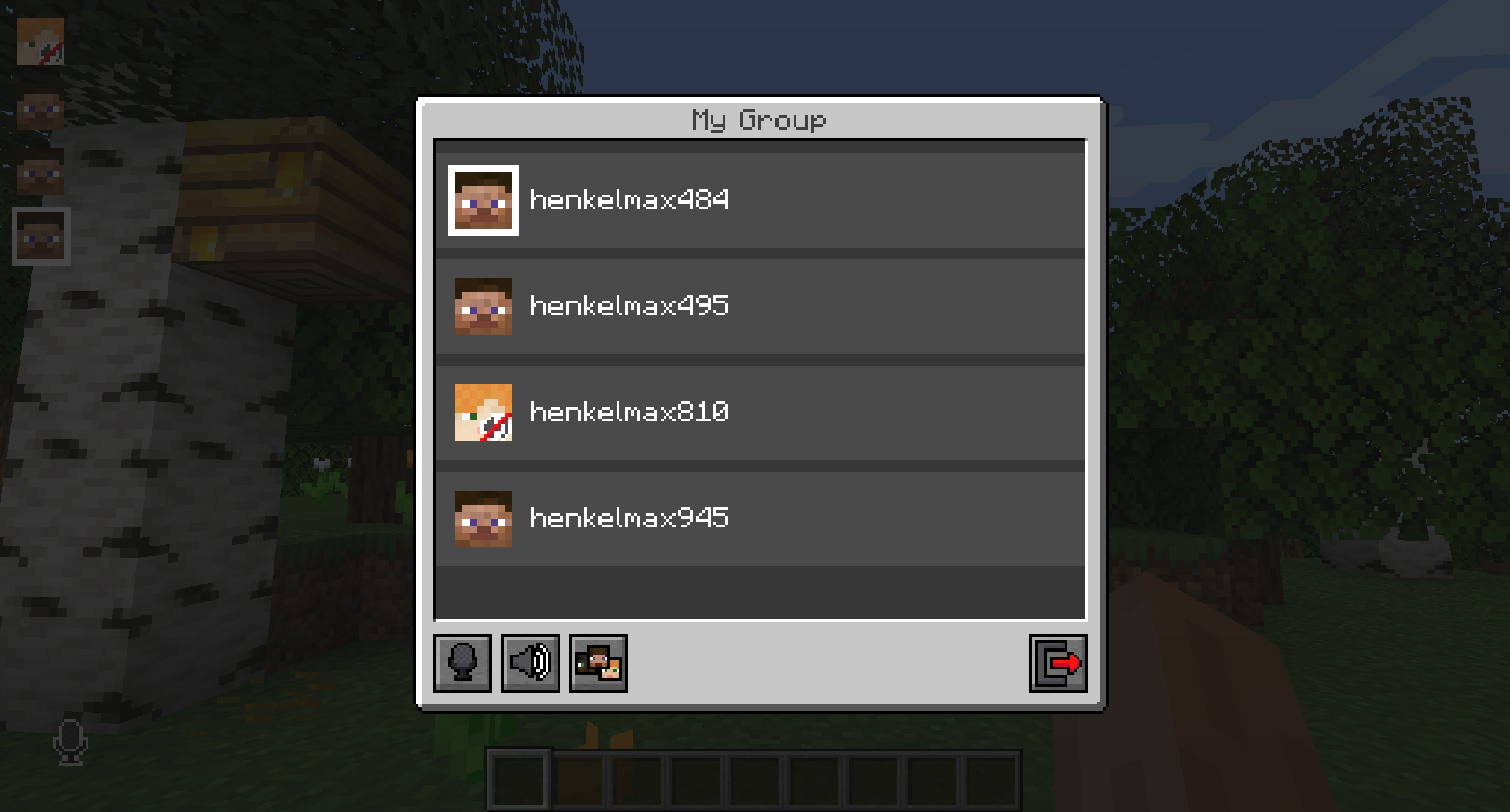
Players that are not in a group will see a group icon next to your head, indicating that you are in a group.
You can invite players to your group chat by entering the command /voicechat invite <playername> or from the social interactions screen.
Settings
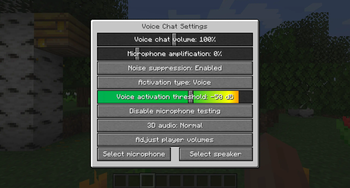
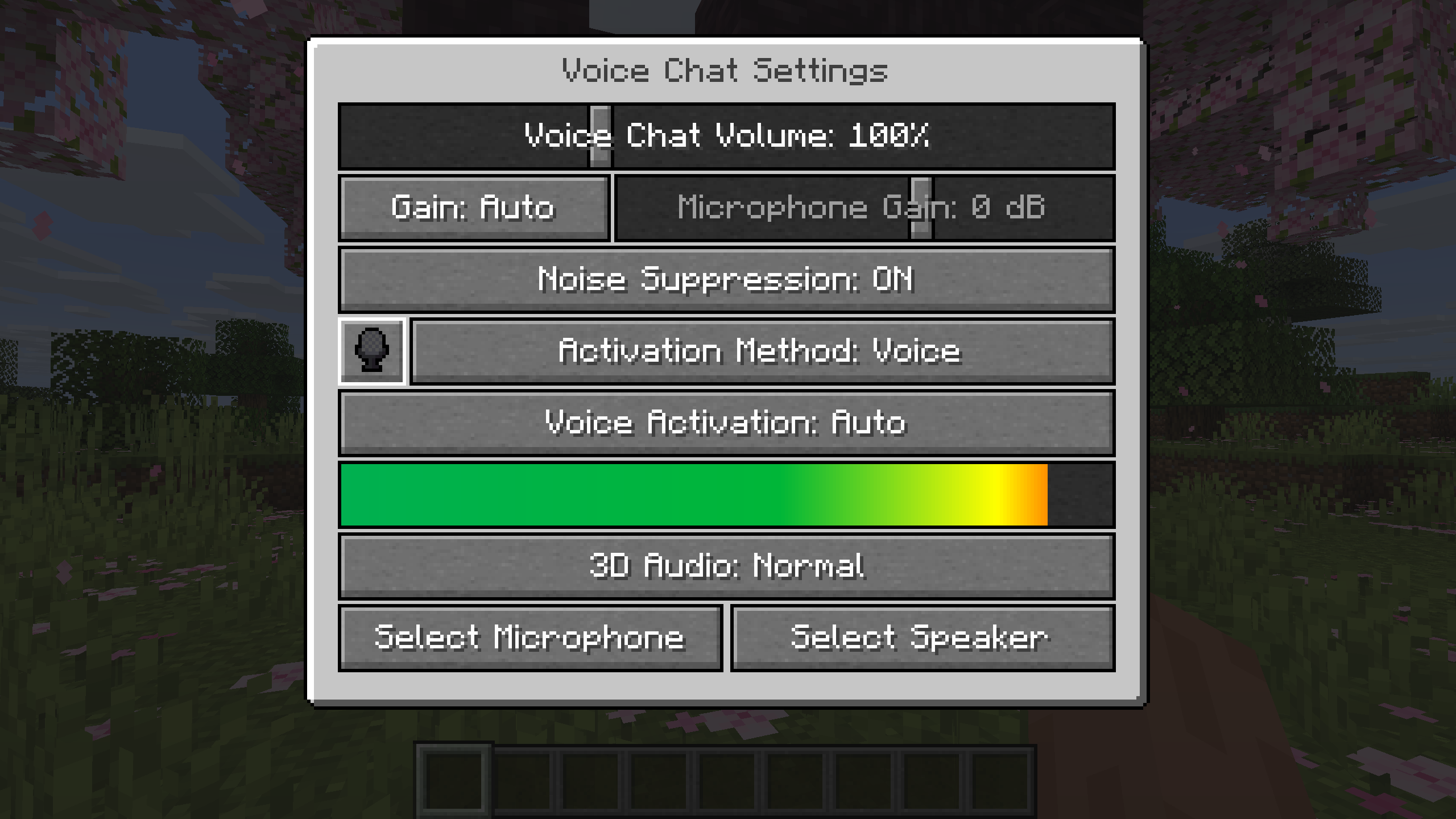
You can access the voice chat settings by pressing the V key and pressing the settings button.
This menu offers the ability to set up your voice chat audio settings.
By clicking the microphone button, you can test your microphone activation.
Important Notes
You need to open a port on the server. This is port 24454 UDP by default.
Without opening this port, the voice chat will not work.
This port can be changed in the server config.
More information here.
The voice chat is encrypted, but we don't guarantee the security of it. Use at your own risk!
Related projects


Mod Menu
by Prospector
Adds a mod menu to view the list of mods you have installed.

YetAnotherConfigLib (YACL)
by isxander
A builder-based configuration library for Minecraft!

Xaero's Minimap
by thexaero
Displays a map of the nearby world terrain, players, mobs, entities in the corner of your screen. Lets you create waypoints which help you find the locations you've marked.
Simple Voice Chat
Download Simple Voice Chat
or
Select a game version to see available downloads
No versions match your filters
About the creator

About the creator

Stridey
Artist · Simple Voice Chat
I make the funny MS Paint resource pack also Vanilla Tweaks
Member since May 2022
View profile on ModrinthAbout the creator


Conversation