
RenderScale
Allows you to change Minecraft's render resolution separately from the HUD elements.
Versions
Gallery
About
RenderScale
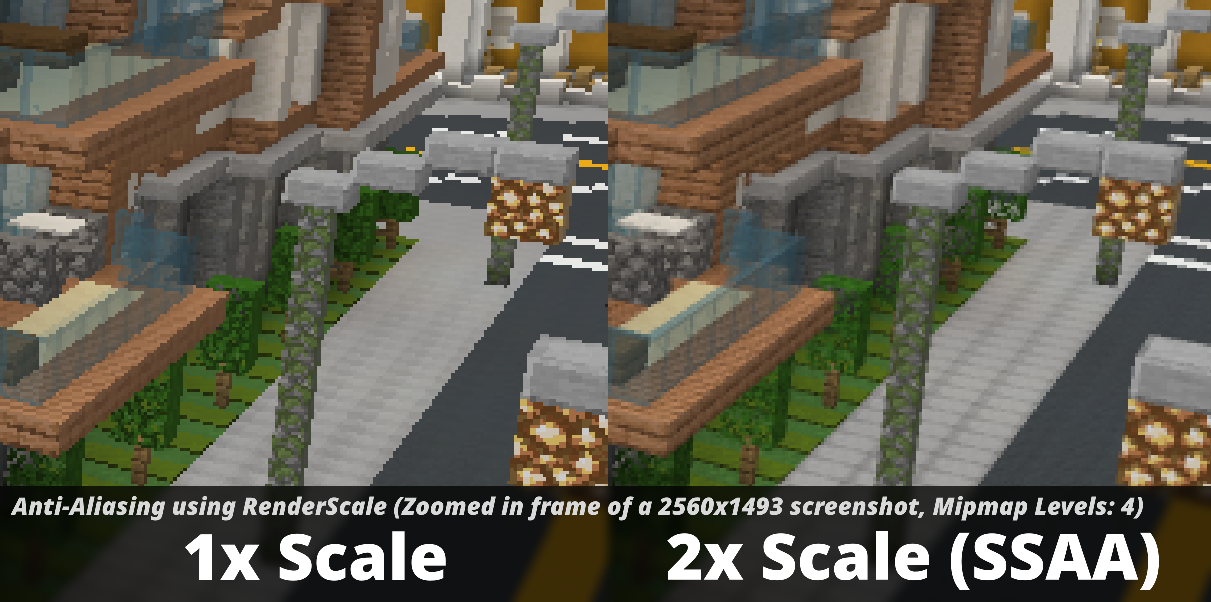
RenderScale allows you to change Minecraft's render resolution separately from the HUD elements.
This is a fork of ResolutionControl++, with added support for NeoForge.
Check out Fabrishot if you also want the large screenshot feature that was in ResolutionControl.
How
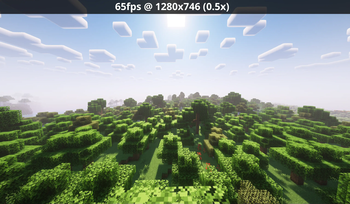
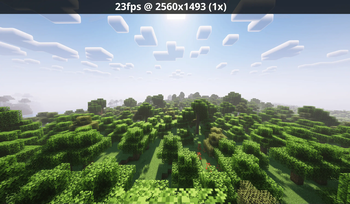
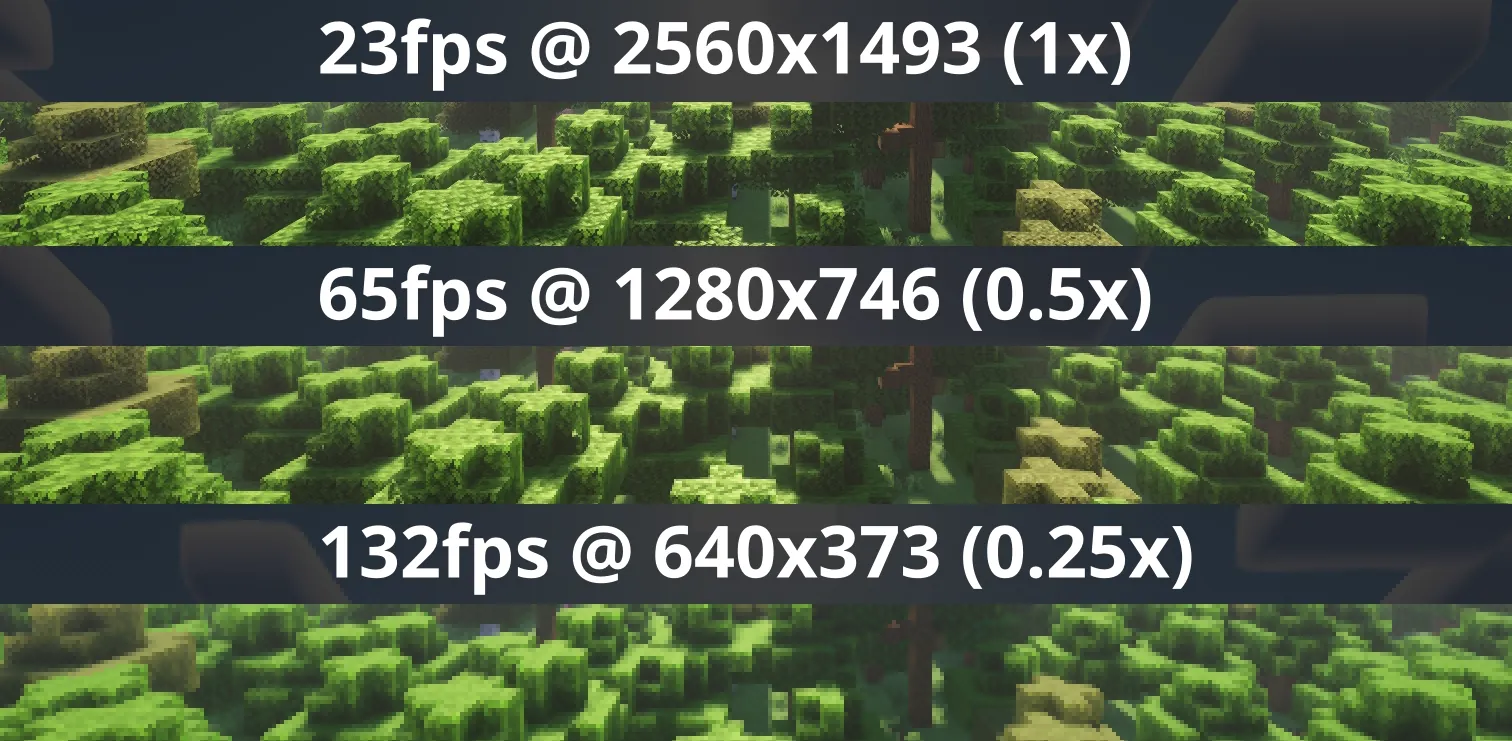
Press O or, use the mod menu config to control the render scale multiplier. You can increase for better antialiasing, or decrease for improved performance. This is heavily recommended for laptops with retina displays!
You can also force "linear" scale algorithm (similar to FXAA) in lower render scales if you want. It's best to leave it as OFF if you're using shaders since they usually have their own antialiasing.
There are no plans to support DLSS or FSR 2.0+. I'm looking into potential FSR 1.0 support, but I'm not sure yet.
There are plans for Dynamic Resolution!
Compatibility
⚠️ This mod is NOT compatible with Lunar Client / Feather Client. It will break if you use them.
Aims to be compatible with any mod, including Sodium, Iris, etc. However, there are mods that can break RenderScale. You can report any issues here, or on my discord. Make sure to include your latest MC logs!
1.21.5+ Nvidia Note: Very rarely, certain systems with NVIDIA GPUs can get UI artifacts while in inventory, etc. If you're affected by this, check out 1.21.5+ NVIDIA UI Artifacts for updates and potential fixes.
Supported Versions
| Minecraft | Fabric | NeoForge | Forge |
|---|---|---|---|
| 1.21.11 | ✅ | ✅ | 🚫 |
| 1.21.6 - 1.21.10 | ✅ | 🕛 [4] | 🚫 |
| 1.21.5 | ✅ | ✅ | 🚫 |
| 1.21.4 | ✅ | ✅ | 🚫 |
| 1.21.2 - 1.21.3 | 🚫 [1] | 🚫 | 🚫 |
| 1.21.0 - 1.21.1 | ✅ [3] | ✅ [3] | 🚫 |
| 1.20.4 - 1.20.6 | 🚫 [1] | 🚫 | 🚫 |
| 1.20.2 - 1.20.4 | 🚫 [2] | 🚫 | 🚫 |
| 1.20.1 | 🚫 [2] | 🚫 | ✅ |
[1] Available on ResolutionControl++
[2] Available on ResolutionControl+
[3] Currently does not support Fabulous graphics
[4] soon...





Conversation