
My Totem Doll
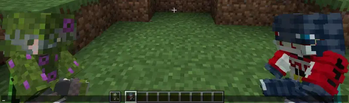
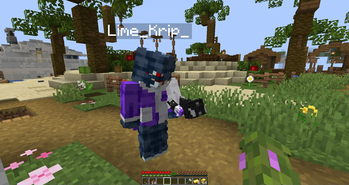
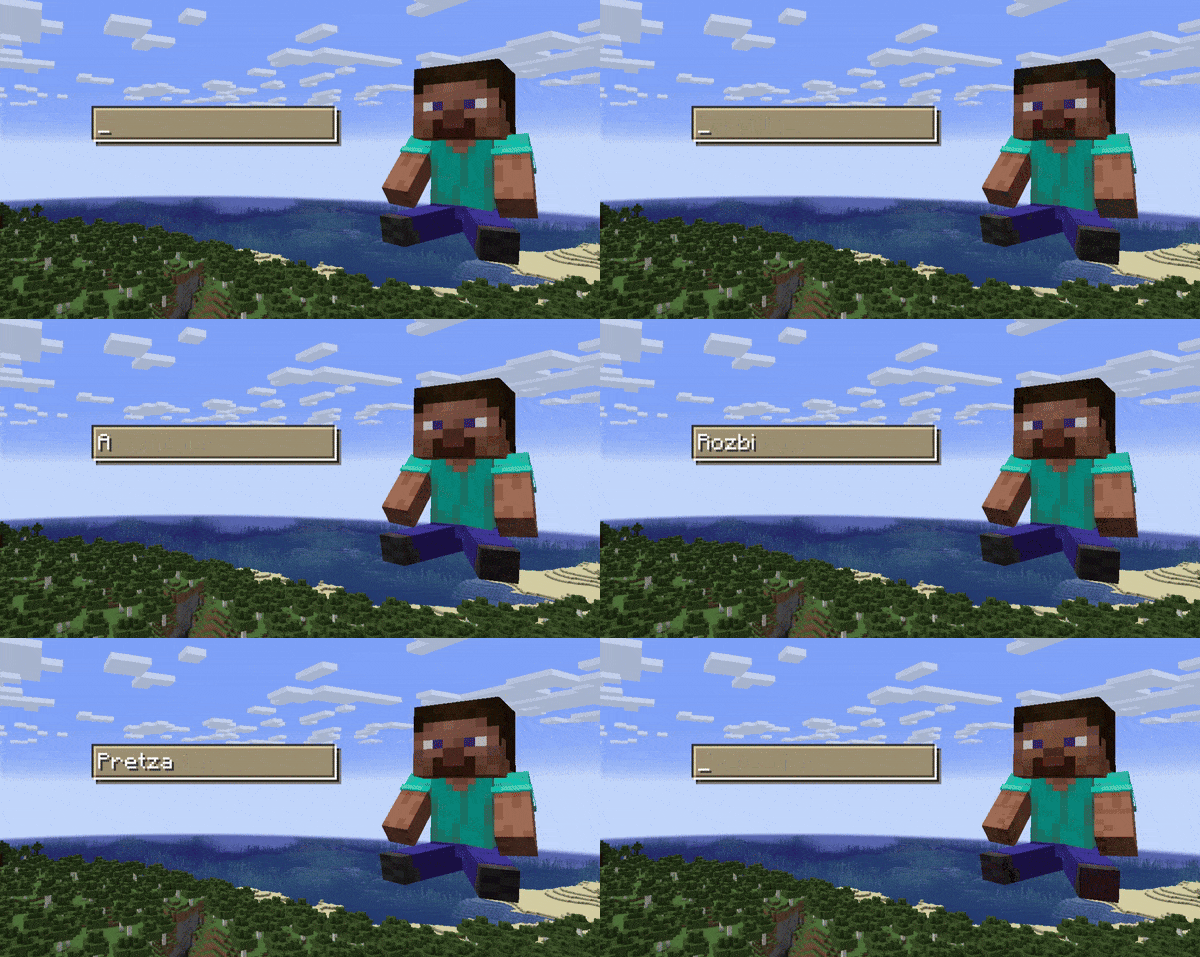
Replaces vanilla totems with autogenerated 2D or 3D totems for EVERY player in Minecraft! Rename your totem to player's nickname to use it's skin.
Versions
[1.21.11] My Totem Doll v2.3.3
2.3.3+1.21.11 · 1 month ago · 1.74 MB
[1.21.10] My Totem Doll v2.3.3
2.3.3+1.21.10 · 1 month ago · 1.74 MB
[1.21.9] My Totem Doll v2.3.3
2.3.3+1.21.9 · 1 month ago · 1.74 MB
[1.21.8] My Totem Doll v2.3.3
2.3.3+1.21.8 · 1 month ago · 1.74 MB
[1.21.7] My Totem Doll v2.3.3
2.3.3+1.21.7 · 1 month ago · 1.74 MB
Gallery
About


💬 Description
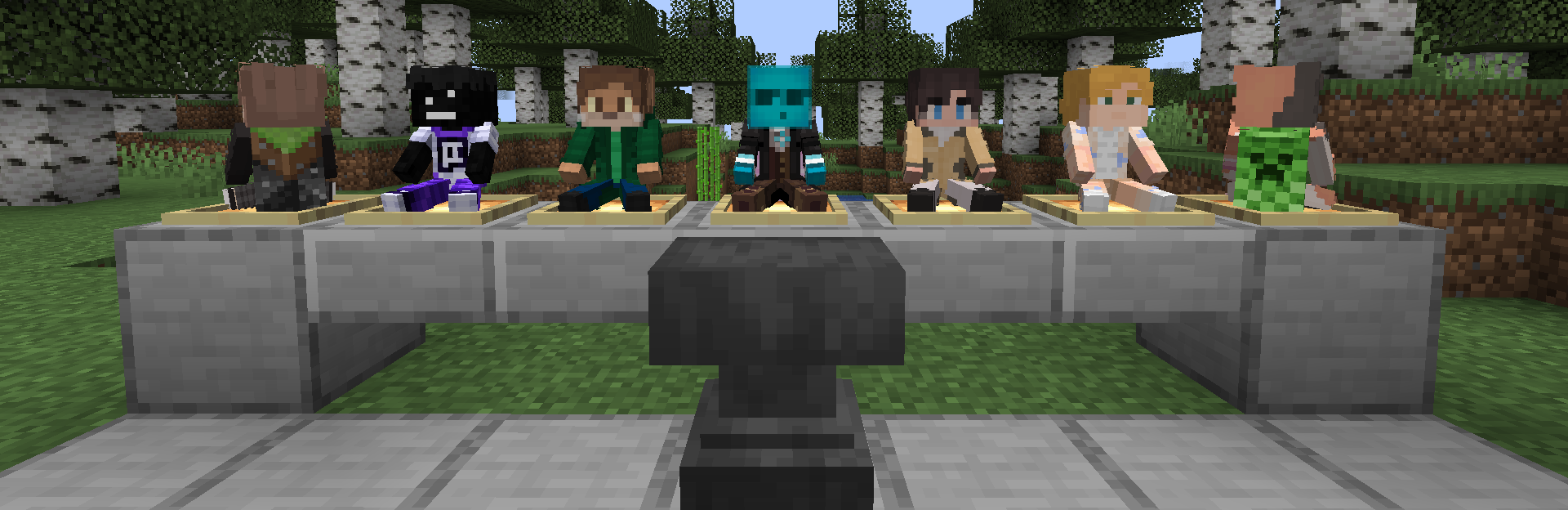
My Totem Doll — Client-Side Fabric Mod which replaces all totems with player dolls. Rename your totem to any player's nickname to use it's skin. Also supports capes and custom models!
👋 Welcome Screen
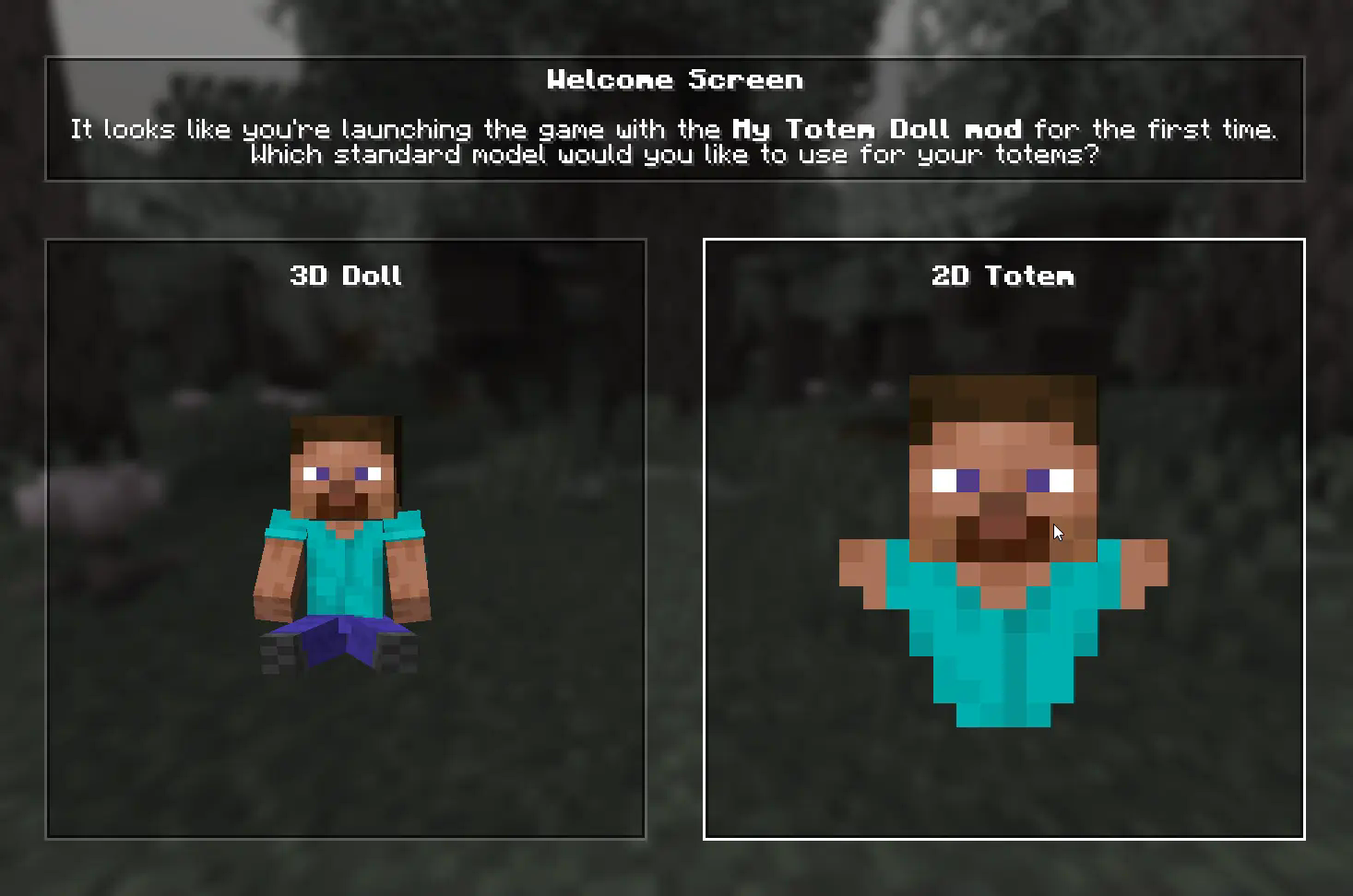
When you launch game with mod for the first time, you will be greeted with a Welcome Screen. Here you will select your default totem:
⚙️ Configuration
1) Rendering
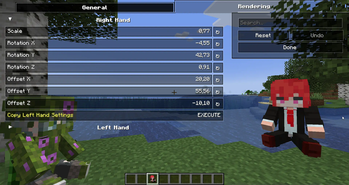
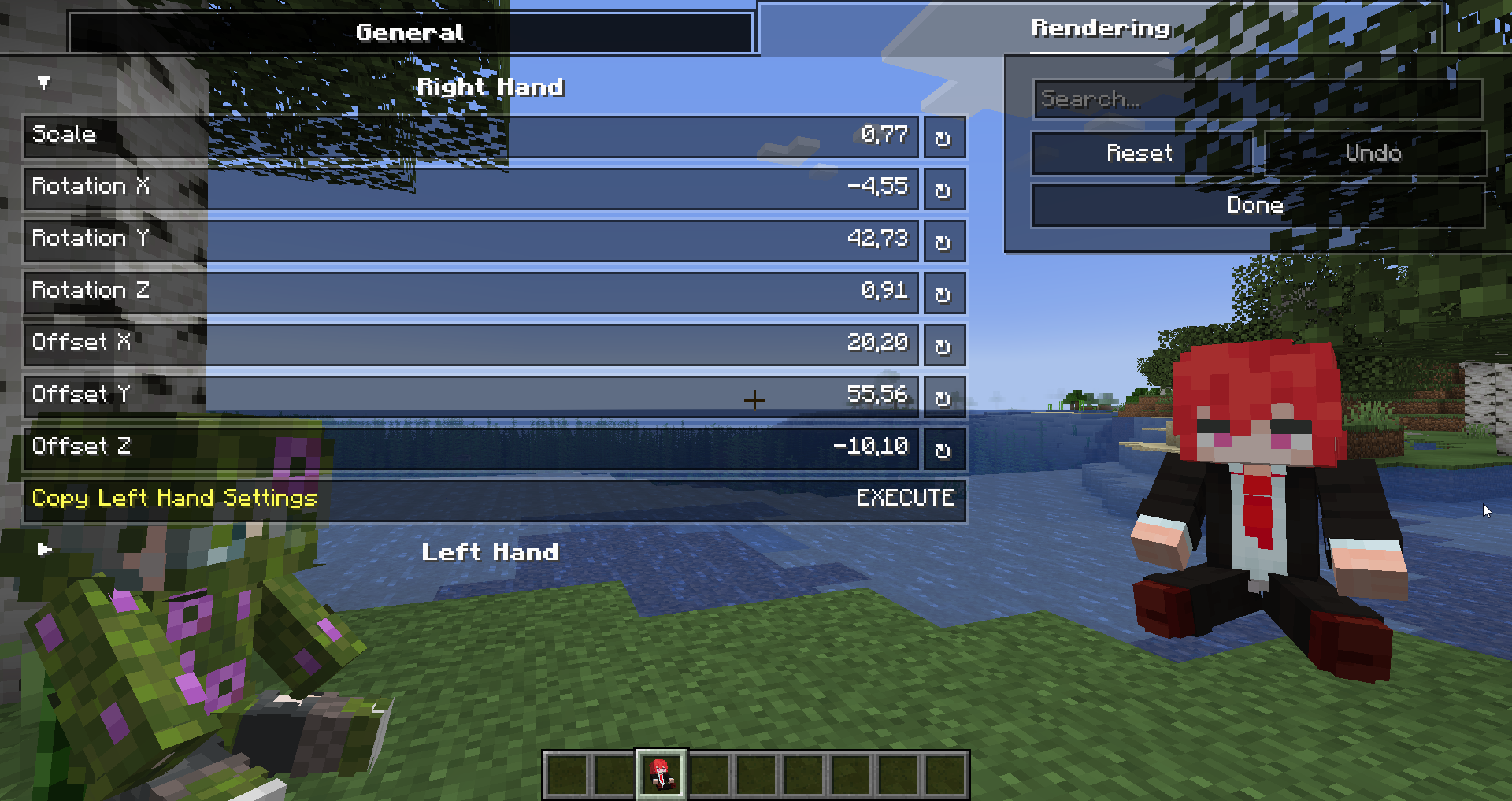
You can configure the rendering of totems in the first person. Open My Totem Doll configuration screen from Mod Menu and go to the Rendering tab, there you will find options for configuring the left and right hand:
2) Standard Doll
You can also customize the hands, model, skin textures for your standard totem!
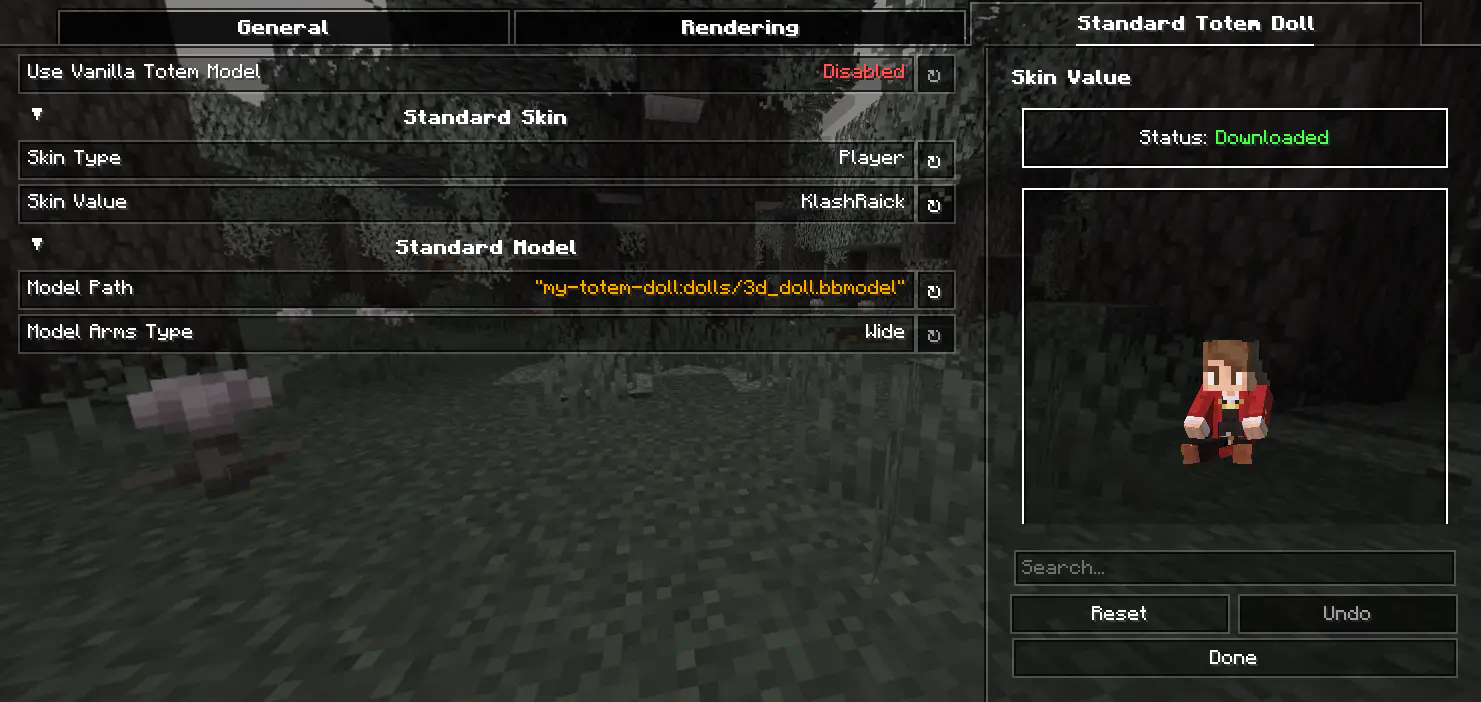
3) Selecting Standard Doll Model

If you want to change your standard doll model, just hover to Model Path button and click on it. After that you will see Standard Model Selection Screen, there you can choose your standard doll model.
🍃 Refresh Player Skins

My Totem Doll also has some commands for refreshing the totem skins:
/my-totem-doll refresh all - To refresh skins for all loaded players.
/my-totem-doll refresh player [<NICKNAME>] - To refresh skin for specific player.
🧵 Totem Customization
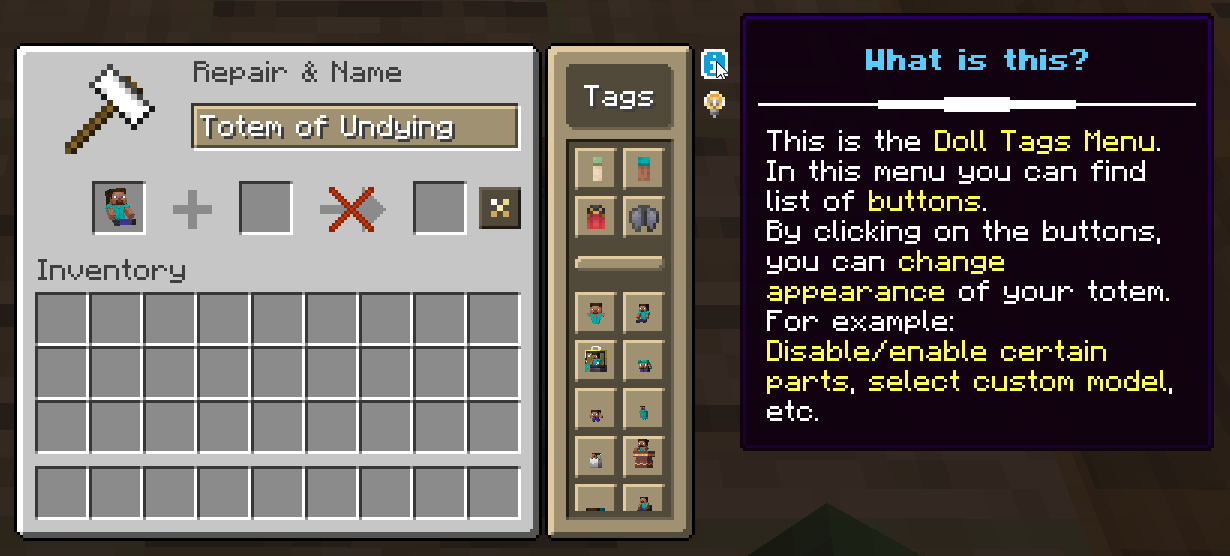
You can customize individual totems in the anvil! Put your totem in the anvil to the first slot to see the Tags menu button. Click on it to open the Tags menu.
🔥 Custom Models
You can even add your own models by following this wiki.
A good example is My Totem Doll Model Pack made by community. It has over 40 new models (some were even added to the mod!).

🎮 Multiplayer Support
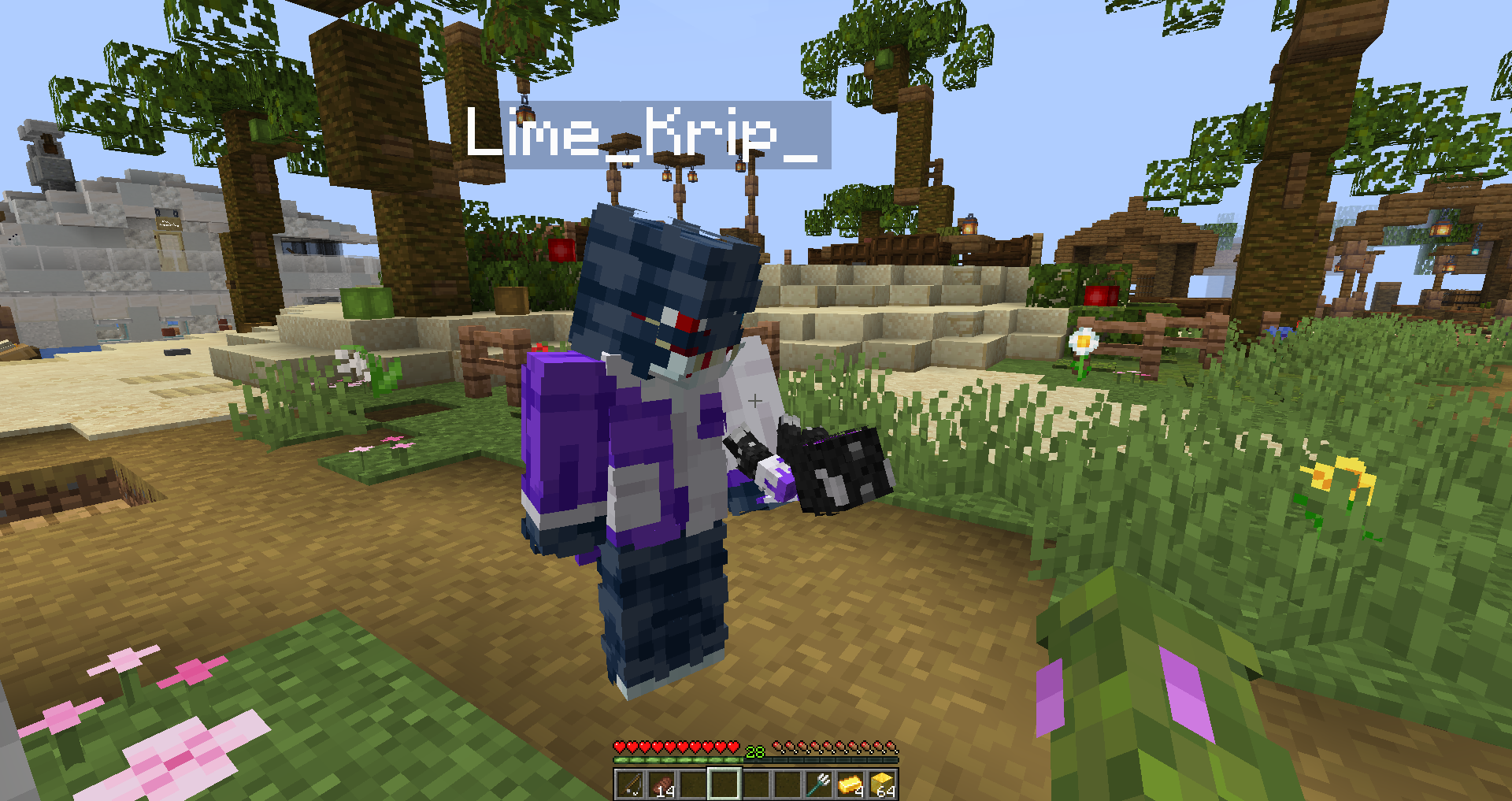
You can also see other players' totems! Without mod on the server.
🧥 Using NameMC Skins
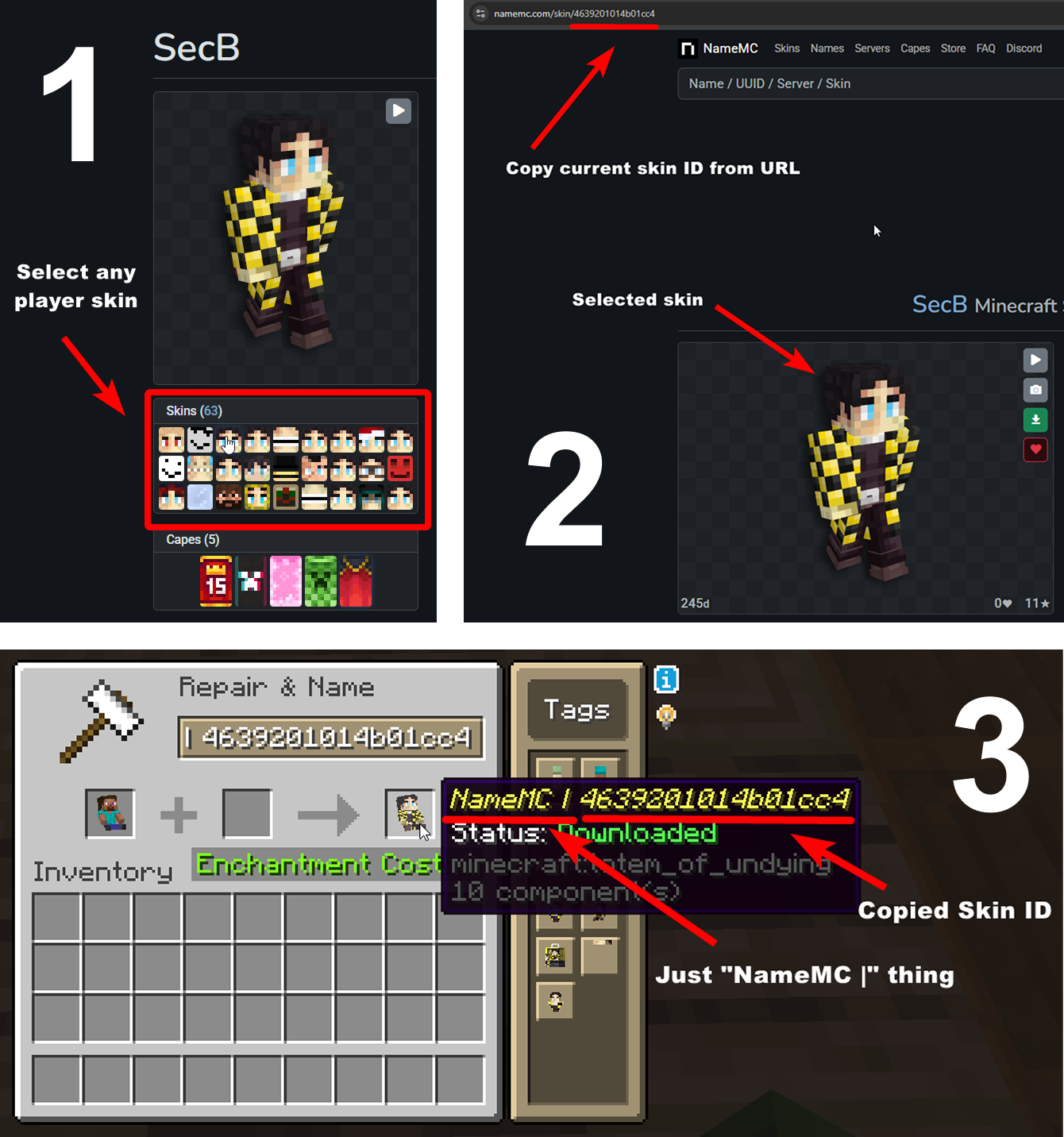
Yeah, you also can use NameMC skins on your totems. To use it, just select any player skin, copy skin id, rename your totem to NameMC | and paste copied skin id. And that's all!
Related projects

Iris Shaders
by coderbot
A modern shader pack loader for Minecraft intended to be compatible with existing OptiFine shader packs


Mod Menu
by Prospector
Adds a mod menu to view the list of mods you have installed.

YetAnotherConfigLib (YACL)
by isxander
A builder-based configuration library for Minecraft!
My Totem Doll
Download My Totem Doll
or
Select a game version to see available downloads
No versions match your filters
About the organisation

About the creator

About the creator
LopyMine
Developer · My Totem Doll
Hi! I'm LopyMine and I love making mods on Fabric! You can contact me on Discord: lopymine
Member since April 2023
View profile on Modrinth
Conversation