
Item Descriptions
This mod adds unique descriptions for all blocks, items, enchantments, effects, and mobs - built in a way that makes it easy to add modded content.
Versions
Item Descriptions 2.7.0 for 26.1 Neoforge
2.7.0+26.1-snapshot-4-neoforge · 1 week ago · 480.03 KB
Item Descriptions 2.7.0 for 26.1 Fabric
2.7.0+26.1-snapshot-5-fabric · 1 week ago · 481.16 KB
Item Descriptions 2.7.0 for 1.21.11 Neoforge
2.7.0+1.21.11-neoforge · 1 week ago · 480.05 KB
Item Descriptions 2.7.0 for 1.21.11 Fabric
2.7.0+1.21.11-fabric · 1 week ago · 483.45 KB
Item Descriptions 2.7.0 for 1.21.10 Neoforge
2.7.0+1.21.10-neoforge · 1 week ago · 480.12 KB
Gallery

About



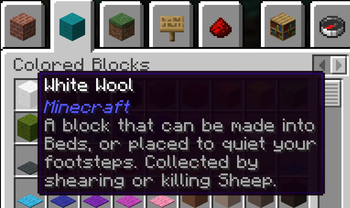
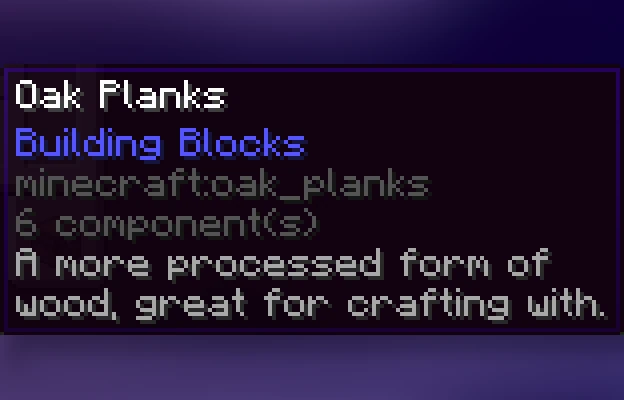
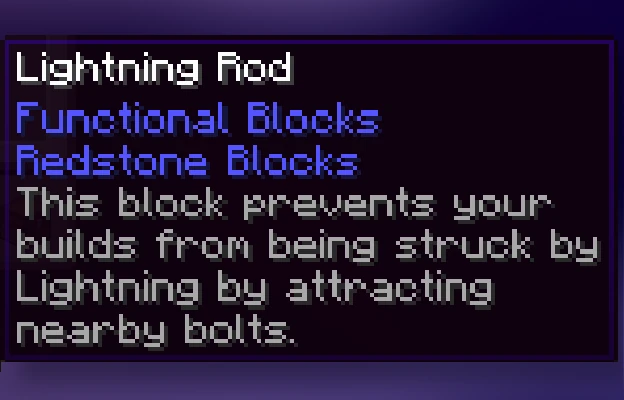
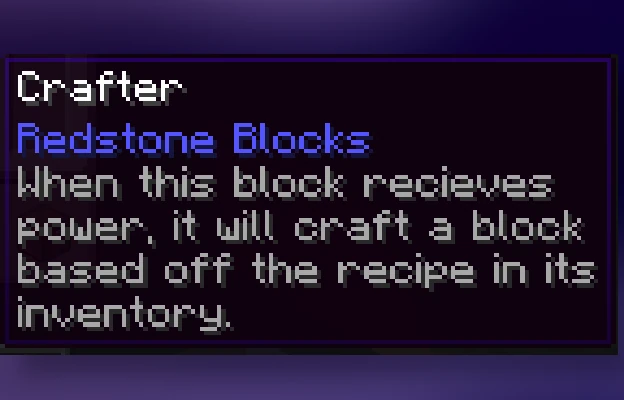
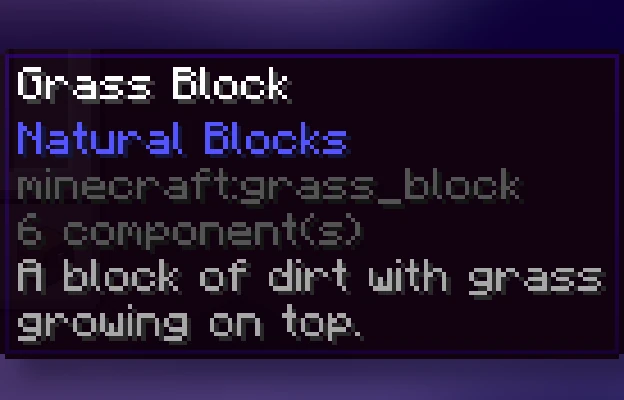
This mod adds a unique description to all blocks, items, and entities that is displayed when pressing the Ctrl key. These descriptions sum up what it can be used for, its source, and/or any other useful info. It strikes a compromise between not knowing anything about an item and constantly checking the Minecraft Wiki for detailed in-depth descriptions.
Item Descriptions includes all vanilla blocks and items. For mod support, also add Mod Descriptions!
Item Descriptions
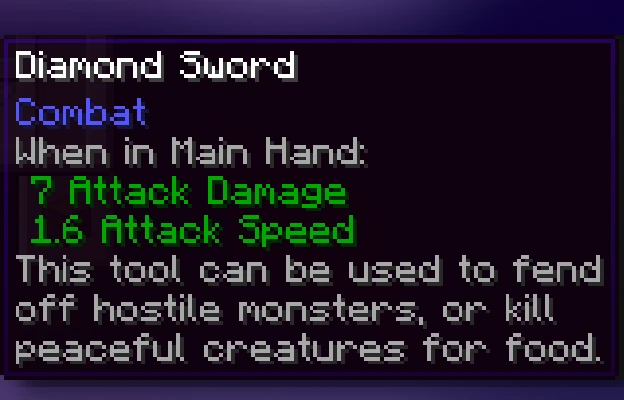
By default, holding down Ctrl when hovering over an item will show a short description of what it can do. Unique descriptions have been written for every item, and generic descriptions are also supported for various tags so many modded blocks come with built-in descriptions.
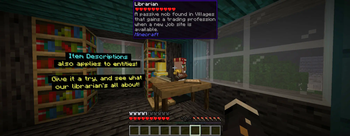
Block and Entity Descriptions
If you have Jade or WTHIT installed, blocks and entities will also show descriptions when Ctrl is held.
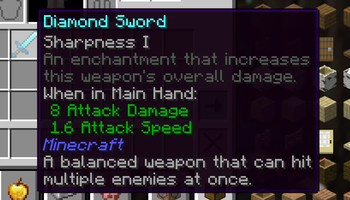
Enchantment Descriptions
Item Descriptions supports descriptions for enchantments as well, with descriptions for every vanilla enchantments included. Item Descriptions prefers its own descriptions, but will support mods that support Enchantment Descriptions out of the box.
Effect Descriptions
Item Descriptions supports descriptions for enchantments as well, with descriptions for every vanilla enchantments included. Item Descriptions prefers its own descriptions, but will support mods that support Effect Descriptions out of the box.
Installation
Item Descriptions is a completely clientside mod for Fabric and NeoForge.
- On Fabric, only Fabric API is required.
- On NeoForge, there are no dependencies.
- Mod settings are available with Mod Menu (only required on Fabric) and Cloth Config or YACL.
Mod Support
When Mod Menu (only required on Fabric) and Cloth Config or YACL are installed, you can configure mod settings ingame, including the tooltip key, tooltip colour, "always on" mode, block/entity descriptions, and more.
When Useful Spyglass is installed, Useful Spyglass will show block and entity descriptions in its informational HUD.
When Jade, WTHIT, or HWYLA is installed, they will show block and entity descriptions in its informational HUD.
When ToolTipFix is installed, its wrapping is used instead of the built in wrapper.
Adding New Descriptions

By default, the mod provides descriptions for all blocks, items, and entities - including supported April Fools versions, but it has been designed in a way that makes it extensible for use in modpacks or when using other custom content. To add or replace a description for a block or item, just add the following entry to your mod or resource pack's language file.
"lore.<namespace>.<your_item_here>": "A mysterious modded block."
For more information, including details on support for entities and Custom Model Data, see the information on the Item Descriptions Wiki.
Credits
The descriptions present in the mod are inspired by the Minecraft Legacy Console Editions. The interface used was inspired by the one present in the Better Than Adventure mod for Minecraft b1.7.3. Mod Menu/Cloth Config integration is based on the integration present in idwtialsimmoedm under its MIT License.
Related projects


Mod Menu
by Prospector
Adds a mod menu to view the list of mods you have installed.

YetAnotherConfigLib (YACL)
by isxander
A builder-based configuration library for Minecraft!

Xaero's Minimap
by thexaero
Displays a map of the nearby world terrain, players, mobs, entities in the corner of your screen. Lets you create waypoints which help you find the locations you've marked.
Item Descriptions
Download Item Descriptions
or
Select a game version to see available downloads
No versions match your filters
About the creator

Cassian
Owner · Item Descriptions
Mod developer, on here at least. I develop various quality of life mods, ports, and optimization modpacks for April Fools snapshots.
Member since July 2022
View profile on Modrinth
Conversation