

green screen blocks
This resource pack changes the texture of several blocks to make them green like a green screen
About
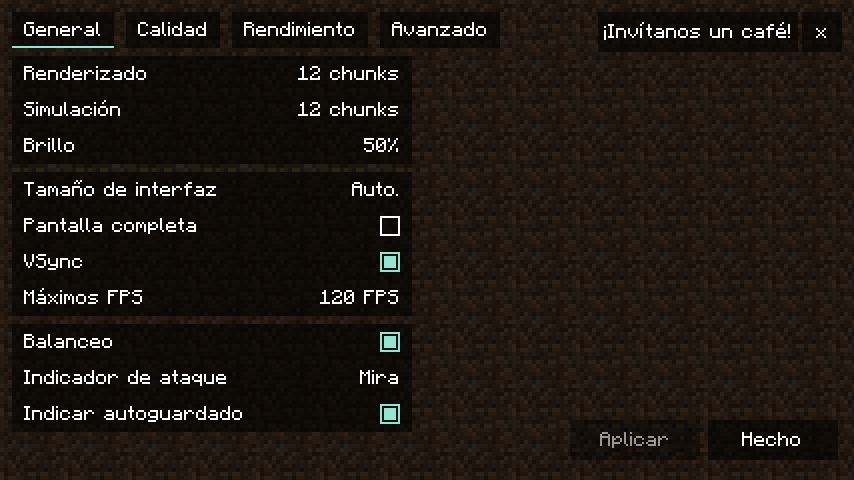
You should turn off smooth lighting for this pack, though not required it looks better in editing
This resource packs entire purpose is for content creation, mainly using something like Flashback or ReplayMod.
It changes the following blocks: lime concrete, lime wool, glowstone, sand, and obsidian.
Lime concrete for base green screen, glowstone for a lit up one, lime wool for a burnable one, obisdian for a blast resistant one, and sand for one that can become a falling block.
This pack also adds a green screen panoramic, aswell as some custom splash text.
If you need more blocks to be green screen, aslong as it isnt a complex block you can just open the zip and copy one of the block textures i mentioned above and then rename the copy to what the block is called. With a bit of time i have faith you can do the same thing. If the pack doesnt support a version you can likely copy the textures from this pack and just import it into the base of another pack, google is your friend.
The green used on the blocks are pure green, Hex code #00FF00.
I trust if you are using this pack you know how to edit videos, but for example on premiere you just apply the color key and eyedrop the green screen block then adjust the effect settings until it looks good. If you dont use premiere pro then ur on ur own i only edit in premiere.
if it gives you a warning just ignore it and see if it works
<iframe width="560" height="315" src="https://www.youtube-nocookie.com/embed/6qzKVHZ5TIY" title="YouTube video player" frameborder="0" allow="accelerometer; autoplay; clipboard-write; encrypted-media; gyroscope; picture-in-picture; web-share" allowfullscreen></iframe>








Conversation