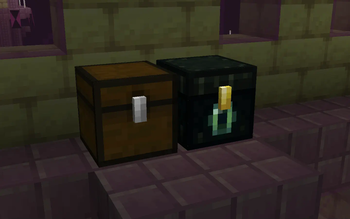

Glowing entities!
Add emission pixels on vanilla entities
Versions
Gallery
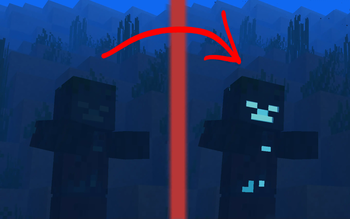
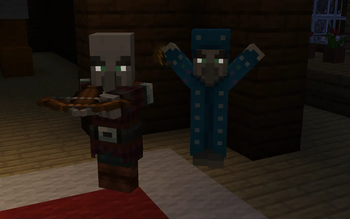
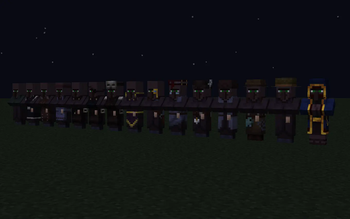
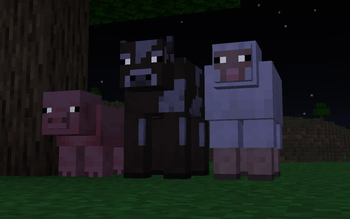
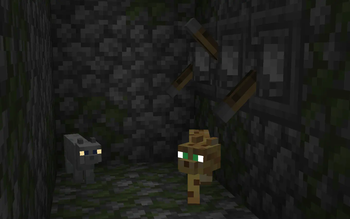
About

Require Optifine or ETF mod!
Необходим Оптифайн или мод ETF!


 You must have emissive entity textures enabled.
By default they are enabled, but if something doesn't work you can check this setting:
In Optifine go Options ‣ Video Settings ‣ Quality ‣ Emissive Textures ‣ ON
In Enity Texture Features go Options ‣ Resourse Packs ‣ Entity Texture Features config (Button with creeper in the lower right corner) ‣ Textures ‣ Emissive texture settigs ‣ Emissive entity textures ‣ ON
 У вас должны быть включены светящиеся текстуры.
По умолчанию они включены, но если что-то не работает, вы можете проверить эту настройку:
В оптифайне перейдите в Настройки ‣ Настройки Графики ‣ Качество ‣ Светящиеся Текстуры ‣ Вкл
В моде Enity Texture Features перейдите в Настройки ‣ Наборы Ресурсов ‣ Настройки Entity Texture Features (Кнопка с крипером в правом нижнем углу) ‣ Textures ‣ Светящиеся Текстуры ‣ Свечение Сущностей ‣ Вкл








Conversation