What are you searching for?

Bundles Beyond
Bundles Beyond

Bundles Beyond

Allows you to access every item in the bundle beyond the vanilla 12 item limit.

download 217.6K Downloads · favorite 197 Followers · Updated 1 month ago
Fabric Game-mechanics Neoforge Quilt Storage Utility 24w33a 24w35a 24w36a 24w37a 24w38a +27 more

Versions

inventory_2
Bundles Beyond 1.5.0+1.21.11+fabric

1.5.0+1.21.11+fabric · 1 month ago · 198.87 KB

Release download
Fabric 1.21.11
inventory_2
Bundles Beyond 1.5.0+1.21.11+neoforge

1.5.0+1.21.11+neoforge · 1 month ago · 198.91 KB

Release download
Neoforge 1.21.11
inventory_2
Bundles Beyond 1.4.0+1.21.8+fabric

1.4.0+1.21.8+fabric · 2 months ago · 199.97 KB

Release download
Fabric Quilt 1.21.8
inventory_2
Bundles Beyond 1.4.0+1.21.4+neoforge

1.4.0+1.21.4+neoforge · 2 months ago · 199.06 KB

Release download
Neoforge 1.21.4 1.21.5
inventory_2
Bundles Beyond 1.4.0+1.21.8+neoforge

1.4.0+1.21.8+neoforge · 2 months ago · 198.71 KB

Release download
Neoforge 1.21.8

Gallery

About

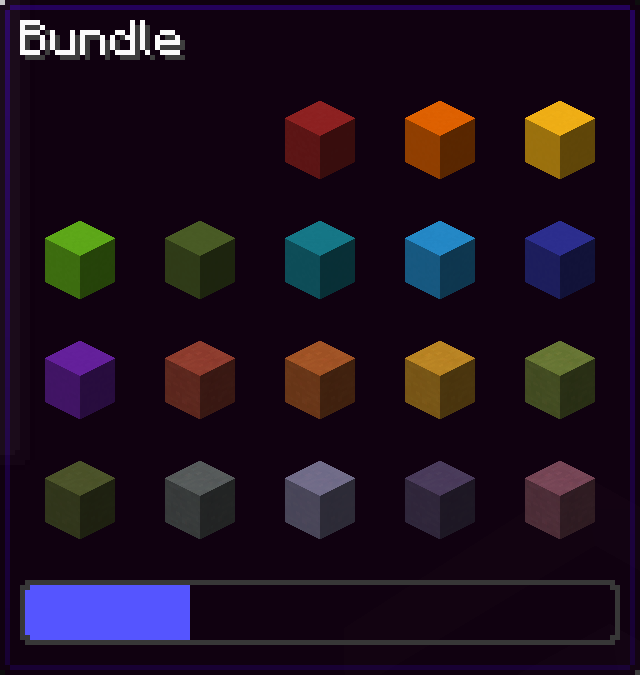
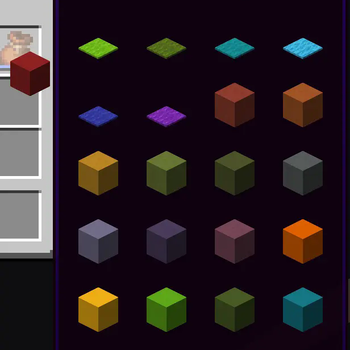
Since bundles were officially released, only up to 12 items from the bundle are accessible from the inventory without taking out other items first. This mod removes this limit of 12 items allowing all items inside the bundle to be viewed and extracted.

Using this mod:
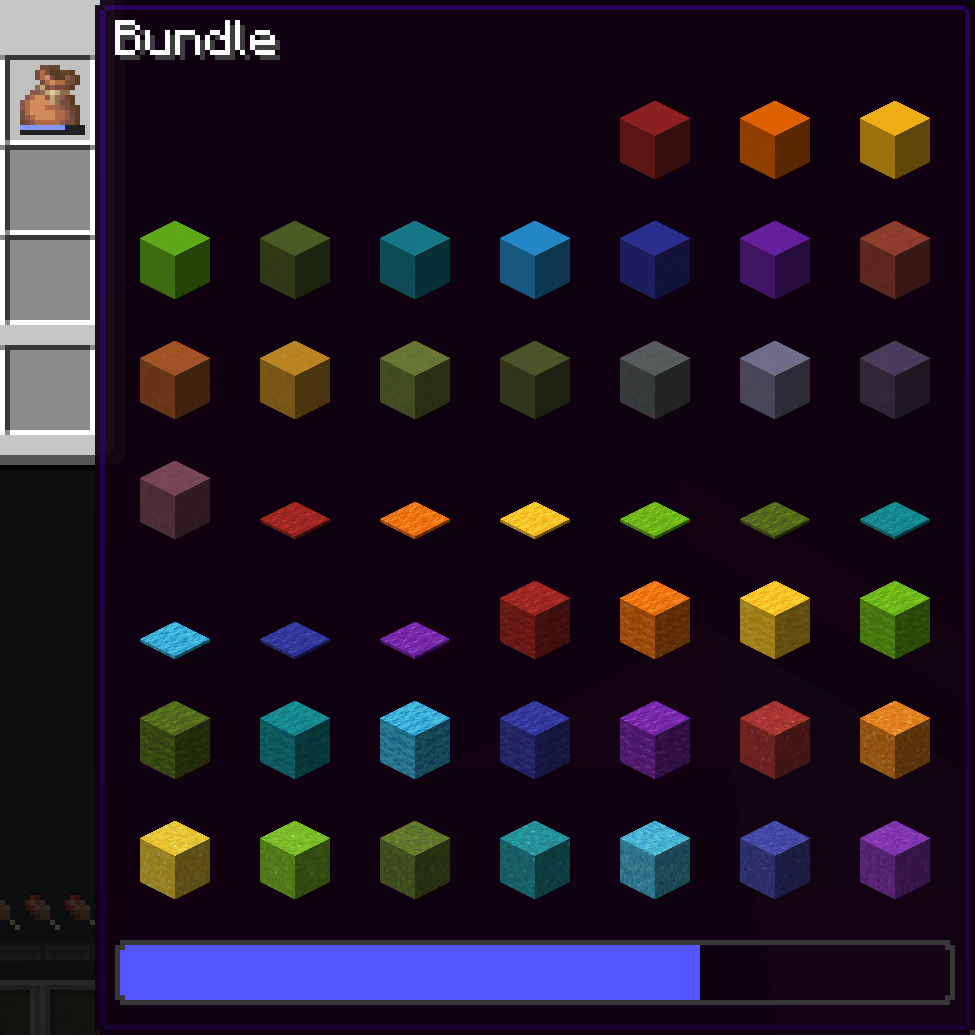
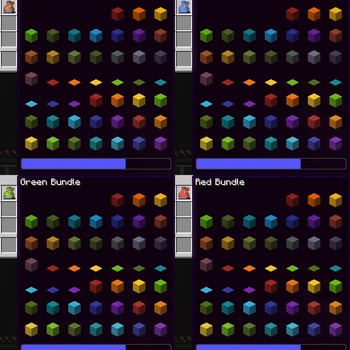
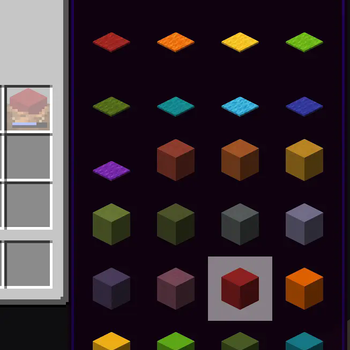
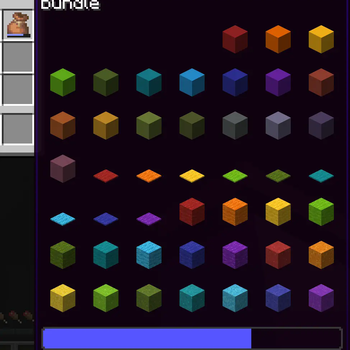
bundle with 64 colored items

Vanilla:

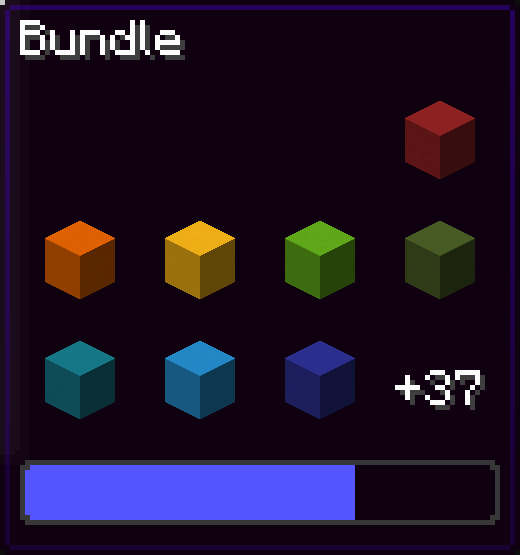
image of only 8 items in the bundle and a +37 to indicate that there are 37 more items in the bundle

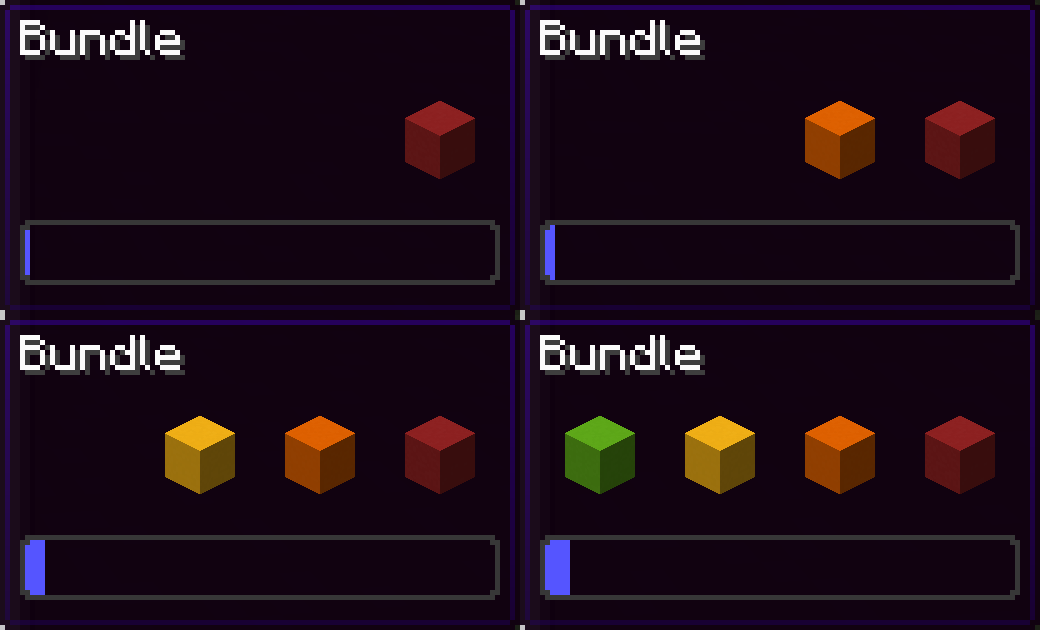
You can navigate in the bundle's gui with the movement or arrow keys.

Press space while hovering over a bundle to put an item or take an item from the bundle!

Config screen

Open the config screen from Mod Menu in Fabric, from the Mods menu in NeoForge, or with /bundlesbeyond
Image coming here Soon™

Keybinds

There are 2 keybinds that you can find in Options > Controls:

Mod Enabled keybind

If the mod is On or Off, pressing this keybind will toggle it.
If the mod is on Hold key, holding this keybind will enable the mod.

Scroll Axis keybind

If the scroll mode is Horizontal or Vertical, pressing this keybind will toggle it.
If the scroll mode is on Hold for horizontal, holding this keybind will make the scrolling horizontal, releasing the button will make it vertical.
Same for Hold for vertical, but opposite.

Other Stuff

This mod is client side only.
In the Fabric version, this mod requires Fabric API.

You've reached the secret things-that-might-get-added part!

  • A keybind for opening the config screen
  • Changing the keybinds from the config screen

Bundles Beyond is licensed under the CC-BY-NC-SA 4.0 license.

open_in_new View on Modrinth
Compatibility
Client: Required Server: Unsupported
gavel CC-BY-NC-SA-4.0

Conversation

What are your thoughts?

Related projects

Optimization Utility
FerriteCore
FerriteCore

by malte0811

Memory usage optimizations

download 84.3M
favorite 12,712
Utility
Mod Menu
Mod Menu

by Prospector

Adds a mod menu to view the list of mods you have installed.

download 77.7M
favorite 22,127
Library Management Utility
YetAnotherConfigLib (YACL)

by isxander

A builder-based configuration library for Minecraft!

download 66.1M
favorite 7,607
Adventure Transportation Utility
Xaero's Minimap
Xaero's Minimap

by thexaero

Displays a map of the nearby world terrain, players, mobs, entities in the corner of your screen. Lets you create waypoints which help you find the locations you've marked.

download 60.9M
favorite 13,668
lock Cookie consent

SkinMC uses cookies to provide functionality and features.