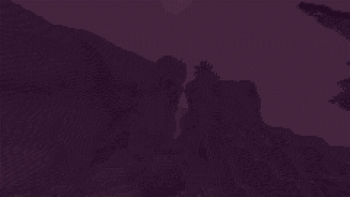
What are you searching for?

Ascii Text Renderer
Ascii Text Renderer

Ascii Text Renderer

Renders your Minecraft world as Ascii Art in Vanilla Minecraft

download 5.6K Downloads · favorite 80 Followers · Updated 4 months ago
Blocks Core-shaders Cursed Decoration Entities Environment Fonts Items Minecraft Simplistic Vanilla 1.21 1.21.1 24w33a 1.21.2 1.21.3 +7 more

Versions

inventory_2
1.21.2-1.21.10

3.0.1 · 4 months ago · 22.04 KB

Release download
Minecraft 1.21.2 1.21.3 1.21.4
inventory_2
1.21.2-1.21.8

3.0 · 5 months ago · 22.53 KB

Release download
Minecraft 24w33a 1.21.2 1.21.3
inventory_2
1.21.4

2.0 · 6 months ago · 11.92 KB

Release download
Minecraft 1.21.4
inventory_2
1.21-1.21.1

1.1 · 1 year ago · 75.38 KB

Minecraft 1.21 1.21.1
inventory_2
1.21.1

1.0 · 1 year ago · 75.19 KB

Minecraft Vanilla 1.21.1

Gallery

About

Showcase

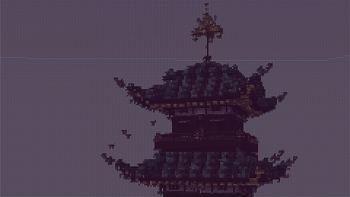
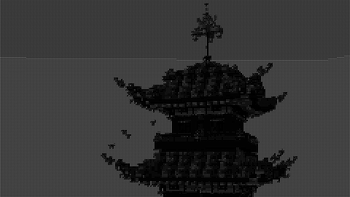
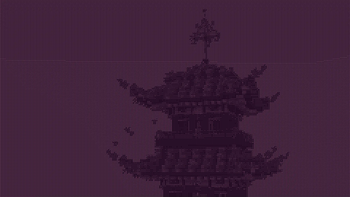
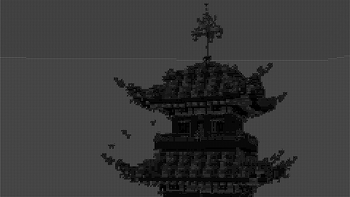
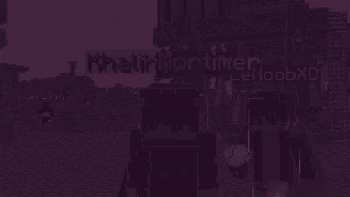
This is an example of the texture pack with the colors set to "minecraft" and "darkPurple" in the config.
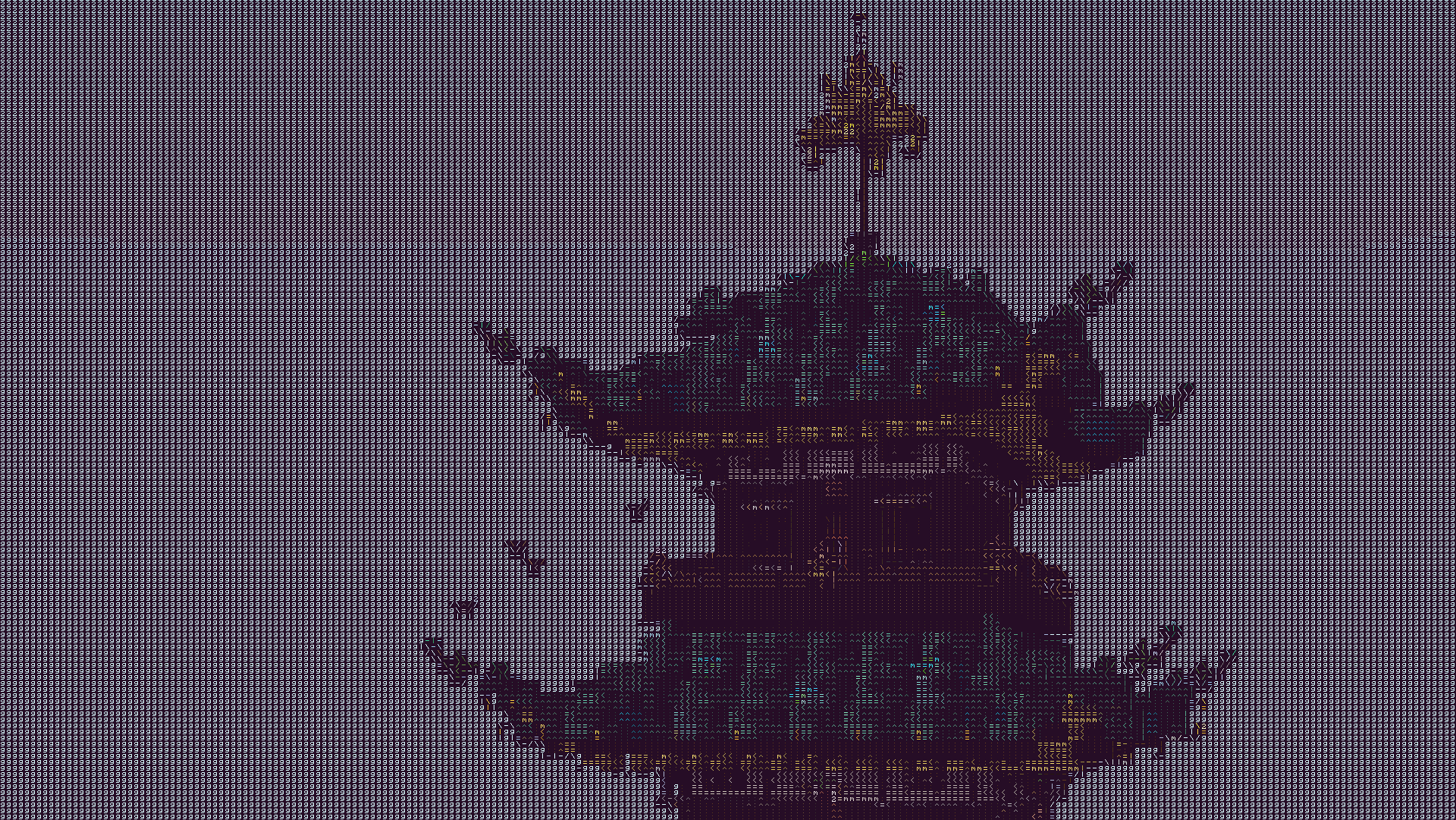
Example of text renderer

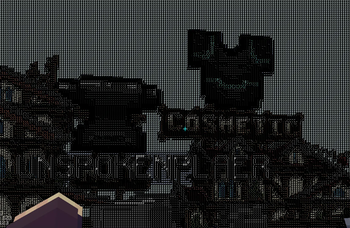
The text may look blurry since the image is a lot smaller than ingame. To show you what the text looks like up close, this is a zoomed in look at a part of the above image.
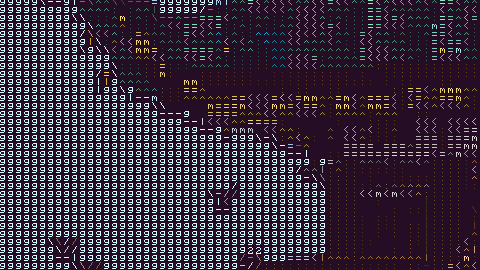
Zoomed In Example

This is more accurate to what you will see ingame. You will see it as sharp as this image, but you will still see the entire image filling up your whole screen.

Description

This texture pack renders your game as ascii art in completely vanilla minecraft. No mods at all are required for this pack to work. However, YOU MUST HAVE GRAPHICS SET TO FABULOUS in your minecraft video settings.

The image above doesn't fully capture how it looks ingame due to scaling differences, so in order to see the pack in its full beauty you either need to look at the screenshot in fullscreen somehow or actually download the texture pack and look at it ingame.

How to Use

  1. Install the texture pack for one of the supported Minecraft versions.
  2. Apply the texture pack ingame, and in your video settings make sure your graphics setting is set to fabulous or the pack will not work. Your graphics setting can also act as a toggle for the pack, as setting it to fast or fancy will disable the effect.
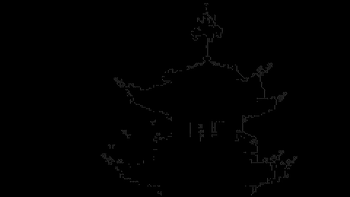
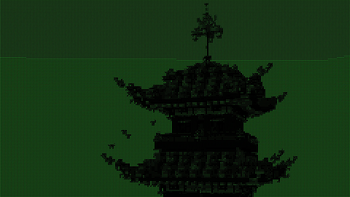
  3. To configure the texture pack as seen in the gallery, open the texture pack and find the config file in assets/minecraft/shaders/include/config.glsl. There are only three options, and many color presets.

Support

If you have an issue, you can join my discord and ask in there. I also have frequent votes for my future texture packs, and take suggestions for packs.

https://www.alphaleo.li/resourcepacks

open_in_new View on Modrinth

Conversation

What are your thoughts?

Related projects

16x Entities Models
Fresh Animations
Fresh Animations icon
Fresh Animations

by FreshLX

Make your game like the trailers! Dynamic animated entities to freshen your Minecraft experience.

download 25.0M
favorite 11,032
128x 16x 256x
Dramatic Skys
Dramatic Skys icon
Dramatic Skys

by thebaum64

Dramatic Skys is an add on pack that will make the skies in your game HD with realistic clouds and lighting. This pack works with any other resource pack, just simply add it over any other pack on the selection screen!

download 12.1M
favorite 2,837
16x Gui Locale
Chat Reporting Helper
Chat Reporting Helper icon
Chat Reporting Helper

by robotkoer

An educational tool that explains chat reporting in a simple and neutral way.

download 9.3M
favorite 226
128x 16x 256x
Fast Better Grass
Fast Better Grass icon
Fast Better Grass

by robotkoer

Makes grass and related blocks use the top texture on the sides. Works with other resource packs!

download 8.4M
favorite 1,991
lock Cookie consent

SkinMC uses cookies to provide functionality and features.