
Subtle Effects
Adding many new subtle details through particles and a few sounds
Versions
Subtle Effects (NeoForge) 1.21.11-1.13.2
1.13.2 · 1 month ago · 3.09 MB
Subtle Effects (Fabric) 1.21.11-1.13.2
1.13.2 · 1 month ago · 3.09 MB
Subtle Effects (NeoForge) 1.21.10-1.13.2-hotfix.1
1.13.2-hotfix.1 · 2 months ago · 3.09 MB
Subtle Effects (Fabric) 1.21.10-1.13.2-hotfix.1
1.13.2-hotfix.1 · 2 months ago · 3.10 MB
Subtle Effects (NeoForge) 1.21.1-1.13.2-hotfix.1
1.13.2-hotfix.1 · 2 months ago · 3.03 MB
Gallery
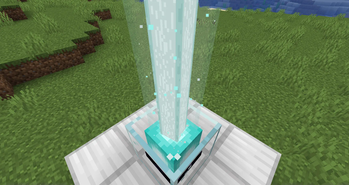
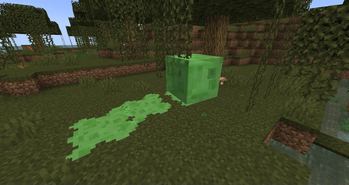
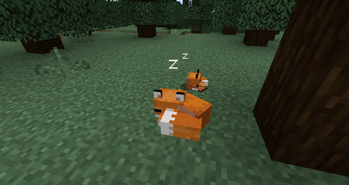
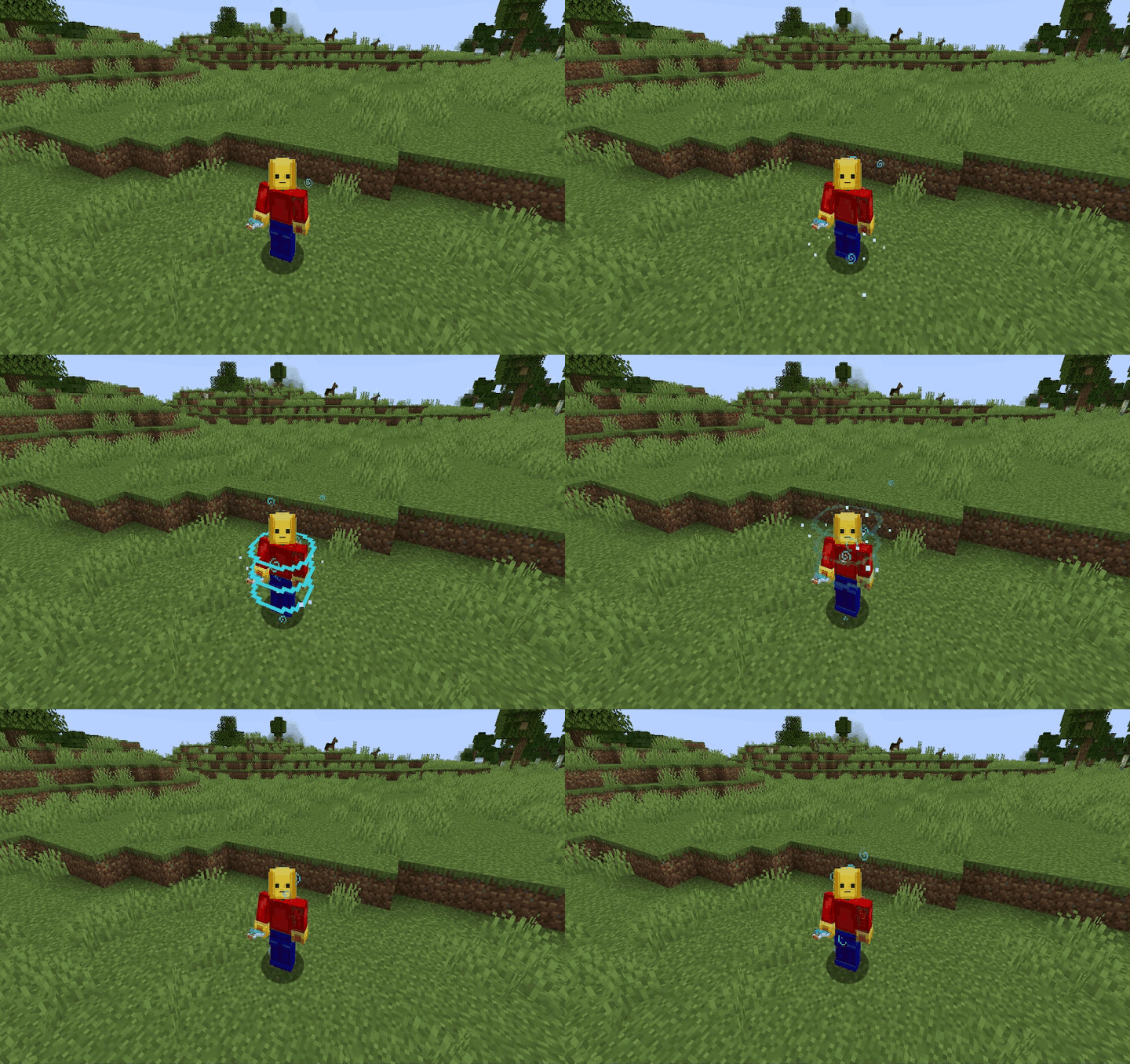
About





📘 Description
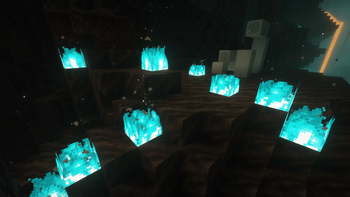
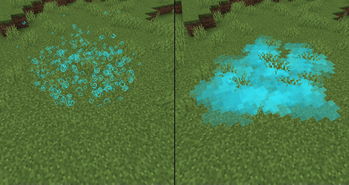
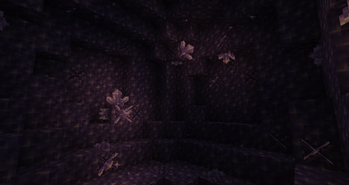
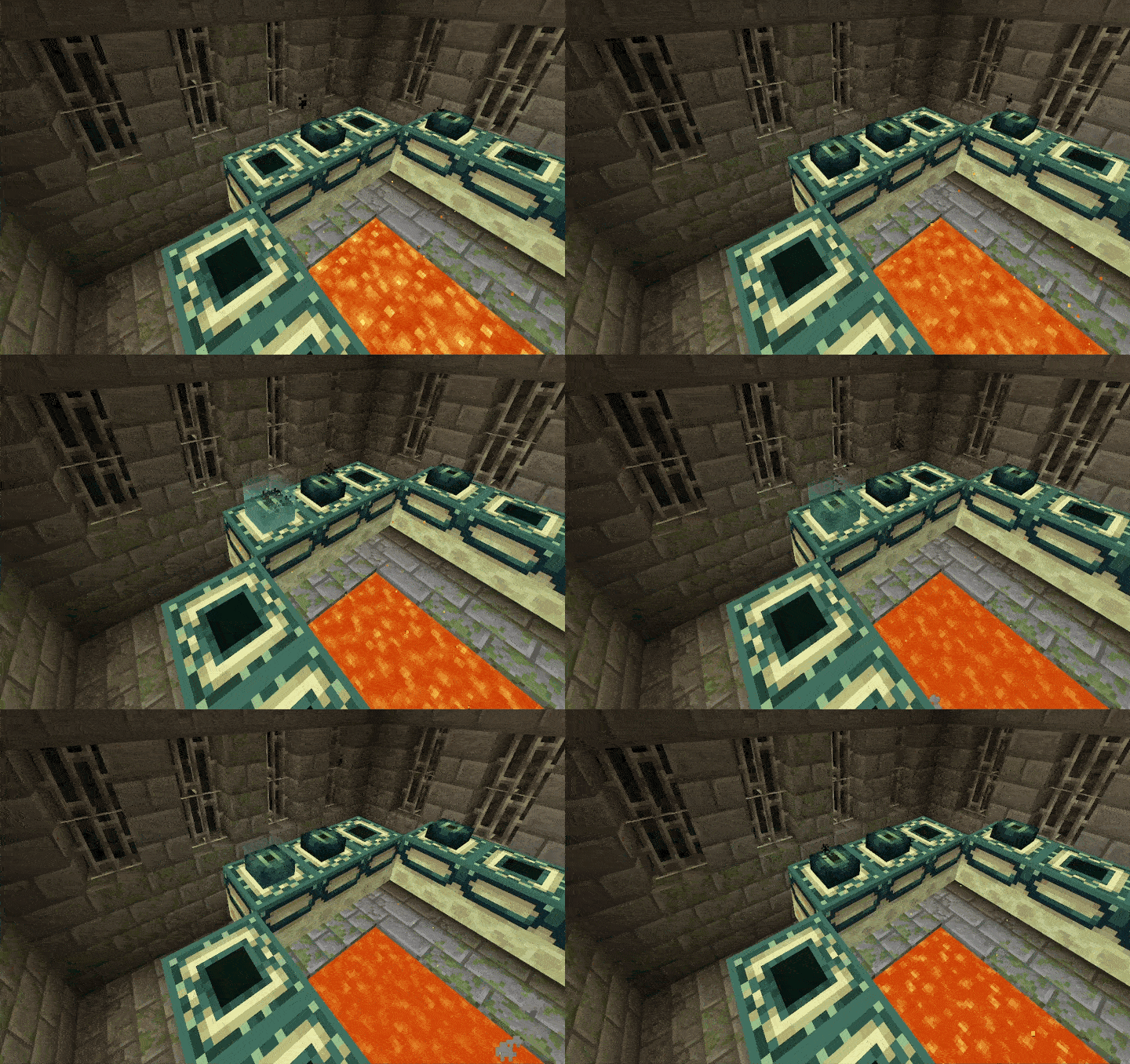
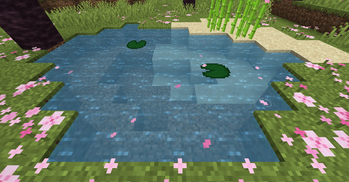
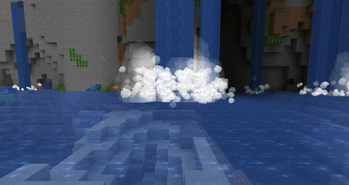
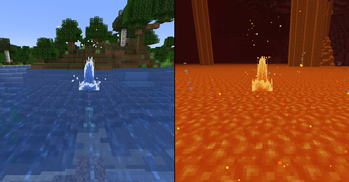
Adding many new subtle details through particles and a few sounds. All of which can be toggled, and some can be further customized. The mod also comes with built-in particle culling and a particle render distance. This mod was designed to be mainly client-sided, but there are a few features that require server access to work, see the FAQ for more details.
<iframe width="560" height="315" src="https://www.youtube-nocookie.com/embed/vzjLaJr7DMQ" title="YouTube video player" frameborder="0" allow="accelerometer; autoplay; clipboard-write; encrypted-media; gyroscope; picture-in-picture; web-share" allowfullscreen></iframe>
✨ Some Key Features
- Particle culling
- Particle render distance
- Fire-related blocks (fire, campfires, candles, torches, etc) have sparks
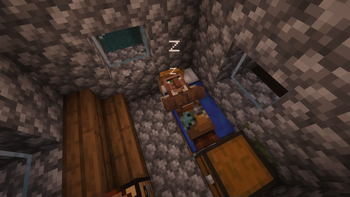
- Villagers and players snore and have Z particles
- Slimes leave a trail of slime
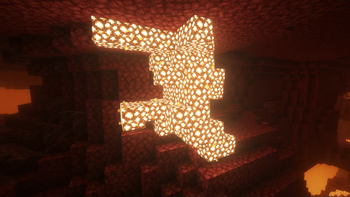
- Glowstone and redstone blocks emit dust particles
- Allay and Vexes emit magic
- Shearing a sheep drops fluff
- Burning entities have sparks, smoke, and flames
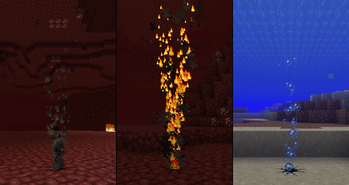
- Vanilla smoke has been replaced with updated textures similar to campfire smoke
- Players with 3 hearts or less have a heartbeat
- Players with 3 hunger or less have stomach growling
- Wearing a mob head will apply the spectator shader for that mob (currently only for the creeper head and Enderman head from Supplemenaries)
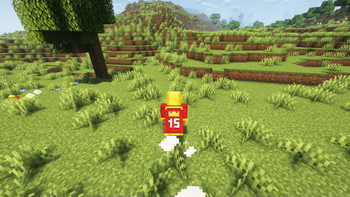
- Players and a few mobs have running dust clouds
- Mobs have dust clouds when they hit the ground
- And much more...
A full list of features can be found on the wiki.
Requires Fzzy Config.
📜 Terms of Use
You may
✅ Use this mod as a reference to understand and or create something of your own, as long as it is not a copy or recreation
✅ Use this mod in modpacks with credit and one or more links to any of the project pages*
✅ Edit for personal use
✅ Use this mod for/in YouTube videos or streams with credit and one or more links to any of the project pages*
✅ Create resource packs, data packs, and addon mods for this mod
You may not
❌ Reupload/publish this mod to any website without explicit permission from me and one or more links
to any of the project pages*
❌ Redistribute edited or unedited assets** from this mod without permission from me and credit
* Project pages include CurseForge, Modrinth, Planet Minecraft, GitHub
** Assets include logos, banners, textures, models, etc

📚 F.A.Q
Q: Can {XYZ} feature be disabled?
A: Yes, all features can be disabled in the config menu. If you find that a feature/change cannot be disabled, please report it as a bug
Q: How to disable Dust Clouds?
A: The configs for dust clouds are located in the Entities/Dust Clouds config section
Q: How to disable dropped item particles?
A: The configs for dropped item particles are located in the Items/Item Rarity config section and can be disabled by changing Particle Display Type to OFF
Q: Will you support Forge?
A: Absolutely not, Forge 1.20.1 is the only version I will support Forge on.
Q: What game environment does the mod run in?
A: The mod was designed to run client side, however, some extra features and details only work if the mod is also installed on the server. If installed on the server, all clients, including those running on LAN servers, will need the mod installed to join. For a list of features that require server access, visit the wiki.
Note: Forge 1.20.1 does NOT support the mod running client side only.
Q: Does this mod work with Fancy Block Particles, Particle Core, Visuality, Effective,
Effectual, or Particular?
A: Yes
Q: Do you take suggestions/feature requests?
A: Yes, suggestions and feedback in general are much appreciated. You can provide feedback/suggestions in a GitHub issue, the CurseForge comments, or on my Discord Server. Please keep your suggestions somewhat Minecraft-y, e.g.
Q: The mod isn't working/no particles are appearing.
A: Check your Video Settings to make sure that the Particles setting is not set to minimal
Q: Will you support Forge beyond 1.20.1?
A: Absolutely not
💬 Translations
Feel free to translate this mod into any language or update existing translations. To get your translation into the mod, make a pull request on GitHub with the translated language file.
All translators are credited in the list below.
- Simplified Chinese: kuhananxianglai
- Traditional Chinese: OutlinedArc217
- Literal Chinese: OutlinedArc217
- Japanese: gohkenytp, Kazumadness, KAGUYA-1137
- Mexican Spanish: TheLegendofSaram
- Korean: sunbatheproductions
- Russian: Det-rovv
- Ukrainian: sunbatheproductions
📢 Addtional Credit
Stomach Growling Sound Effect, licensed under CC0
Want to play with your friends on a server? Get 15% off your first month with code einstein.
Click here or on the banner below to get started!

Related projects

Iris Shaders
by coderbot
A modern shader pack loader for Minecraft intended to be compatible with existing OptiFine shader packs

Xaero's Minimap
by thexaero
Displays a map of the nearby world terrain, players, mobs, entities in the corner of your screen. Lets you create waypoints which help you find the locations you've marked.
![[ETF] Entity Texture Features](https://cdn.modrinth.com/data/BVzZfTc1/af683d206d50b05258d865b0d6e4aa2f2cee12f2_96.webp)
[ETF] Entity Texture Features
by Traben
Emissive, Random & Custom texture support for entities in resourcepacks just like Optifine but for Fabric

Xaero's World Map
by thexaero
Adds a full screen world map which shows you what you have explored in the world. Works great together with Xaero's Minimap.
Subtle Effects
Download Subtle Effects
or
Select a game version to see available downloads
No versions match your filters
About the creator

MincraftEinstein
Owner · Subtle Effects
Minecraft modder with experience in C# and the Unity game engine https://mincrafteinstein.github.io
Member since June 2022
View profile on Modrinth
Conversation