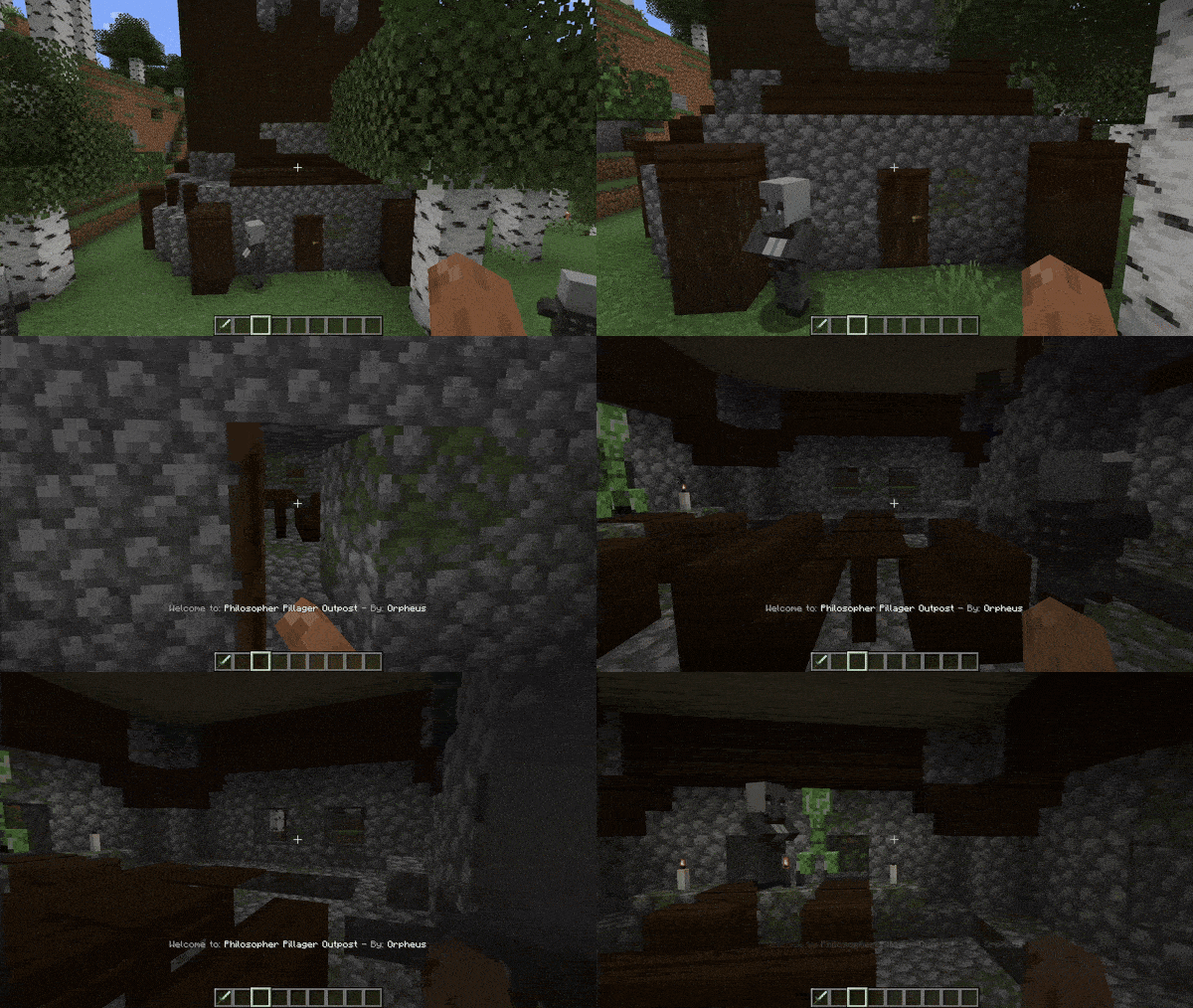

Structure Credits
Automatically displays the name and mod source of any structure upon entry
Versions
About
Automatically displays the name and mod source of any structure upon entry, ensuring easy recognition and credit for mod creators. Seamlessly integrates with structures from other mods, ensuring compatibility. 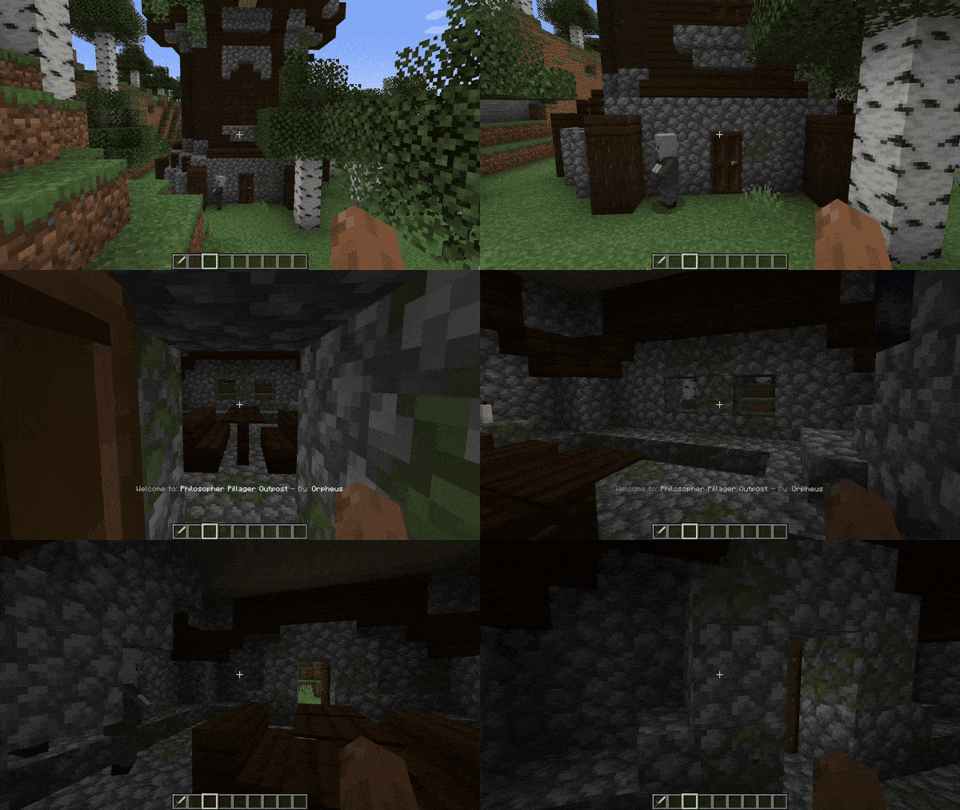
If you want the message to show up in Minecraft vanilla structures, go to the config .json file and delete the lines starting with "minecraft:"
Is it going to be annoying? No! if your base is inside a structure, don't worry! By default, the structure messages only appear once per structure.
You can change the Structure Names too!
"customStructureName": {
  "minecraft:swamp_hut": "a_cat:cat_hut"

Discord: (https://discord.gg/dYmyKcrkgN)
FAQ
Q: Is it going to be annoying?
A: I did the max to make it no-annoying, but if it's annoying for you: Check the config and the keybinds and use them

OR There is a really good config (by default it is on ON/True) that will make you see the structure message only one time per structure. After the first time visiting the structure you will never see it again.
But what if I want that setting disable? don't worry beacause if it's disable when you see the message of a structure (Structure A) you have to leave the structure, enter a different one (Structure B), and re-enter the other structure (Structure A) to see again the name. So now if someone lives in one structure it will not bother
Q: Can I suggest something?
A: Please, yes.
Q: Can I add this to my modpack.
A: Go ahead!
**
How to use configs:**
Go to your config folder, structurecredits-config.json and you will see this:
{
  "active": true,
  "showOnlyOneTime": true,
  "chatMessage": false,
  "customStructureName": {
    "minecraft:swamp_hut": "a_cat:cat_hut"
  },
  "dontShowAll": [
    "minecraft:",
    "dimdungeons:"
  ],
  "dontShow": [
    "minecraft:plains_village",
    "minecraft:desert_village"
  ]
}
Plus, there is an in-game keybind that you can assign to deactivate all messages
The mod is compatible with Dimensional Dungeons - thanks Catastrophe - The message will only be displayed in custom rooms if you have the following setting configured in 'config dontShowAll': "dimdungeons:" (Default configuration, and recommended). When creating a new custom room, remember, the package name is the "By: X" and the structure name is the "Welcome to: X".





Conversation