What are you searching for?

Smoother Glowing
Smoother Glowing

Smoother Glowing

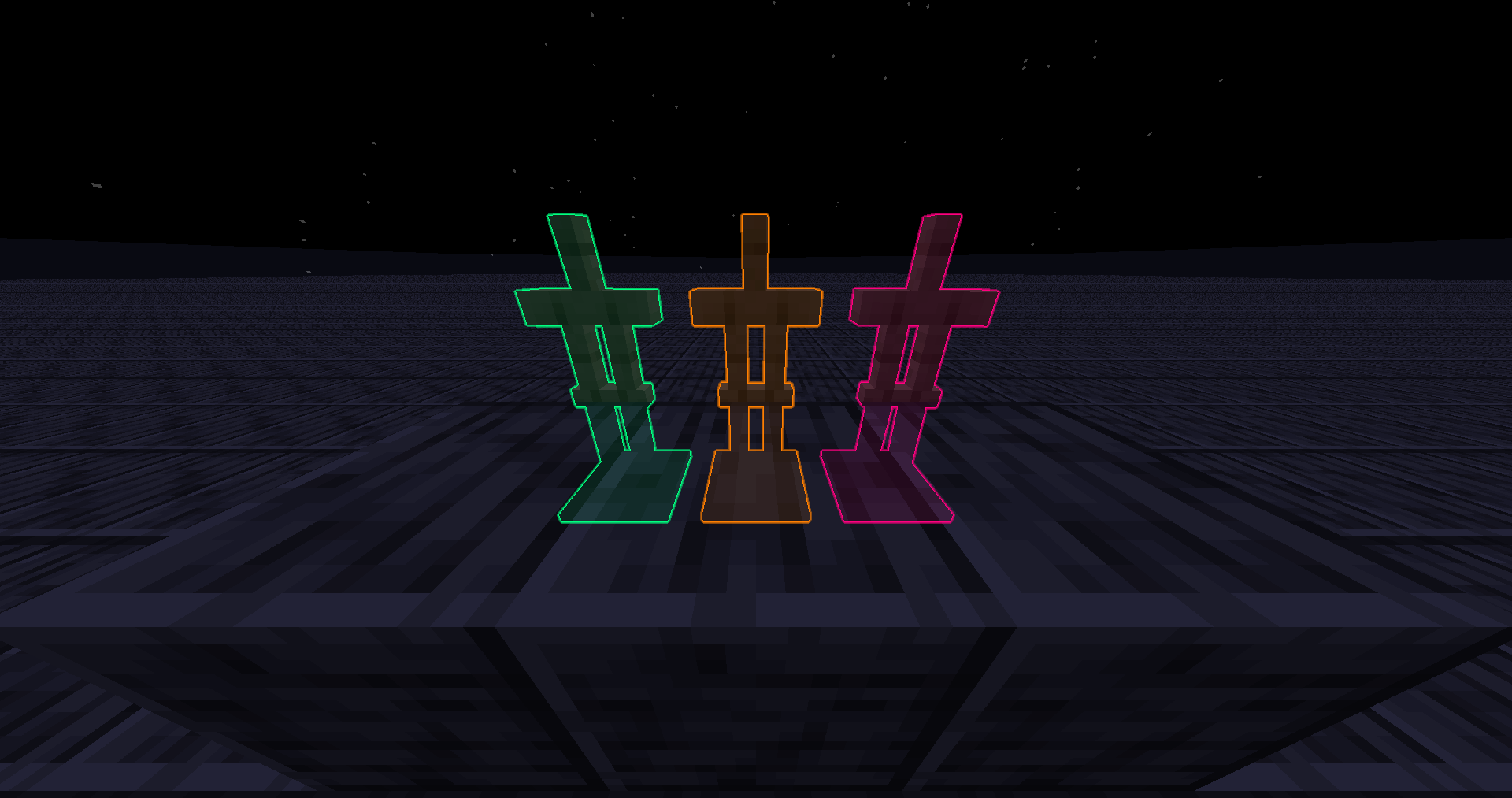
Replace vanilla glowing shader with optimized and prettier one imo

download 36.8K Downloads · favorite 107 Followers · Updated 3 months ago
Potato Vanilla 1.9 1.9.1 1.9.2 1.9.3 1.9.4 +55 more

Versions

inventory_2
Smoother Glowing v1.4.0

1.4.0 · 3 months ago · 14.37 KB

Release download
Vanilla 1.17 1.17.1 1.18
inventory_2
Smoother Glowing v1.3.0

1.3.0 · 7 months ago · 3.27 KB

Release download
Vanilla 1.21.6
inventory_2
Smoother Glowing v1.2.0

1.2.0 · 10 months ago · 5.93 KB

Release download
Vanilla 1.9 1.9.1 1.9.2
inventory_2
Smoother Glowing v1.1.0

1.1.0 · 1 year ago · 5.89 KB

Release download
Vanilla 1.9 1.9.1 1.9.2
inventory_2
Smoother Glowing v1.0.2

1.0.2 · 1 year ago · 3.65 KB

Release download
Vanilla 1.9 1.9.1 1.9.2

Gallery

About

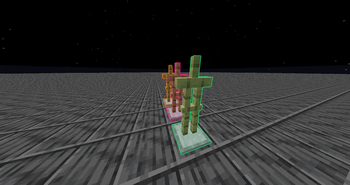
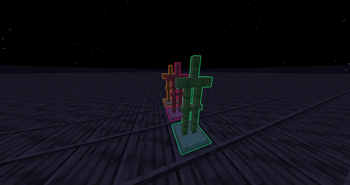
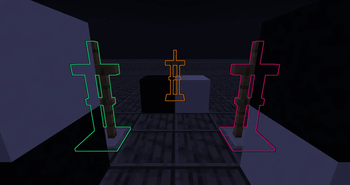
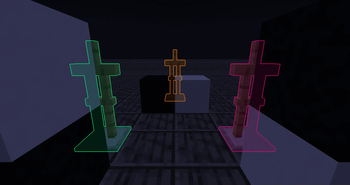
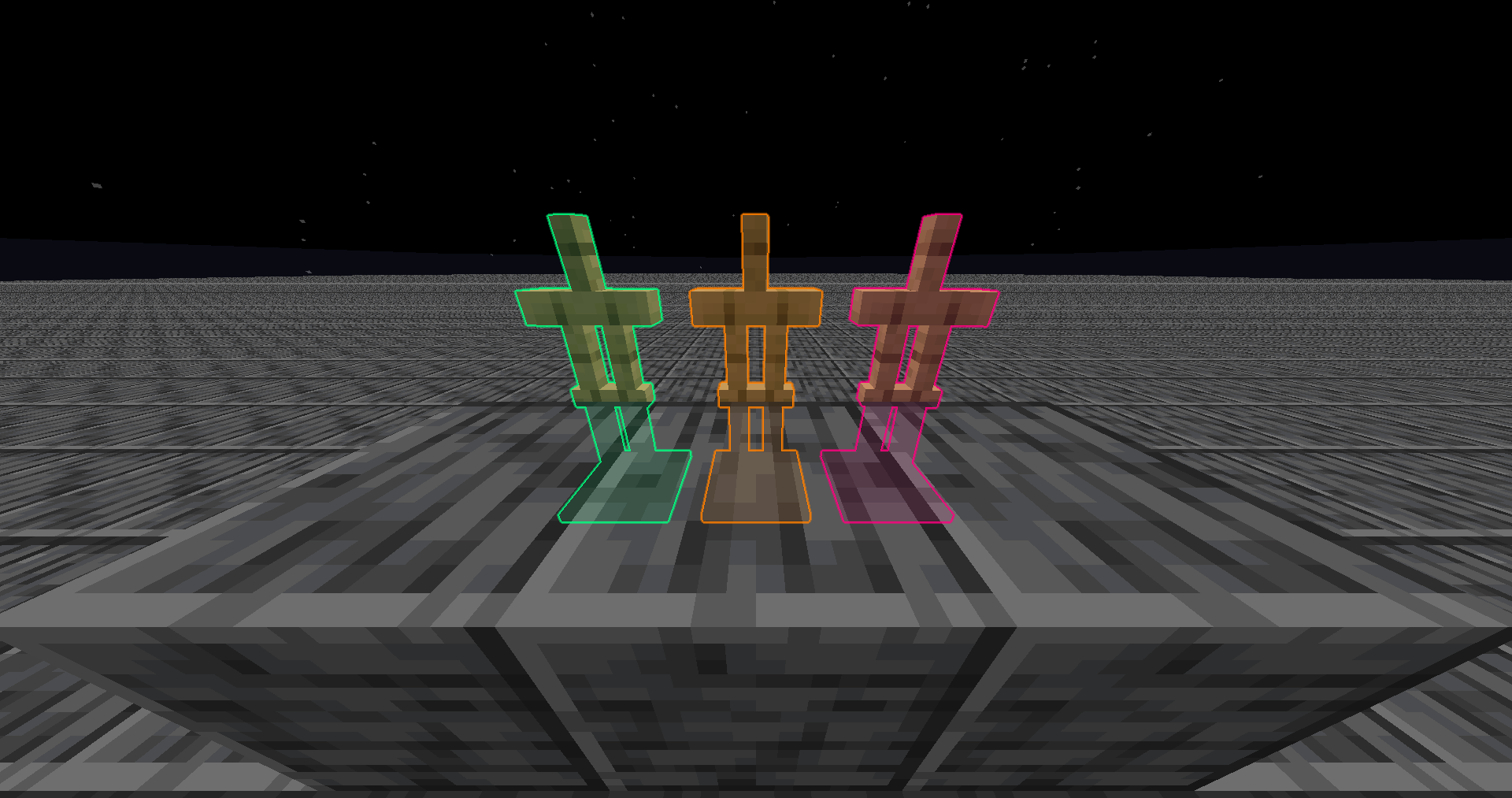
I've rewritten the glowing post shader to remove the black outline and stop it from covering the entity, it looks better imo. Also, it's faster than vanilla so you'll lose less fps while there's glowing entity in view.

Feel free to use it anywhere!

Mc Version

It works on Minecraft 1.9 and all the way up. But if you're on below Minecraft 1.14, you'll need a game restart after applying this pack.
(Technically it works on all version because there's no glowing effect before 1.9)

Recently (2025/10/19) found out that it doesn't work below Minecraft 1.17 on macOs, and I didn't bother to debug it. My windows pc broke so I can't test if it still works on windows. I'd like to assume it does..

Installing

It should be installed like resource pack.
Why is it in Shaders category? Because this pack only modifies post shader and there's Vanilla filter in Shaders category. So I thought it's technically a resource pack but logically a shader pack.

Here's the answer from Modrinth mod if you're confused too

1.20.5+

Minecraft itself has optimized the shader with similar strategy on 1.20.5+, so this pack's optimization won't be as obvious as before. But I still prefer this pack's visual because:

  • They didn't divide the color sum by alpha sum, causing the outline to look black instead of transparent.
  • They didn't prevent the outline from covering the actual entity, causing the entity to look weird.

After some testing, this pack still optimizes from 54fps to 60fps on 1.21! (at least on my client)

Modifying

The radius and final alpha can be changed by editing the entityglow.fsh file. (changing radius affects performance!) If you have a hard time modifying it, try out Shader Reload Mod or join my Discord!
open_in_new View on Modrinth
Categories
Compatibility
Client: Required Server: Unsupported
gavel MIT

Conversation

What are your thoughts?

Related projects

Atmosphere Bloom Cartoon
Complementary Shaders - Reimagined
Complementary Shaders - Reimagined icon
Complementary Shaders - Reimagined

by EminGT

Preserving the elements of Minecraft with exceptional quality, detail, and performance.

download 37.4M
favorite 8,311
Atmosphere Bloom Cartoon
Complementary Shaders - Unbound
Complementary Shaders - Unbound icon
Complementary Shaders - Unbound

by EminGT

Transforming the visuals of Minecraft with exceptional quality, detail, and performance.

download 23.5M
favorite 4,497
Atmosphere Bloom Fantasy
MakeUp - Ultra Fast
MakeUp - Ultra Fast icon
MakeUp - Ultra Fast

by KDXavier

MakeUp aims to provide the best quality / performance ratio, building a shader that can be adapted to anyone's resources.

download 6.6M
favorite 1,786
Potato Vanilla like
VanillAA
VanillAA icon
VanillAA

by vriska

Vanilla rendering, but with TAA

download 2.4M
favorite 238
lock Cookie consent

SkinMC uses cookies to provide functionality and features.