
Shulker Box Tooltip
View the contents of shulker boxes from your inventory
Versions
[NeoForge 1.21.11] v5.2.15+1.21.11
5.2.15+1.21.11-neoforge · 1 week ago · 380.79 KB
[Forge 1.21.11] v5.2.15+1.21.11
5.2.15+1.21.11-forge · 1 week ago · 379.97 KB
[Fabric 1.21.11] v5.2.15+1.21.11
5.2.15+1.21.11-fabric · 1 week ago · 378.77 KB
[NeoForge 1.21.11] v5.2.14+1.21.11
5.2.14+1.21.11-neoforge · 1 month ago · 380.79 KB
[Fabric 1.21.11] v5.2.14+1.21.11
5.2.14+1.21.11-fabric · 1 month ago · 378.77 KB
Gallery
About
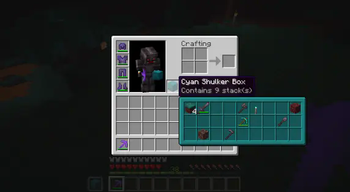
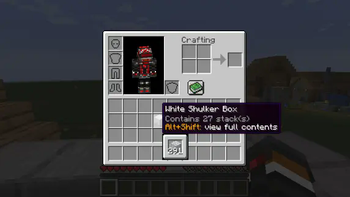
This mod allows you to see a preview window of a shulker box contents when hovering above it in an inventory by pressing shift.
Supports both Fabric and Forge
On Fabric:
Fabric Loader and Fabric API are required
Mod Menu is recommended (but not required) for in-game configuration
Features:
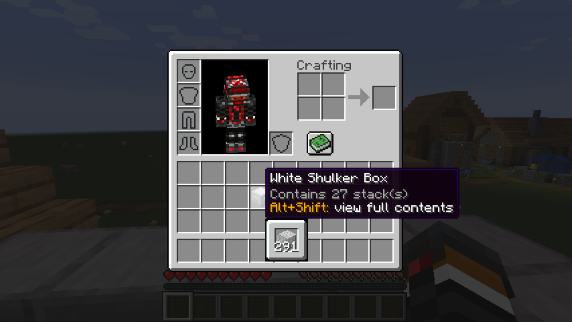
Compact Preview
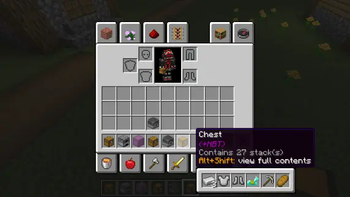
Press shift (by default) while hovering an item.
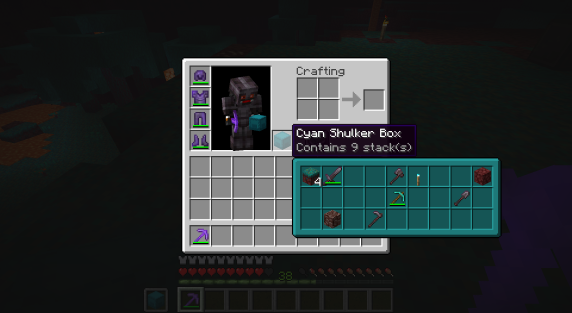
Full Preview
Press alt+shift (by default) while hovering an item to shows its full contents where each contained stack is displayed in the correct slot.
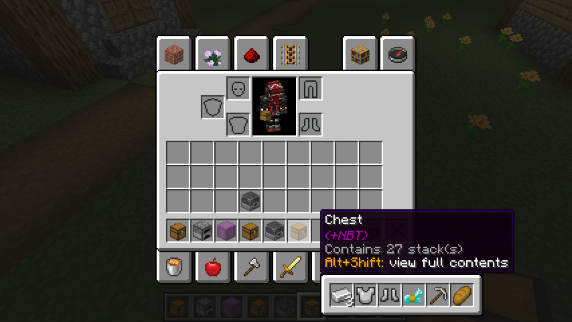
Other Containers
The preview also works with items obtained in creative mode using control + pick block such as chests, furnaces, barrels, etc...
Works with most modded containers as well.
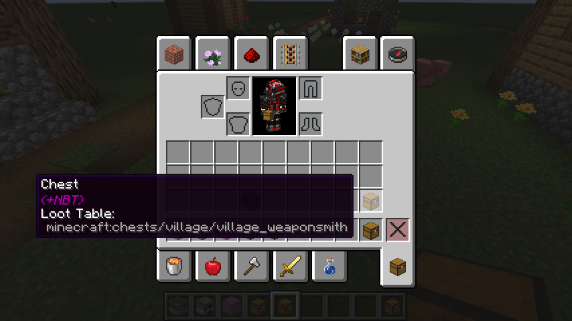
Loot Tables
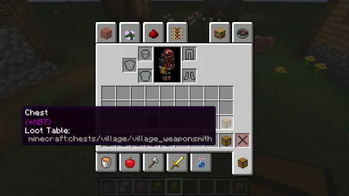
The name of the loot table is displayed in the tooltip if the hovered item as one.
This option is disabled by default.
Configurability
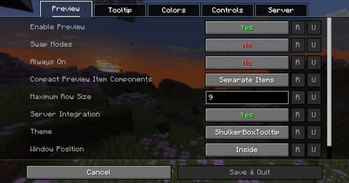
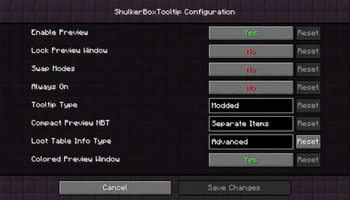
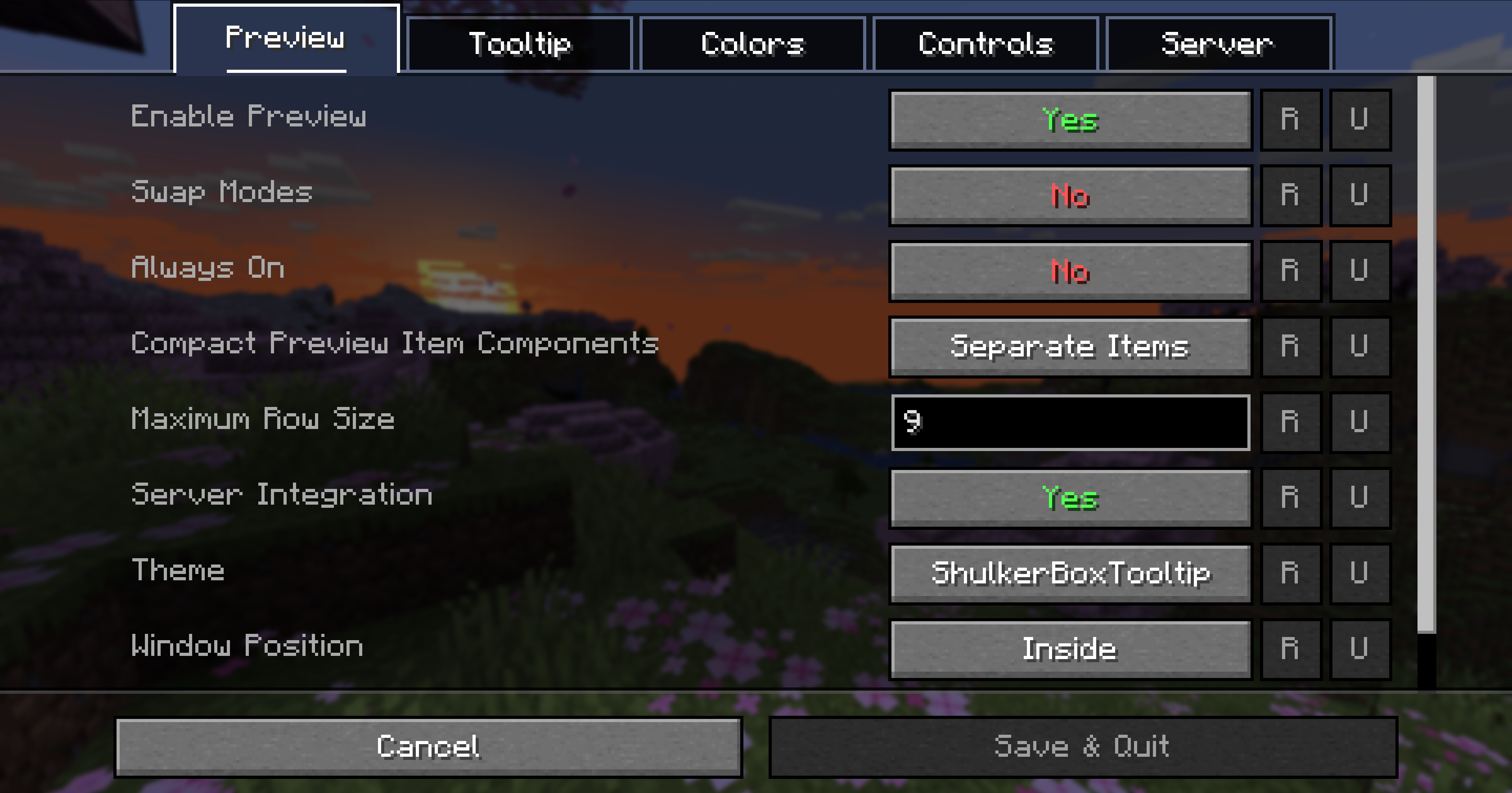
Most aspects of the mod can be configured through the config menu. To access it, in the mod menu select ShulkerBoxTooltip and then click on the gear icon.
See the in game documentation or the wiki for info about each option. The config file can be found at <minecraft folder>/config/shulkerboxtooltip.json5
Colors!
The color of the preview window changes depending on the color of the shulker box, you can disable it in config.
Server support
The mod can also be installed server-side (optional) to provide extra features such as ender chest preview.
Related projects


Mod Menu
by Prospector
Adds a mod menu to view the list of mods you have installed.

YetAnotherConfigLib (YACL)
by isxander
A builder-based configuration library for Minecraft!

Xaero's Minimap
by thexaero
Displays a map of the nearby world terrain, players, mobs, entities in the corner of your screen. Lets you create waypoints which help you find the locations you've marked.
Shulker Box Tooltip
Download Shulker Box Tooltip
or
Select a game version to see available downloads
No versions match your filters
About the creator


Conversation