
Real Camera
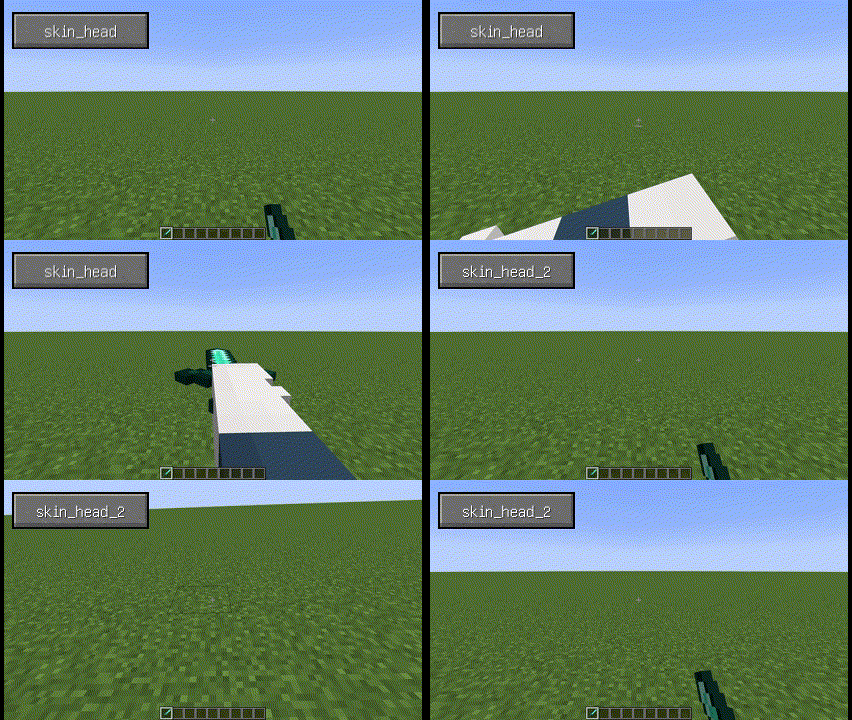
Make the camera more realistic in the first-person view.
406.1K
Downloads
·
664
Followers
·
Updated 4 months ago
Decoration
Fabric
Forge
Neoforge
1.18.2
1.19.2
1.19.3
1.19.4
1.20
+10 more
Versions
Gallery
About
Real Camera
Make the camera more realistic in the first-person view.
Supported versions: 1.18.2-1.20.4 Forge, 1.18.2-1.21.8 Fabric, 1.21-1.21.8 NeoForge.
Features
- Bind the camera to a specific part of the body.
- Customize the position and rotation of the camera.
- Render player model in first-person perspective.
- Use F6 to toggle the feature on or off and other hotkeys to adjust the camera.
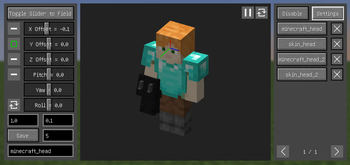
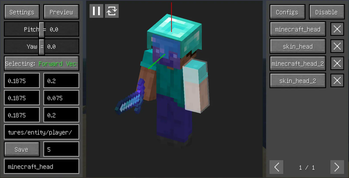
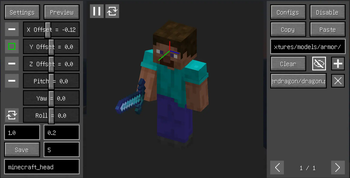
- Configure these features in the Config Screen (Cloth Config required) and the Model View Screen (0.6+).
Configuration (0.6+)
- Theoretically, most mod models are supported, but need to be configured manually:
- First, set the key binding for
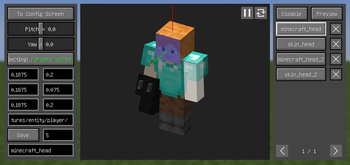
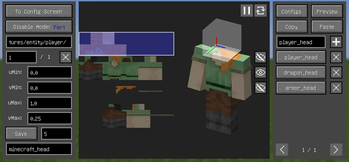
Open Model View Screen. - Open the model view screen and left click with left Alt held to select the corresponding face of the model, scroll with left Alt held to switch between the different layers of the model.
- By clicking the
Selectingbutton on the left, switch between the three to select theForward Vector,Upward Vector, andTarget Plane. - From the top right button, enter the
Previewsection, where you can see the relative relationship between the camera and the model and make certain adjustments (you can also adjust through key bindings). - Enter a name and save.
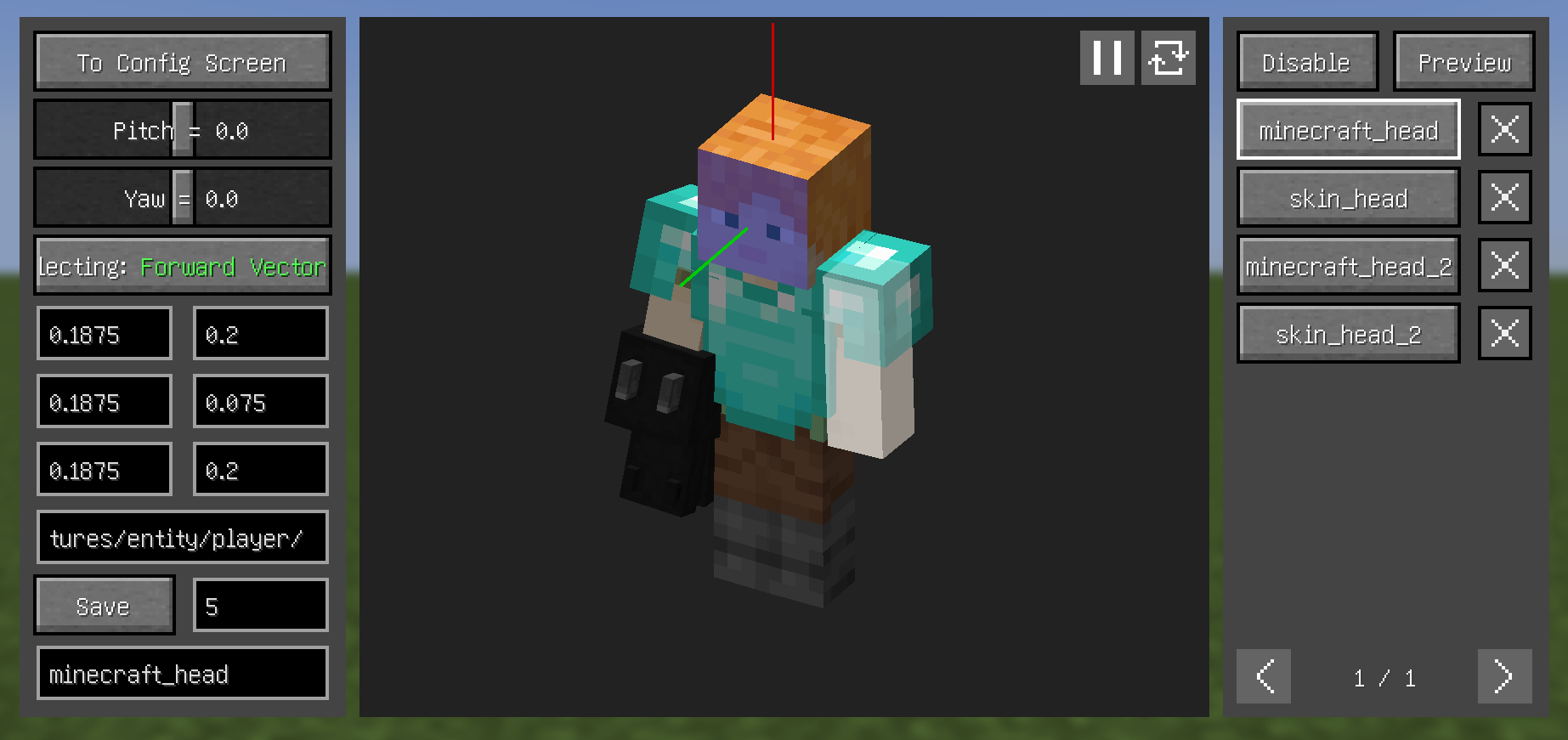
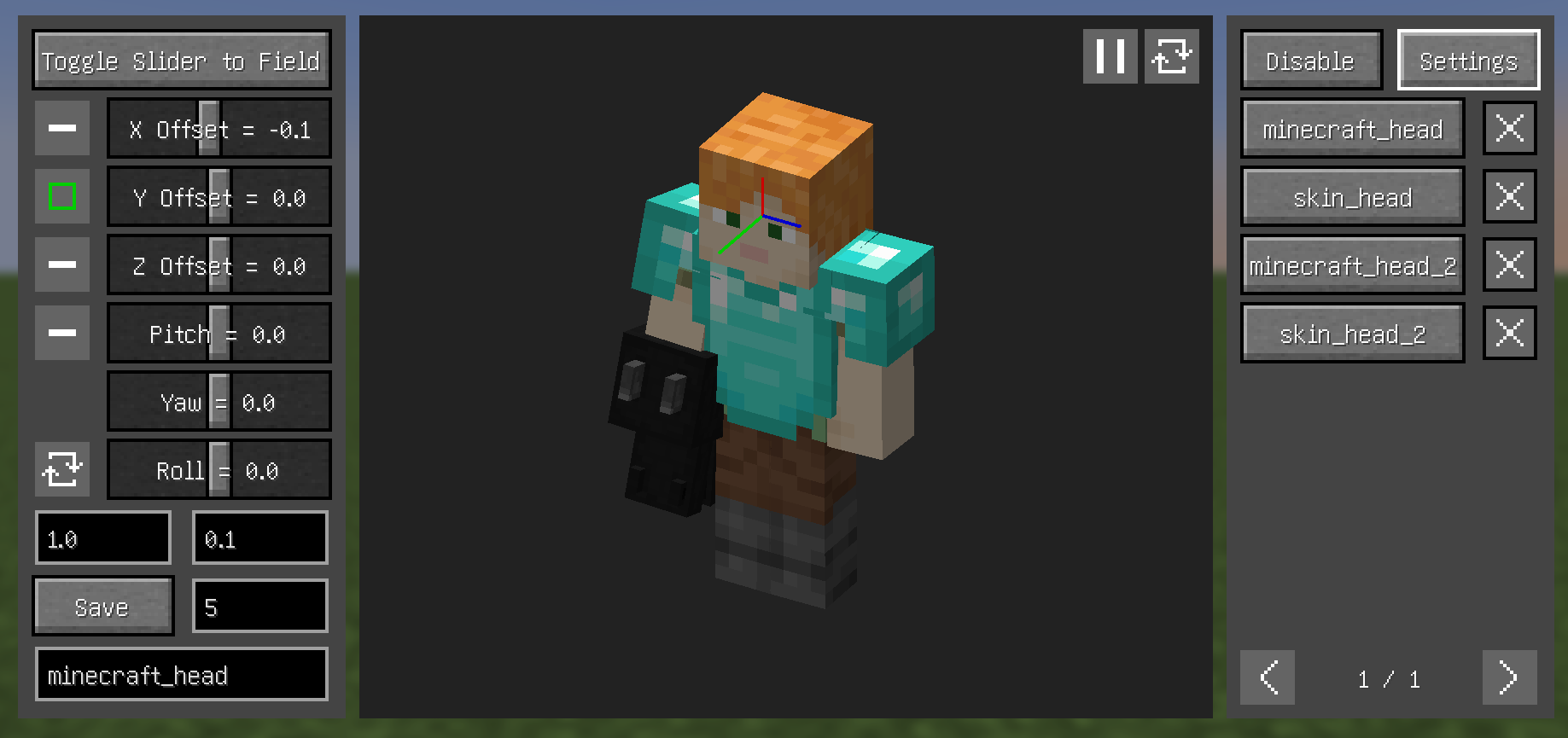
Tips
- Configs can have their priority adjusted - higher priority configs appear higher in the right-side list
- Disable depth in
Previewsection to hide models blocking the view - About
Disablesection (current version still rough, complex operations):- When texture ID field is empty, use Left Alt+Left Click to select texture
- Model parts contained by blue boxes won't be rendered
- Left-click drag to select in texture view, other keys cancel selection
- Left Alt+Left Click quickly selects hovered parts
- In
Allmode, entire texture's model won't render (blue box containing the texture in left panel indicates this) 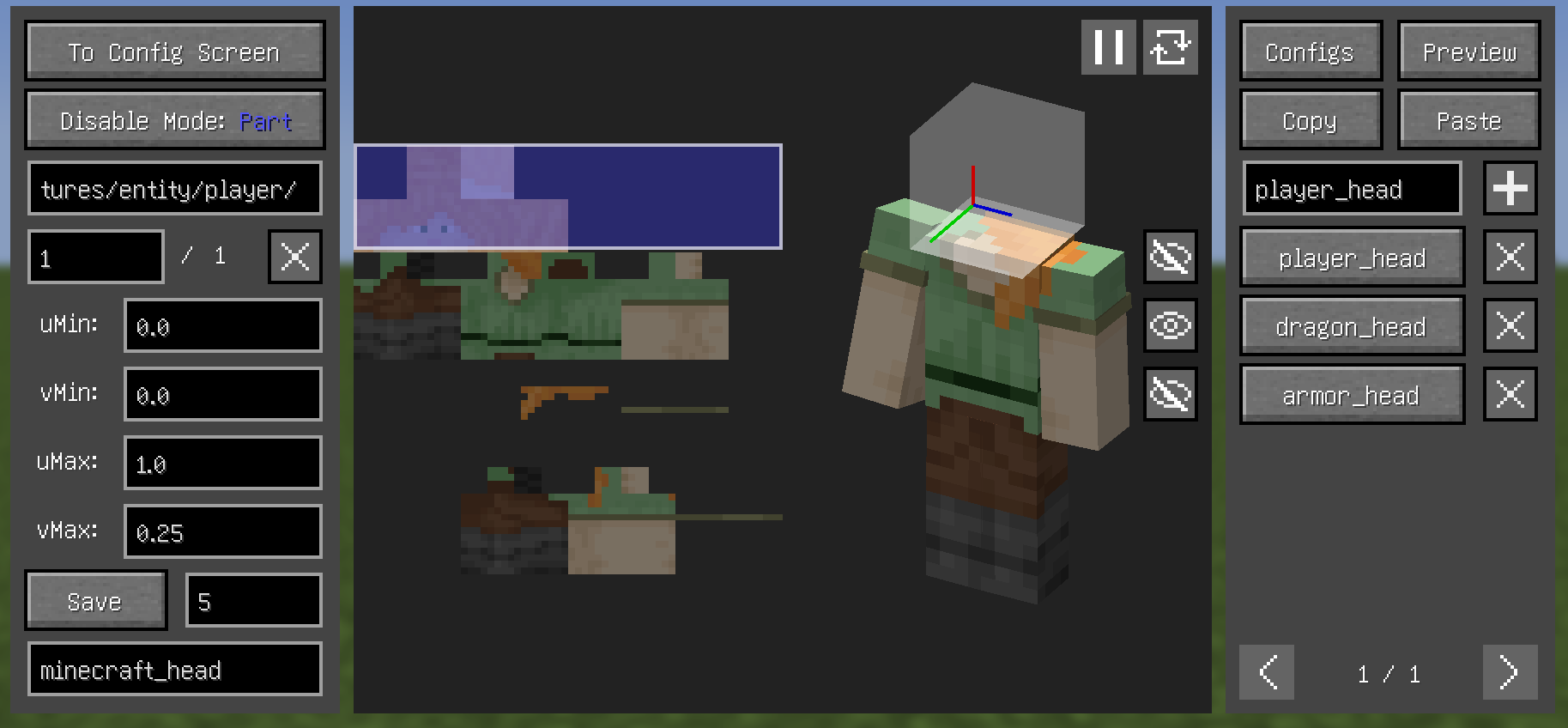
Dependencies
- Fabric:
- Both:
- (Optional but recommended) Cloth Config API
FAQ
- A part of the model (e.g. hair) is always in the way, how to make it invisible?
- Increasing this value may help, or use
Disablesection
- Increasing this value may help, or use
- What key to press can open Model View Screen?
- Set the key binding by yourself
- Why can't i open the Config Screen?
- Please downlowd Cloth Config API
- Why does it show binding failed when use YSM models?
- Snapshot 0.6.15 "try" to fix problems, but it didn't fix completely
- If Minecraft version is 1.20.1, then bind upward vector to head left (or right) side, and set roll angle to 90 (or -90) in preview section
- why does the head of YSM model disappear when in the Model View Screen?
- You downloaded Better Combat, just put it away
Compatibility
-
Incompatible:
- OptiFine
- Armourer's Workshop (Mod version 0.6+)
- Armors based on GeckoLib
- Customizable Player Models
- Epic Fight (Mod version 0.6-)
- Timeless and Classics Zero,version 1.1.4+
-
Compatible:
- most camera mods
- most player model mods
- Armourer's Workshop (Mod version 0.6-)
- Epic Fight (Mod version 0.6+)
- First-person Model
- Not Enough Animations
- ParCool!
- Pehkui
- Player Animation Lib
- Timeless and Classics Zero,version 1.0.3-
- Yes Steve Model (Not stably compatible)

![[ETF] Entity Texture Features](https://cdn.modrinth.com/data/BVzZfTc1/af683d206d50b05258d865b0d6e4aa2f2cee12f2_96.webp)
![[EMF] Entity Model Features](https://cdn.modrinth.com/data/4I1XuqiY/6e5bbd0d06b1741bfdab6c0cfab6de8fdaf0064c_96.webp)



Conversation