
Pyvtron VX
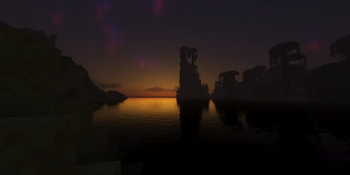
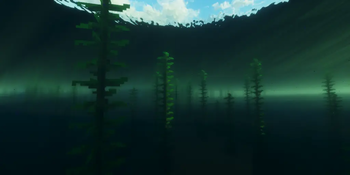
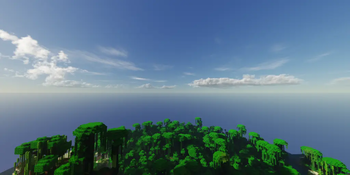
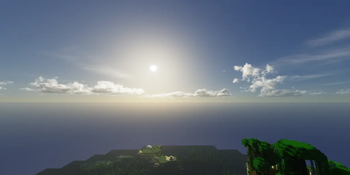
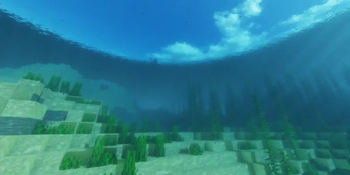
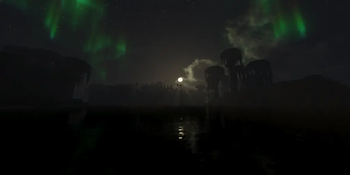
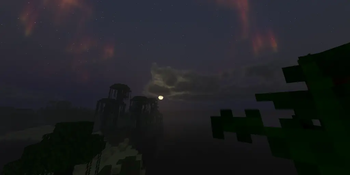
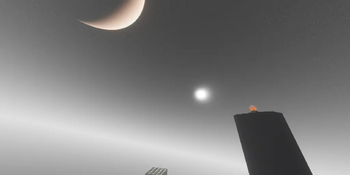
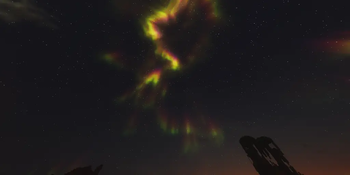
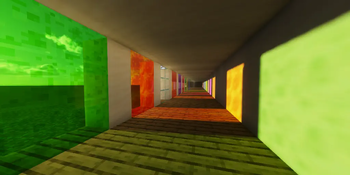
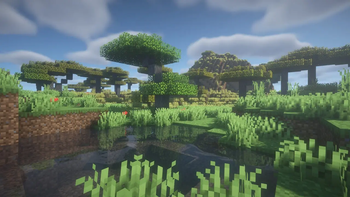
Pyvtron VX is a shader that adds realism into your world!
Versions
Gallery








About
Pyvtron VX
Details
Features: Volumetric Fog, Water Caustics, Cumulus Clouds, Cirrus Clouds, High Resolution Graphics, ultra realistic rain and very much features that you will see in the game!
Performance Impact: High / Medium (Medium: If you have a good computer).
You can find older versions and the official release(s) of Pyvtron VX here (My Website)
Requirements
AMD CPU (Recommended) Nvidia GPU (Recommended) A graphics card that supports OpenGL 4.6 or OpenGL 4
Note: I currently only have access to Nvidia GPUs for testing. I cannot make sure if Pyvtron VX works on Intel CPUs and AMD GPUs.
Installation
Install it like other Minecraft Shaders or read this here if you don't know how to install minecraft shaders:
-
First download the Iris Shaders Installer / Mod
-
Run the .jar and click on Install.
-
Download the latest version of Pyvtron VX
-
Open the Minecraft Launcher. You'll see the Iris Shaders profile – select it and start Minecraft.
-
Go to Options → Video Settings → Shaders → Shaderpacks Folder.
-
Drag the downloaded shaderpack into the shaderpacks folder.
-
Select the shaderpack ingame.
-
Enjoy.
Other Stuff
Before you modify or do something with this shaderpack, you must read the license
Pyvtron VX is not path traced etc. VX means Version X
If you want to know, how to add support for modded dimensions (for new dimension mods) read this here on my docs






Conversation