
Mathematically Unplayable
An experimental shaderpack that dramatically distorts Minecraft's visuals using mathematical functions. Features dynamic psychedelic post-processing.
Versions
About
Warning!
!! INCLUDES FLASHING COLORS !!
About
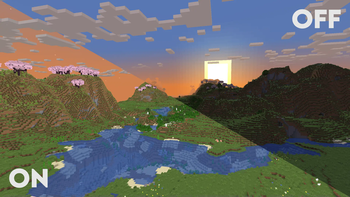
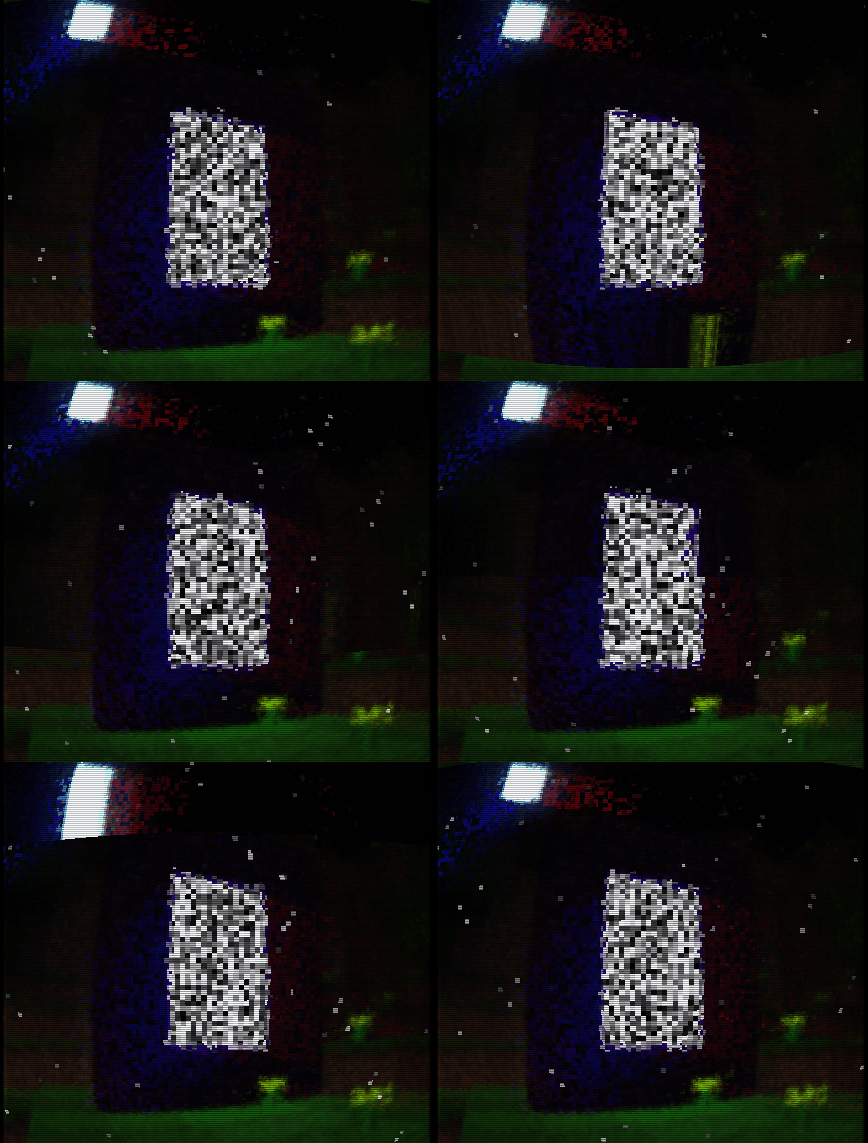
"Mathematically Unplayable" is an experimental shaderpack for Minecraft: Java Edition designed for OptiFine. It dramatically alters the game's visual presentation by applying a series of mathematical transformations to world geometry, textures, and screen output. This pack is intended for users interested in exploring extreme visual effects, understanding shader capabilities, and experiencing Minecraft in a uniquely distorted and chaotic way. Visual examples showcasing the shader's transformative style can be found in the "Gallery" section.
Showcase
2.0.0:
<iframe width="560" height="315" src="https://www.youtube-nocookie.com/embed/7EtbiAIsVuM" title="YouTube video player" frameborder="0" allow="accelerometer; autoplay; clipboard-write; encrypted-media; gyroscope; picture-in-picture; web-share" allowfullscreen></iframe> 1.0.0: <iframe width="560" height="315" src="https://www.youtube-nocookie.com/embed/0M67RkgHx0M" title="YouTube video player" frameborder="0" allow="accelerometer; autoplay; clipboard-write; encrypted-media; gyroscope; picture-in-picture; web-share" allowfullscreen></iframe>Core Features & Visual Effects
This shaderpack is built around two main stages of visual manipulation, controlled by a global "Mess Intensity" slider:
-
GBuffer Stage - World Deformation (Static):
- Terrain Geometry Warping: Vertex shaders significantly displace terrain vertices using trigonometric functions based on their original positions and the "Mess Intensity" setting. This results in a permanently fractured, warped, and unpredictable landscape.
- Texture Coordinate Distortion: Texture coordinates for terrain blocks are manipulated, causing textures to swim, stretch, and misalign on block surfaces.
- Depth Buffer Alteration: The fragment shader for terrain intentionally writes chaotic depth values, leading to extreme Z-fighting, objects rendering through each other, and a general breakdown of spatial coherence.
-
Composite Stage - Post-Processing Effects (Animated):
- Screen-Space Coordinate Distortion: The entire rendered frame is subject to animated distortions, including swirling patterns around the screen center and undulating waves that warp the view.
- Psychedelic Color Transformation: Color channels (RGB) are dynamically modulated using time-based (
ftime) trigonometric functions, resulting in constantly shifting, vibrant, and unpredictable color palettes across the screen. - Glitch & Scanline Overlays: Includes effects like periodic color channel swapping (e.g., RGB to GBR) and animated horizontal scanlines to further enhance the "broken" aesthetic.
Key Technical Highlights & Customization
- Slider: A single, easily accessible slider (0-100) allows users to fine-tune the overall magnitude of all visual distortions and color effects, from subtle to extreme.
- Button Switches: There are 3 buttons, used to turn gbuffers_terrain, gbuffers_skybasic and composite ON/OFF
- Educational Focus: All GLSL shader files (
.vsh,.fsh,settings.glsl) are extensively commented (with AI assistance) to explain the code logic and the techniques used. This is intended to serve as a learning resource for those interested in shader development and modification.
Feedback & Support:
Found an issue or have a suggestion? Please report it here: Issue Tracker
Installation
- Modrinth launcher:
- Open the mathematically unplayable shader page.
- Click install.
- Choose instance.
- Start the game.
- Official launcher:
- Open the mathematically unplayable shader page.
- Download the "Mathematically Unplayable" shaderpack ZIP file.
- Place the ZIP file into your Minecraft
shaderpacksfolder: - Start the game





Conversation