What are you searching for?

Just Zoom

Just Zoom

Zoom by pressing a hotkey and adjust the zoom factor with your mouse wheel!

download 5.0M Downloads · favorite 612 Followers · Updated 1 month ago
Fabric Forge Neoforge Utility 1.16.2 1.16.3 1.16.4 1.16.5 1.18 +20 more

Versions

inventory_2
[NeoForge] v2.1.3 MC 1.21.11

2.1.3-1.21.11-neoforge · 1 month ago · 63.96 KB

Release download
Neoforge 1.21.11
inventory_2
[Fabric] v2.1.3 MC 1.21.11

2.1.3-1.21.11-fabric · 1 month ago · 240.71 KB

Release download
Fabric 1.21.11
inventory_2
[NeoForge] v2.1.2 MC 1.21.10

2.1.2-1.21.10-neoforge · 3 months ago · 64.32 KB

Release download
Neoforge 1.21.10
inventory_2
[Fabric] v2.1.2 MC 1.21.10

2.1.2-1.21.10-fabric · 3 months ago · 241.13 KB

Release download
Fabric 1.21.10
inventory_2
[NeoForge] v2.1.1 MC 1.21.6

2.1.1-1.21.6-neoforge · 7 months ago · 62.34 KB

Release download
Neoforge 1.21.6 1.21.7 1.21.8

About


Just Zoom allows you to zoom by pressing a hotkey (Z or Y by default, depending on your keyboard, and customizable in Minecraft's Controls settings) and adjust the zoom with your mouse wheel! It feels similar to zooming with the spyglass, but you can zoom in further and don't have the black bars and spyglass overlay blocking your view!

For support, tips, and to connect with other users, join the official Discord server.

If you experience crashes or other issues, please write a bug report on GitHub!

Features

Just Zoom has some great features to improve the zoom experience!

Zoom

Just Zoom lets you zoom by pressing a hotkey and adjust the zoom factor with your mouse wheel.
By default, Just Zoom will also zoom in/out smootly, just like the spyglass, but you can disable that in its options.
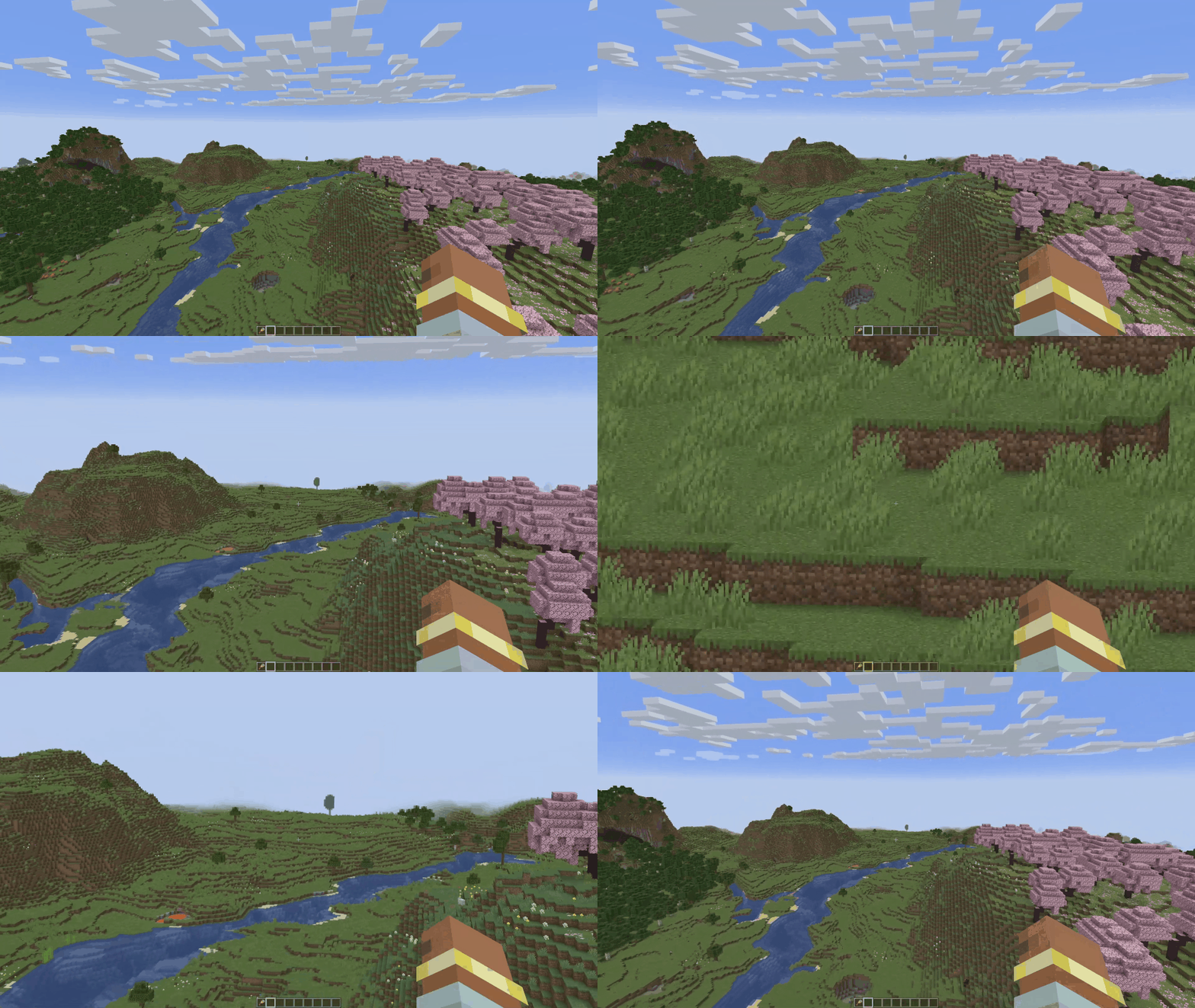

Normalized Mouse Sensitivity

Just Zoom normalizes your mouse sensitivity when zooming, so it doesn't feel like the mouse is moving too fast.
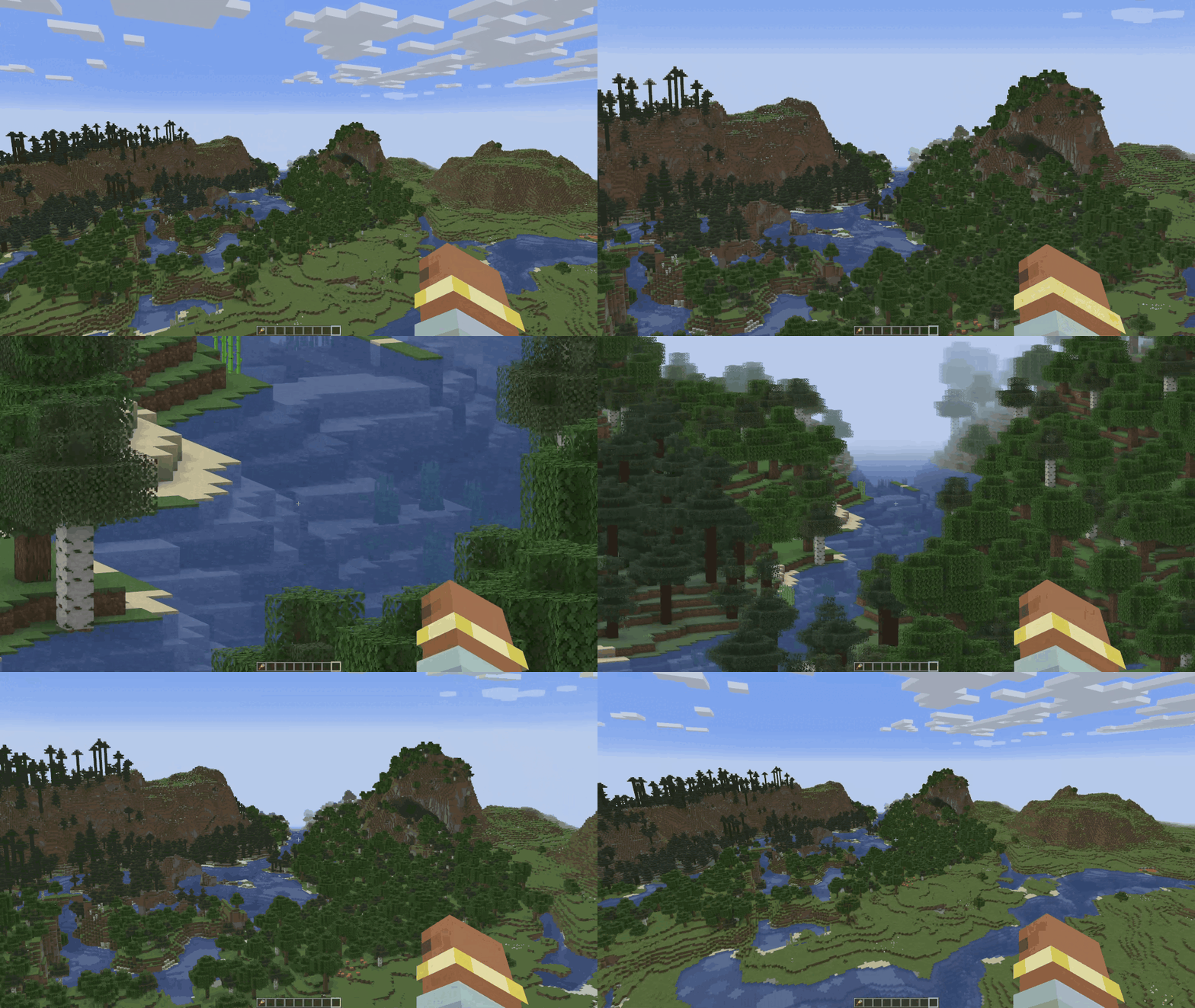

Maximum Zoom

Just Zoom can zoom in further than the spyglass.
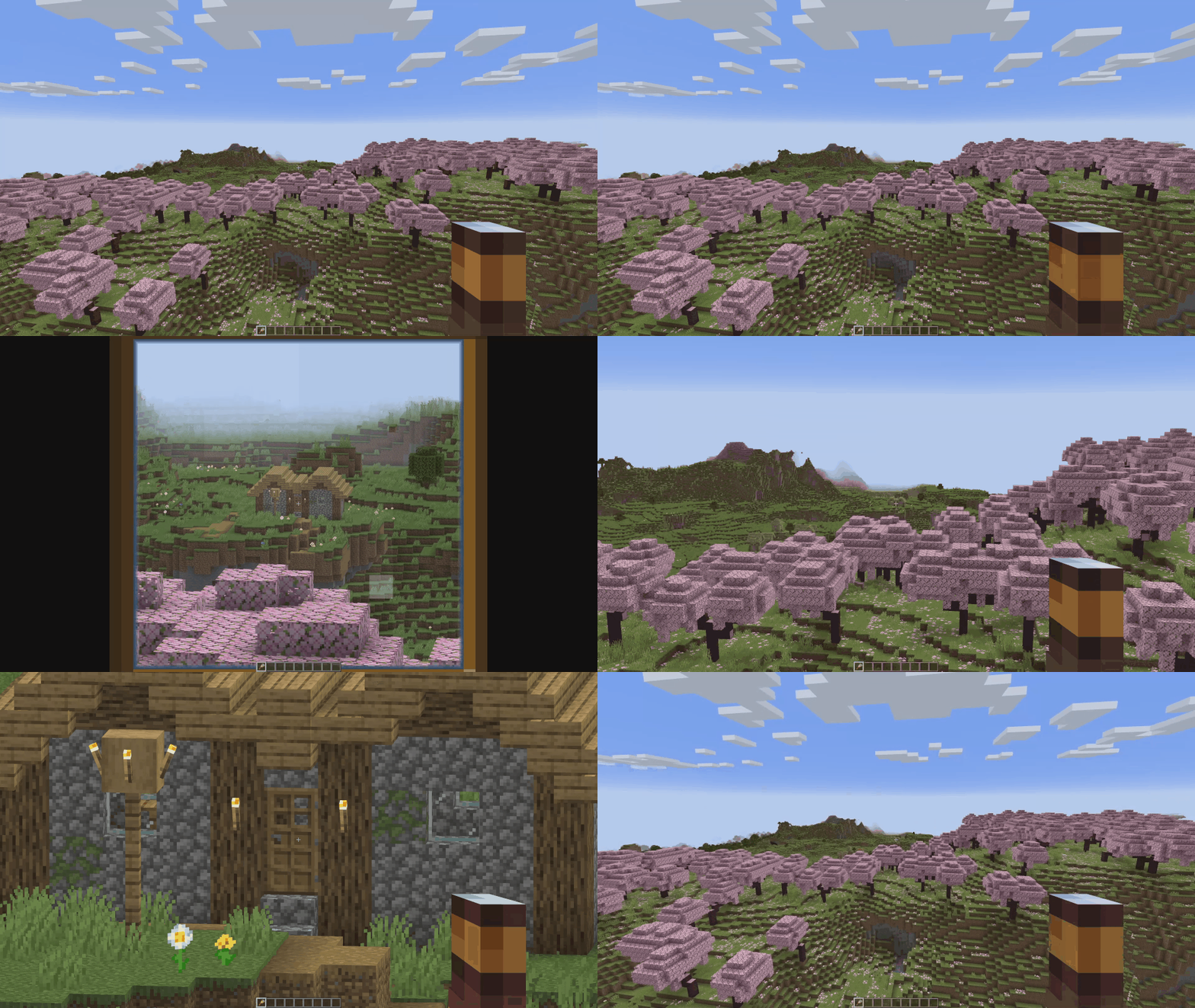

Configuration

Just Zoom has in-game options, so you can easily configure it by pressing the little spyglass button in the bottom-left side of the Pause Screen!

To customize the zoom hotkey, use Minecraft's Controls settings.

spyglass_button

just_zoom_options

Copyright

Just Zoom Copyright © 2021-2025 Keksuccino.
Just Zoom is licensed under DSMSLv2 (DON'T SNATCH MA STUFF LICENSE V2.0).
See LICENSE.md for more information about the license.

Server Needed?

Looking to play Minecraft with friends but setting up a server is just too time-consuming?
No worries! Simply rent a pre-configured server and start playing in a snap.

Just click the image below and use code keksuccino to enjoy a 25% discount on your first month!


open_in_new View on Modrinth
Categories
Compatibility
Client: Required Server: Unsupported
gavel LicenseRef-DSMSLv2

Conversation

What are your thoughts?

Related projects

Optimization Utility
FerriteCore
FerriteCore

by malte0811

Memory usage optimizations

download 84.3M
favorite 12,712
Utility
Mod Menu
Mod Menu

by Prospector

Adds a mod menu to view the list of mods you have installed.

download 77.7M
favorite 22,127
Library Management Utility
YetAnotherConfigLib (YACL)

by isxander

A builder-based configuration library for Minecraft!

download 66.1M
favorite 7,607
Adventure Transportation Utility
Xaero's Minimap
Xaero's Minimap

by thexaero

Displays a map of the nearby world terrain, players, mobs, entities in the corner of your screen. Lets you create waypoints which help you find the locations you've marked.

download 60.9M
favorite 13,668
lock Cookie consent

SkinMC uses cookies to provide functionality and features.




