
Diagonal Fences
Fences connecting diagonally? Wait. That's illegal.
Versions
[FABRIC] [1.21.11] DiagonalFences v21.11.1
21.11.1 · 1 month ago · 119.99 KB
[NEOFORGE] [1.21.11] DiagonalFences v21.11.1
21.11.1 · 1 month ago · 123.87 KB
[FABRIC] [1.21.11] DiagonalFences v21.11.0
21.11.0 · 1 month ago · 121.36 KB
[NEOFORGE] [1.21.11] DiagonalFences v21.11.0
21.11.0 · 1 month ago · 125.29 KB
[FABRIC] [1.21.10] DiagonalFences v21.10.0
21.10.0 · 3 months ago · 119.12 KB
About








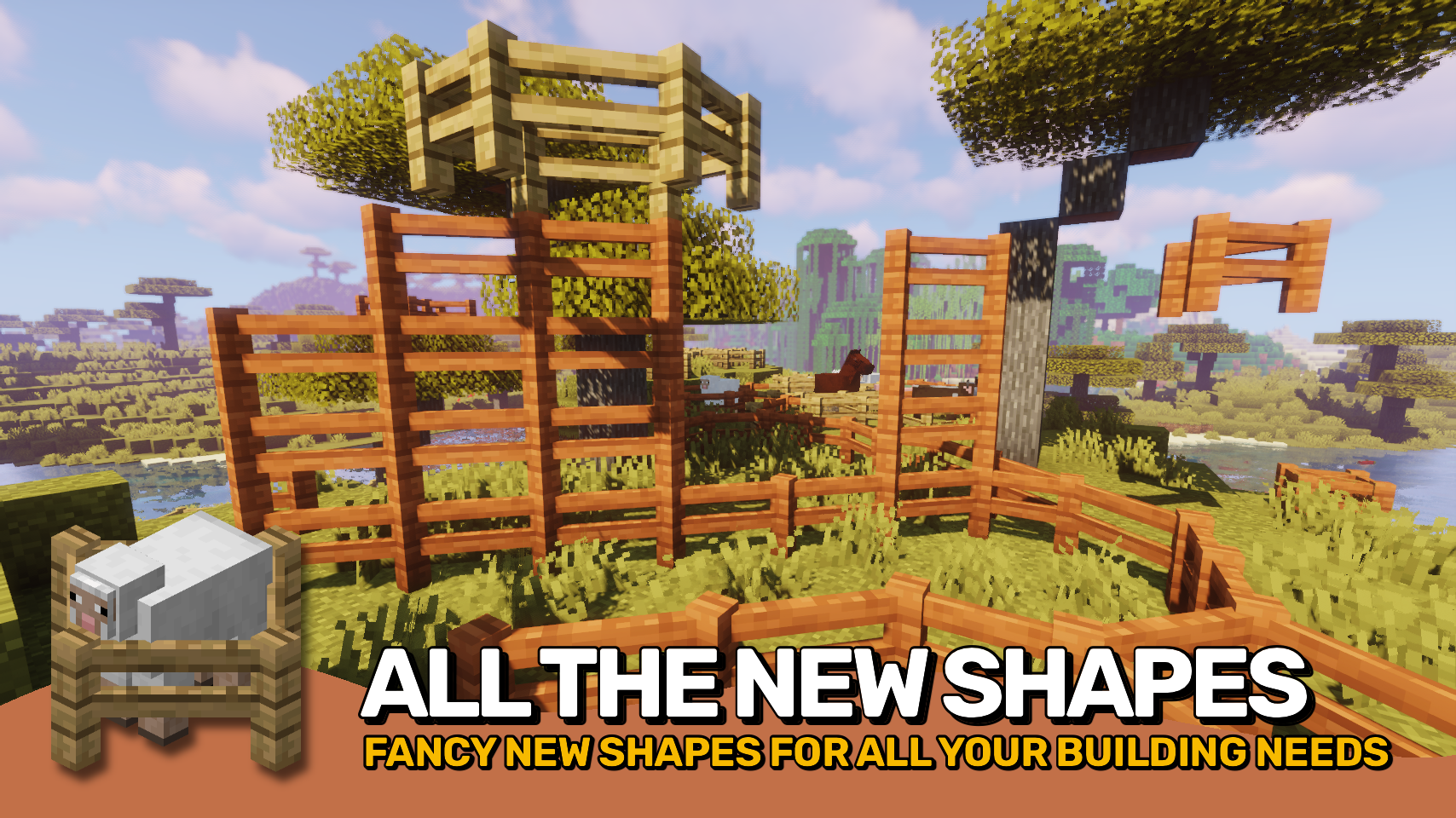
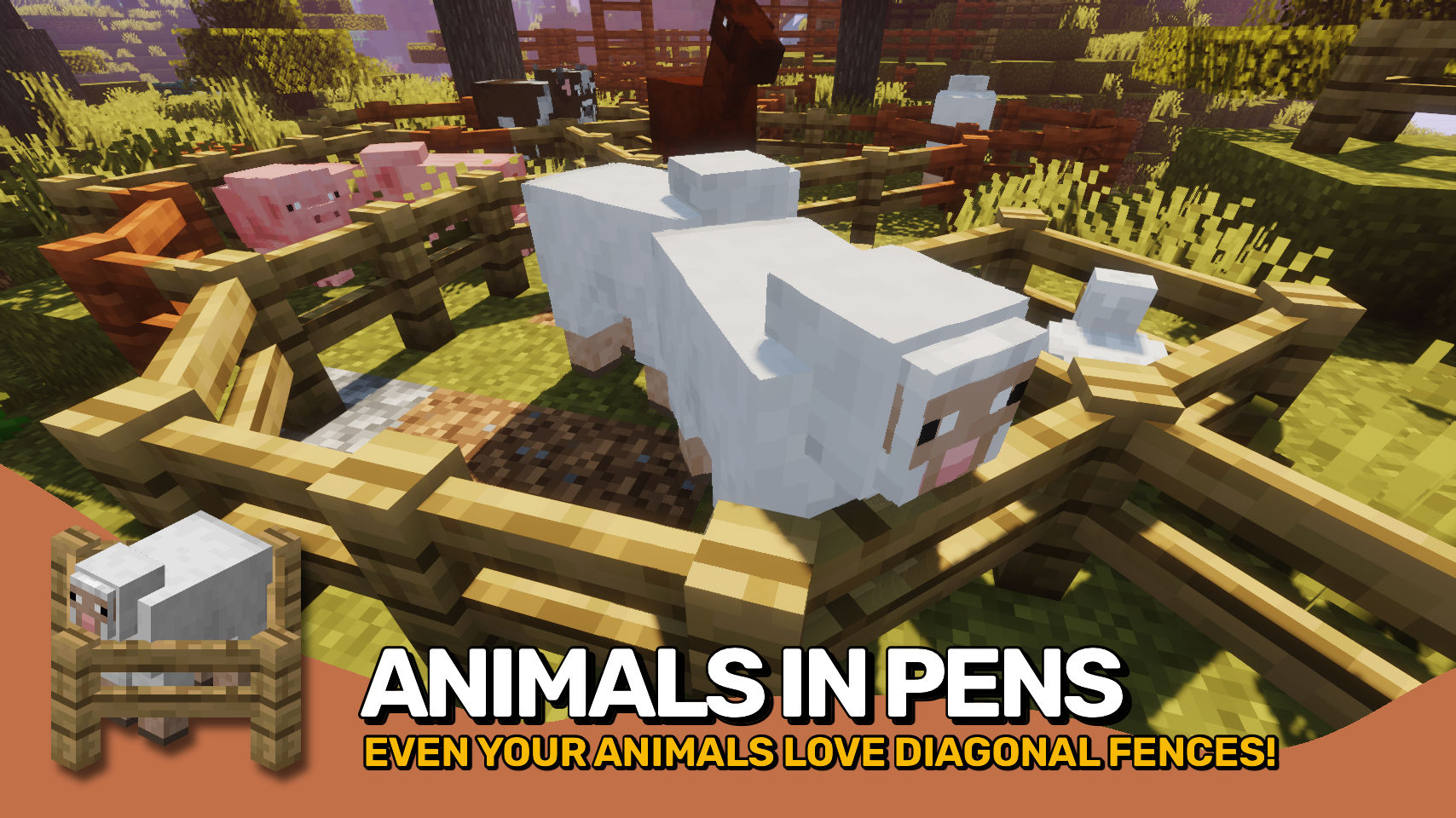
Diagonal Fences makes all kinds of fences able to connect diagonally. Works just like you would expect it to, so not much more to say really.
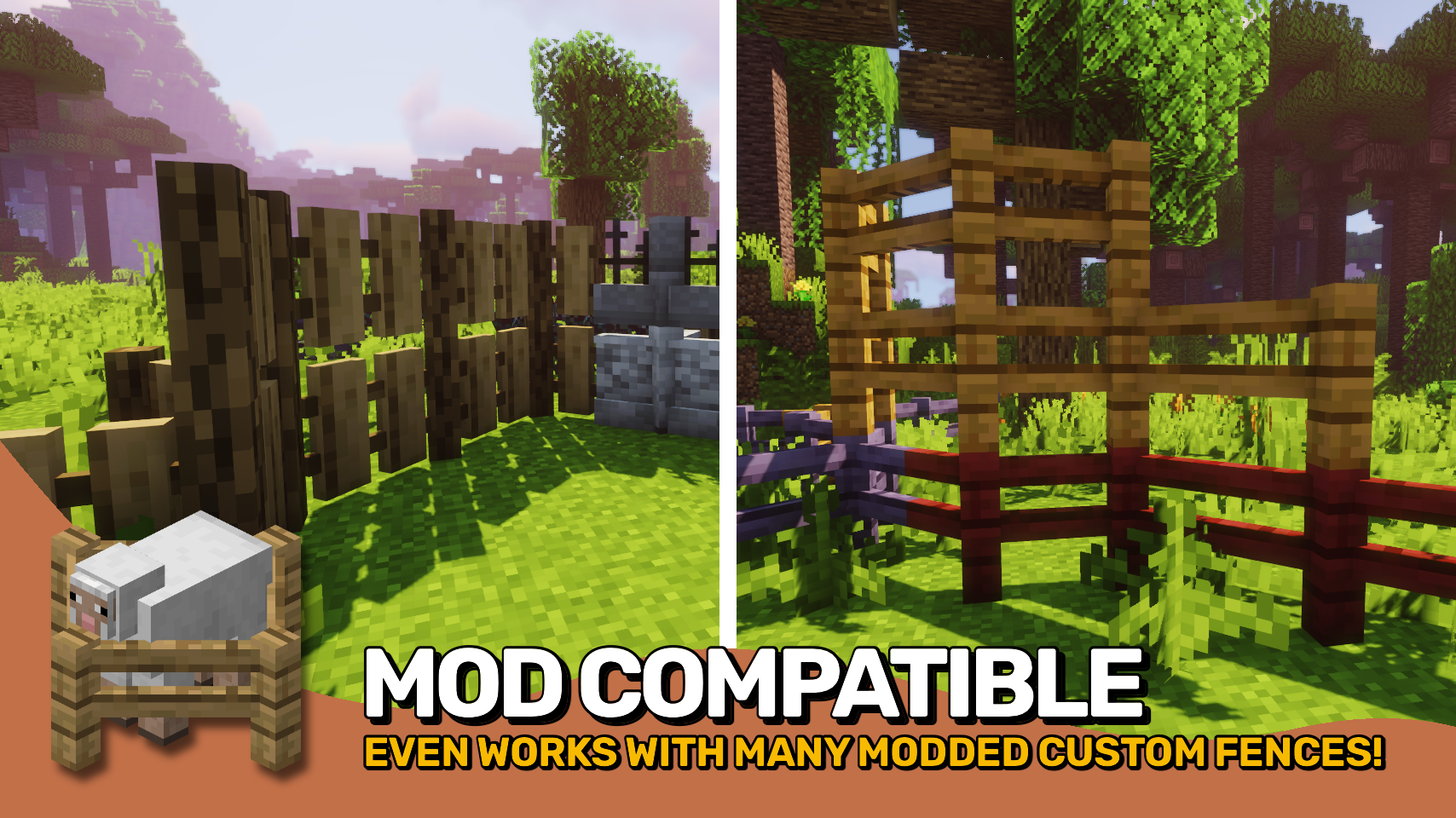
Blocks added by other mods are dynamically supported whenever possible. Blocks that are affected unintentionally can be prevented from being so by adding them to the diagonalfences:non_diagonal_fences block tag.
Check out the two other projects from the diagonal blocks mod family: Diagonal Windows and Diagonal Walls.
Works great in combination with mods such as MrCrayfish's Furniture Mod by MrCrayfish and Macaw's Fences and Walls by Sketch_Macaw.


⏩ INSTALLATION REQUIRED ON CLIENT & REQUIRED ON SERVER
⏩ REQUIRES PUZZLES LIB TO BE INSTALLED (FABRIC & NEOFORGE)
⏩ REQUIRES FABRIC API TO BE INSTALLED (FABRIC)
⏩ REQUIRES FORGE CONFIG API PORT TO BE INSTALLED (FABRIC)

If available for a mod, configuration is possible directly from in-game using the mod menu (requires Mod Menu by Prospector to be installed on Fabric). Please note that on older Minecraft versions installing Forge Config Screens is also a requirement.
For manual configuration using an external text editor all files are found at .minecraft/config, named as MOD_ID-client.toml, MOD_ID-common.toml, or MOD_ID-server.toml, depending on the type of config. Not all types might exist for a mod, if any at all.

🌟 Thanks to TheWeatherPony for the original idea with their Fence Overhaul mod.
🌟 Thanks to Magneticflux for some of the diagonal hitbox code from their Diagonal Panes mod.
🌟 Thanks a lot to XFactHD for porting Diagonal Fences to 1.18, contributing the diagonal model code and helping out during development in general!




Related projects

Iris Shaders
by coderbot
A modern shader pack loader for Minecraft intended to be compatible with existing OptiFine shader packs


Mod Menu
by Prospector
Adds a mod menu to view the list of mods you have installed.

YetAnotherConfigLib (YACL)
by isxander
A builder-based configuration library for Minecraft!
Download Diagonal Fences
or
Select a game version to see available downloads
No versions match your filters
About the creator

LunaPixelStudios
Studio · Diagonal Fences
https://discord.gg/LunaPixel
Member since June 2023
View profile on ModrinthAbout the creator


Conversation