
Cape Provider
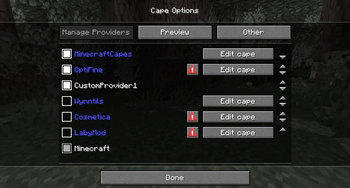
Provides you with capes! You can choose from various providers or add your own
Versions
Gallery
About

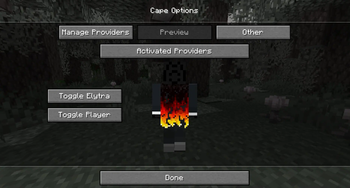
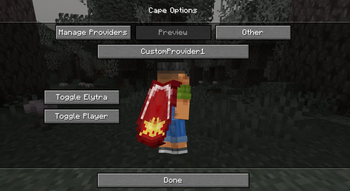
Provides you with capes!
You can choose from various providers or add your own.
Improved/Reworked version of the "Capes" mod:
- Improved and easier cape provider integration
- Allows ordering providers
- Support for custom providers
- More options to fine tune how capes are applied
- Written only in Java (no Kotlin needed)
- Various fixes and improvements
Creating a custom cape provider
The mod provides many different ways how a provider can be added.
The following possibilities are sorted by simplicity:
Simple Local Provider
Recommended for:
- Users that just want a customizable cape
- Modpacks (using
config/cape-provider/simple-custom)
The simples way to display a cape is by going into the config/cape-provider directory and creating a cape texture file named cape.png.
Additionally there are the following optional files:
owners.txt- Determines which player names or UUIDs will get the cape displayed. If this file is not present then all players will display with the cape.name.txt- To override the display name of the provider
You can also add more providers by creating corresponding directories in config/cape-provider/simple-custom.
Example: config/cape-provider/simple-custom/my-super-cool-provider/cape.png
Remote Provider in configuration
Recommended for:
- Users that want to add a custom remote provider
This demo showcases how to apply the capes inside custom-cape-demo.
-
Open the config file located in
config/cape-provider/config.json -
In the
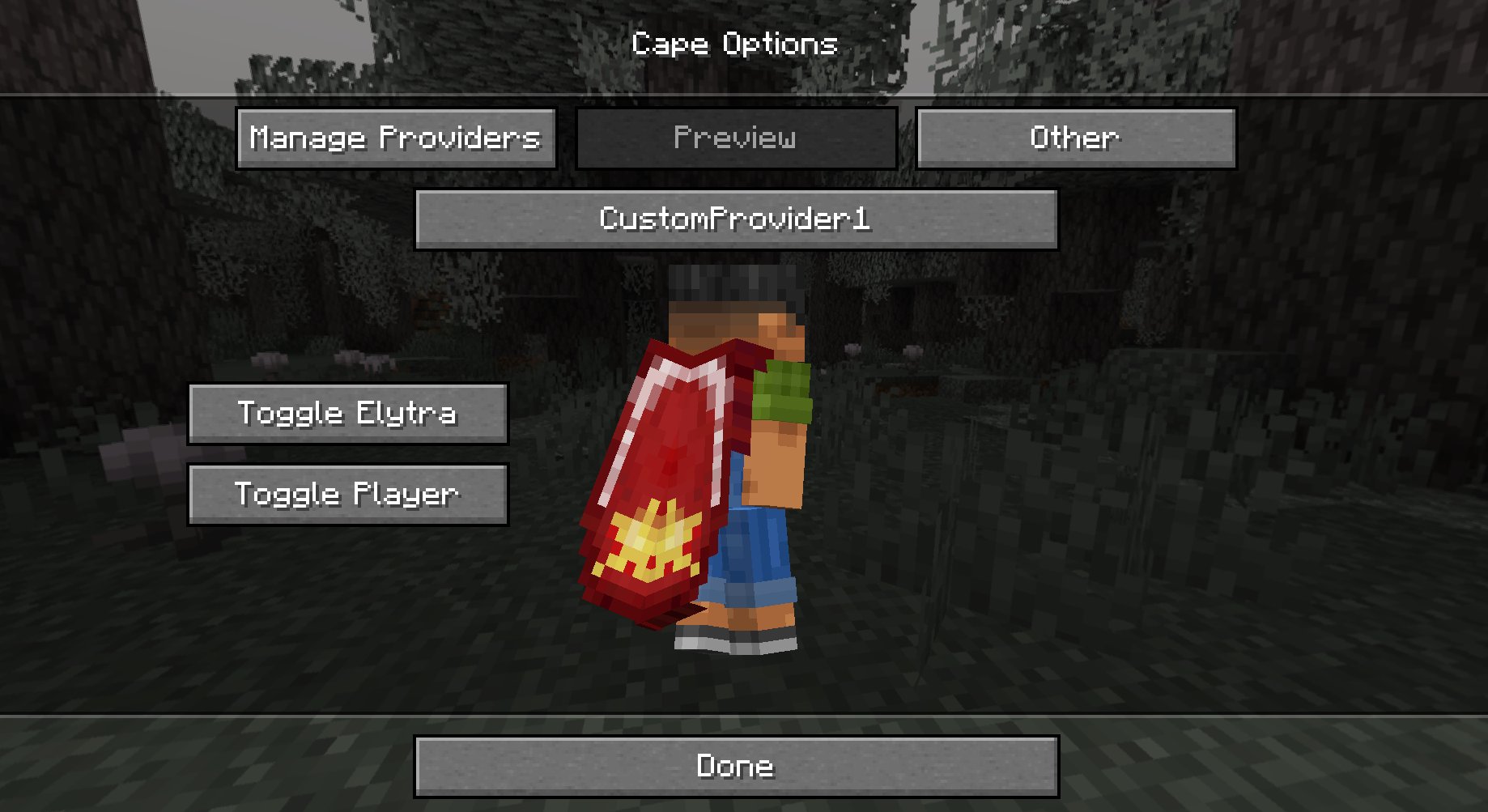
remoteCustomProviderssection add the following entry:{ "id": "cp1", "name": "CustomProvider1", // You can replace uuid with $id, $name or $idNoHyphen to customize the cape per Player "uriTemplate": "https://raw.githubusercontent.com/litetex-oss/mcm-cape-provider/refs/heads/dev/custom-cape-demo/uuid.png" }Example for SkinMC
{ "id": "skinmc", "name": "SkinMC", "uriTemplate": "https://skinmc.net/api/v1/skinmcCape/$id" } -
Restart the game and activate the provider
For more details have a look at RemoteCustomProvider and RemoteCustomProviderConfig
NOTE: Texture resolvers can be selected using the textureResolverId attribute (see below for details).
via Mods
Recommended for:
- Mods
If you are a mod developer and want to e.g. display a cape for supporters or contributors of your mod, you can provide it using the mod's resources and/or metadata in fabric.mod.json.
The overall behavior is similar to how modmenu handles this.
Local/Simple (Recommended)
This approach requires no network communication and is the recommended approach.
It works by reading metadata and resources from the cape directory.
Here is an example:
- Add the following mod metadata:
fabric.mod.json{ ... "custom": { "cape": "Contributors" } } - Create a
capedirectory insideresources - Add the cape texture in
cape/cape.png - Add the players that should be given the cape in
cape/owners.txtwith their UUIDs or names
Note: There is also a more detailed variant
fabric.mod.json
{
  "custom": {
    "cape": {
      "name-extra": "Contributors",
      "owners": {
        // You can also used UUIDs
        "names": [
          "Notch"
        ]
      }
    }
  }
}
The mod uses this strategy itself. See the fabric.mod.json or cape directory for details.
Remote
Here's an example implementation that shows how a remote cape provider can be added:
fabric.mod.json
{
  ...
  "custom": {
    "cape": "https://raw.githubusercontent.com/litetex-oss/mcm-cape-provider/refs/heads/dev/custom-cape-demo/uuid.png"
  }
}
Here's a more detailed variant
fabric.mod.json
{
  "custom": {
    "cape": {
      // Gives everyone a christmas cape
      // You can also use variables here, like $uuid. See above for more details
      // You may have to escape the $ with \ or you can alternatively use § instead of $
      // Alternative: "uriTemplate"
      "url": "https://example.org/textures/§uuid.png",
      "changeCapeUrl": "https://...",
      "rateLimitedReqPerSec": 20 // Default is 20
    }
  }
}
Programmatic
You can also create a programmatic cape provider.
Further notes
Maximum size
Images/Textures should not exceed 10MB. Otherwise they might be ignored.
Texture resolvers / Animated textures
The following resolvers are currently built-in:
| Resolver-ID | Animated | Format | Example | Notes |
|---|---|---|---|---|
default / null |
❌ | PNG | uuid.png | |
sprite |
✔ | Stacked PNG | animated.png | |
gif |
✔ | GIF | animated.gif | Usage not recommended GIFs require more resources when compared to more modern formats like PNG. |
Please note that animated textures can be frozen or completely disabled in the settings.






Conversation