
Beans Backpacks (Legacy)
A Backpack mod where Aesthetics meet Functionality. Overhauls Minecraft's inventory with one simple-to-use feature.
Versions
Gallery
About
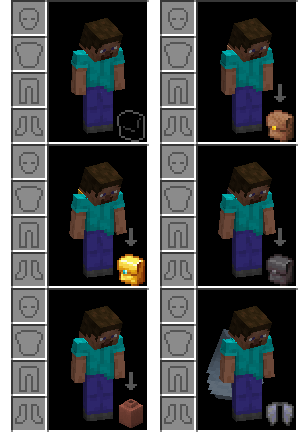
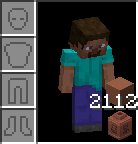
Opening your inventory you'll find the new Back Slot. After equipping your Backpack, you can store items placing items ontop of it and display it on your back for other players to see. Backpacks holding items cannot be taken off unless you place it into the world using Sprint + RClick. Interact with the backpack to see the items inside or Sprint + RClick agian to re-equip!
Show Your True Colors!
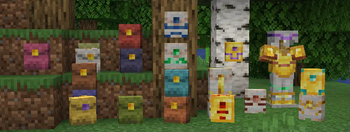
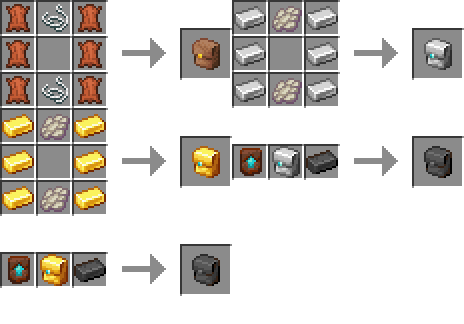
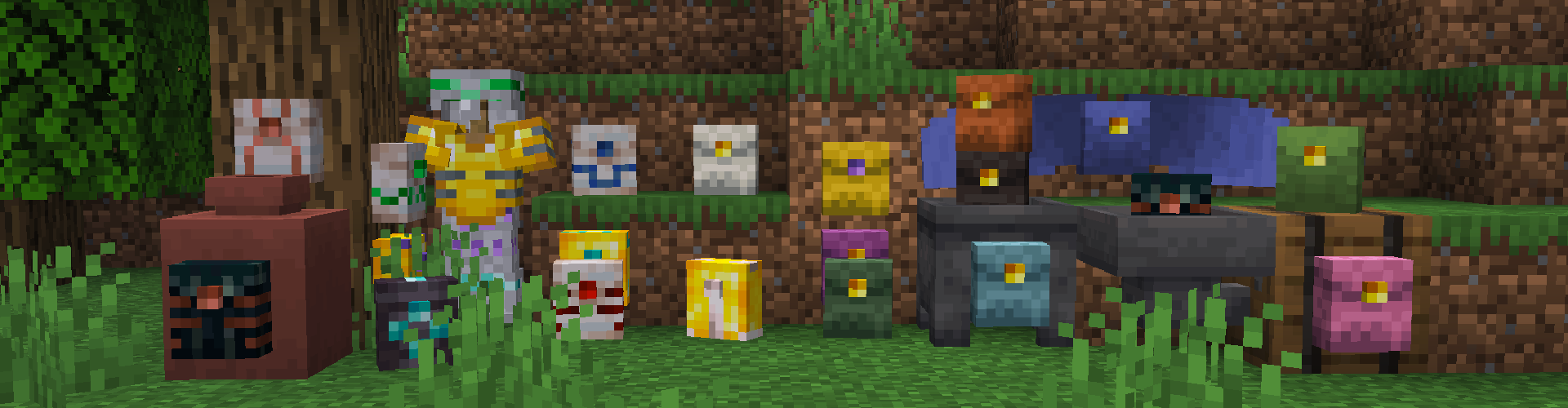 Choose from a variety of new backpacks to clean up your inventory. Leather Backpacks can be dyed any color you can imagine, just like it's armor. Metal Backpacks can be trimmed in a smithing table or used with a Upgrade Template to convert it to a larger and fireproof Netherite Backpack. Ender Backpacks hold a global inventory unique to the player who crafted or trimmed it, and other players can access that inventory if you make extras.
Fill 'er up!
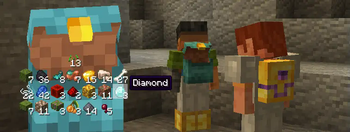
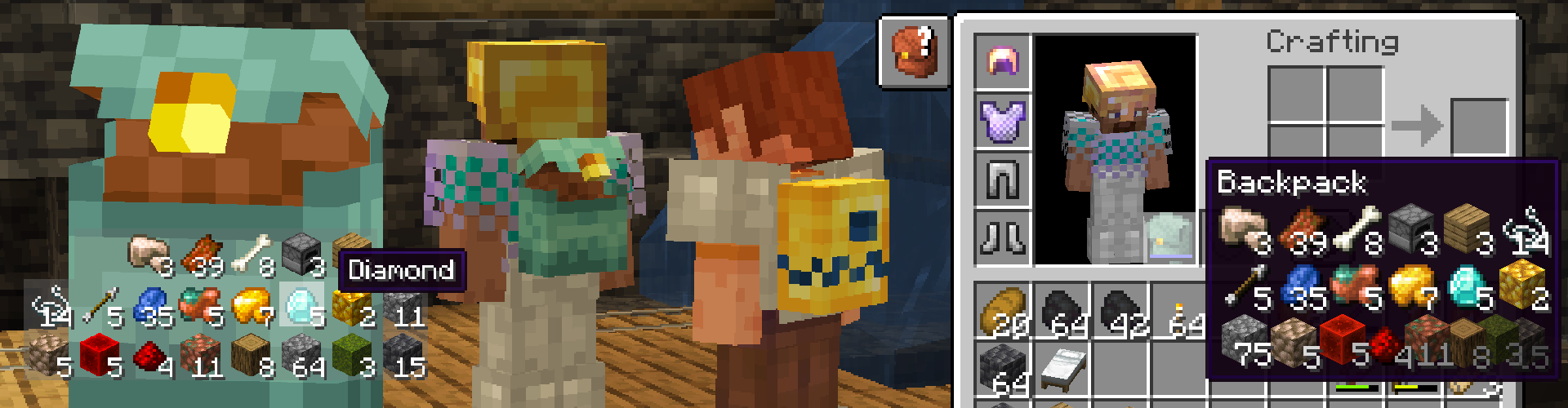 New items are automatically put into the top of the backpack. Hovering over the backpack you
have equipped previews the items you have inside. If you need to get the chapstick
that might've fallen to the bottom, ask your friend to help out and grab it for you.
Double-check your diamonds after they've been in there though.
New items are automatically put into the top of the backpack. Hovering over the backpack you
have equipped previews the items you have inside. If you need to get the chapstick
that might've fallen to the bottom, ask your friend to help out and grab it for you.
Double-check your diamonds after they've been in there though.
Inventory Controls
Insert or take items just by clicking directly onto the equipped backpack. To help move you items around use your Sprint Key + Click as if you were shift clicking items into any other inventory. This key can be bound to something different in the settings. You can press Sprint Key + Right Click on a block to quickly place your backpack and access all of your items.
More than Meets the Eye!
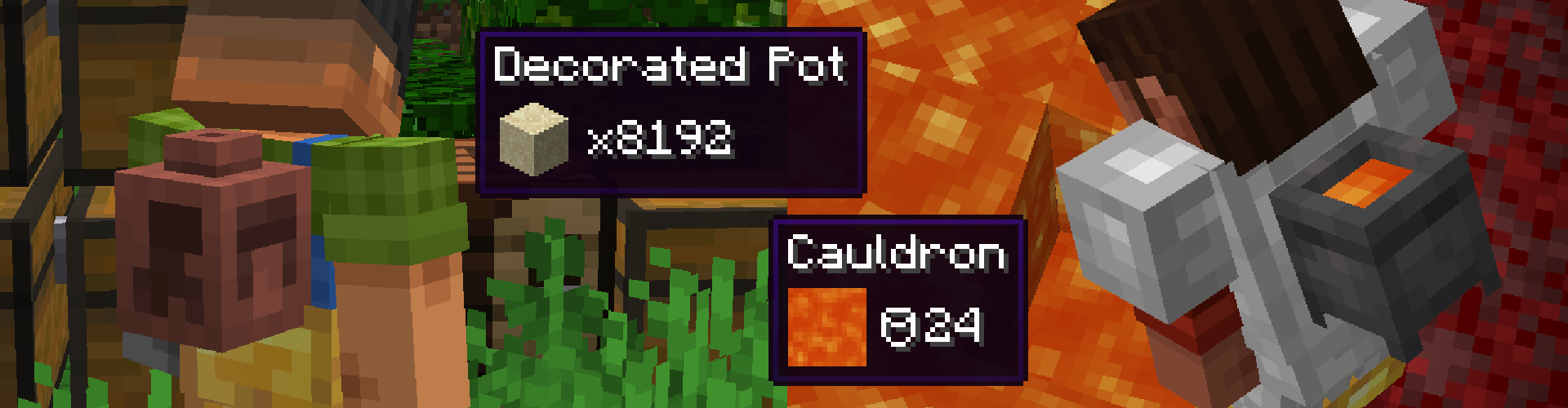 Decorated Pots and Cauldrons can also be equipped. Pots can store 128 stacks of a single kind of item. Cauldrons hold 24 buckets of any fluid. These types of wearables are too heavy to be placed and can only be taken off by emptying them first.
On Death
Your items will stay safely where you died inside a backpack dropped at your feet. Pots and Cauldrons will drop as an item that can only be picked up with an empty Back Slot. (Hurry Back!)
Let's See You Move!
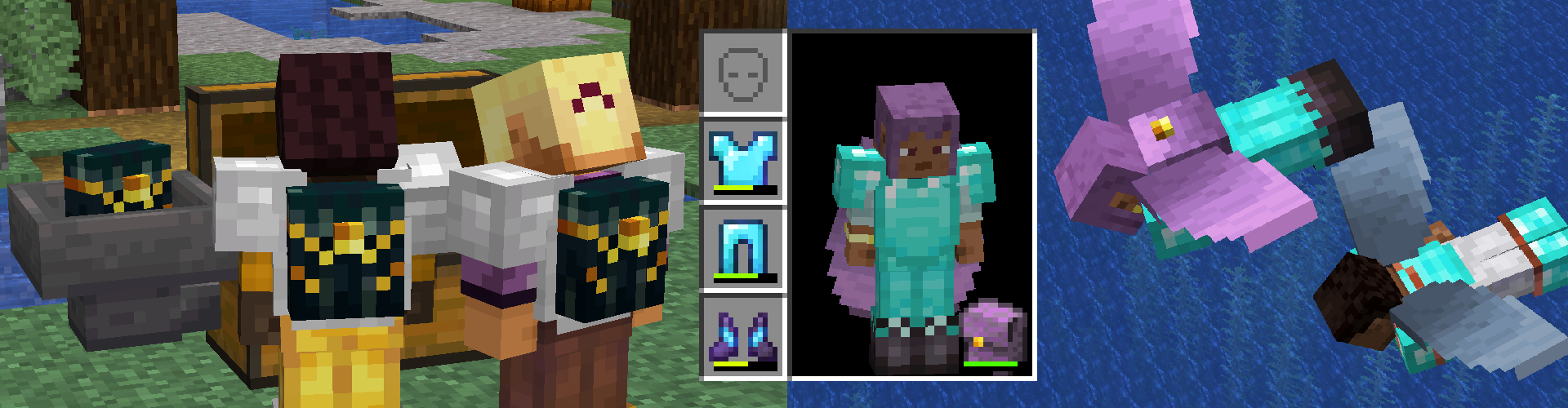 Winged Backpacks allow you to use your elytra with a backpack and Ender Backpacks are bound to a player when crafted or re-trimmed. Unlike Ender Chests, their inventory is unique to that bound player. Share a Ender Backpack with a friend to remotely send items to one another.
Redstone Components
Use Hoppers and Comparators to create complex loaders and contraptions with your backpacks. Using Ender Backpacks can be a means for long ranged redstone or to simply send items back to your base when you no longer need them.
Looking for More?
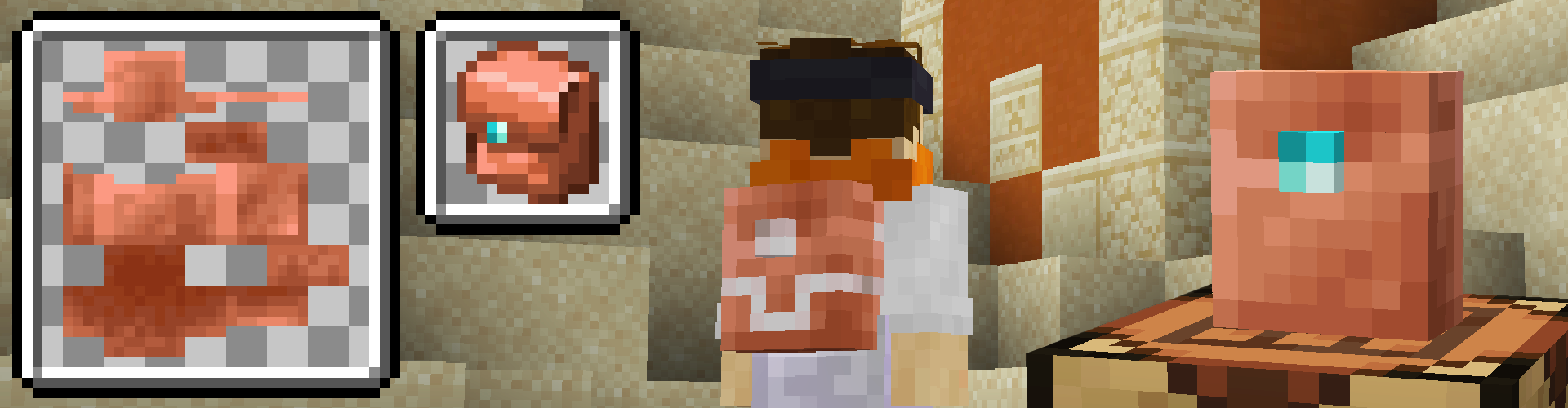 Still not enough? That's up to you! You can add as many backpacks as you'd like with properties you decide through Data and Resouce Packs. Read through Custom Backpacks from the wiki to add your own backpack.
Mod Packs
If you are using this mod in a mod pack I would love to hear your feedback! If you need to change any config, check out Configurations from the wiki for a how-to. There it outlines how to use datapacks to make items disable the backslot, or to blacklist items from the Backpack Inventory.
Feedback
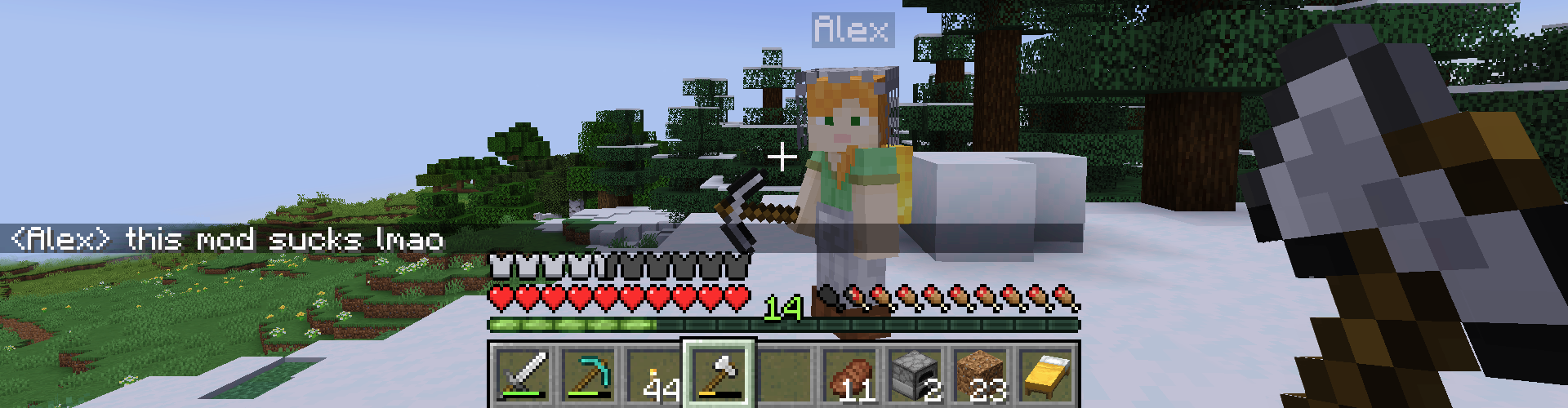 I'm curious how you play with my mod! If you have any suggestions or changes create a new discussion here. I try to respond genuinely to any critisim my mod might get, leave something if it bothers you even if it's not fully thought out (Thats what discussions are for).
If there are any Bugs or Compatibility issues, you can create a new issue here and I'll see what I can do to help! Videos or your crash.log/latest.log help a ton in recreating and squashing bugs.
Check out the Wiki
If you are a mod pack creator, or just a curios player, the wiki is the best place to look deeper into the mod. If you can't find what you're looking for there, leave an issue and I can help you out.




Conversation