
Astrocraft
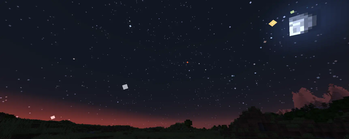
A Customizable and Realistic Astronomy mod. Adds real life stars, planets, meteors and, an orbiting moon with eclipses.
Versions
Gallery
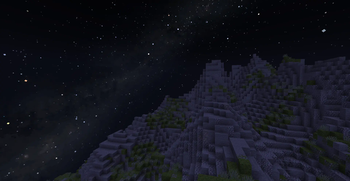
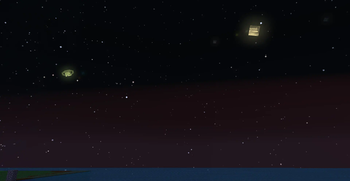

About
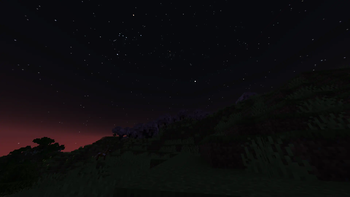
A configurable astronomy mod that adds a realistic night sky with real life stars, planets and much more. This mod is for those who want to explore the stars while playing minecraft.
Features
- Real life constellations and stars
- Moving planets with moons
- Realistic sun and moon positions, longer days or nights throughout the seasons
- Shooting Stars with annual Meteor Showers
- Nebulae, Galaxies, and the Milky Way
- Rare astronomical events, such as solar and lunar eclipses
- "Live mode" to show the current irl sky in-game.
- Makes the spyglass useful
- Full customizability, with custom planets or stars.
Stars
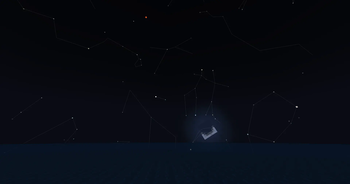
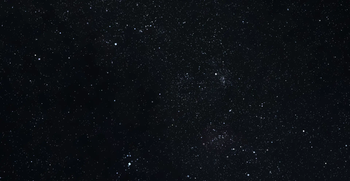
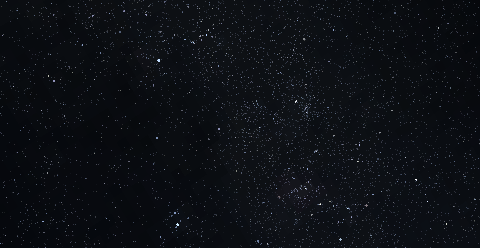
Astrocraft replaces Minecraft's default stars with stars from real life. Stars retain their vanilla-style, but with variation in hues, some being more reddish, others blue. You can find any constellation in-game. Through the night, all these stars revolve around the north star (Polaris):
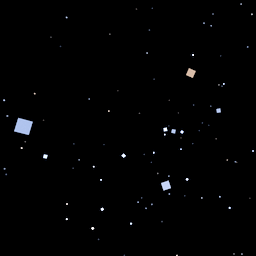
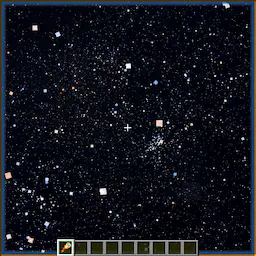
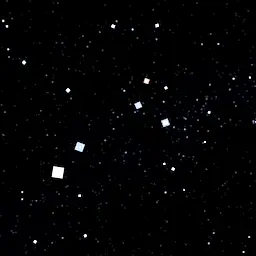
Some stars are variable, meaning they vary in brightness over time.
Galaxies, Nebulae, Clusters
The milky way is faintly visible at night, along with numerous other objects. These include massive galaxies like Andromeda and Triangulum, or smaller planetary nebulae like the Ring Nebula. The Milky Way and other deep-sky objects become brighter and more visible from high mountain peaks, but are easily outshone when the moon is out.
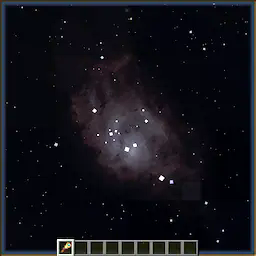
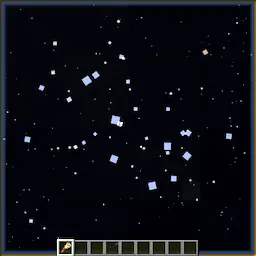
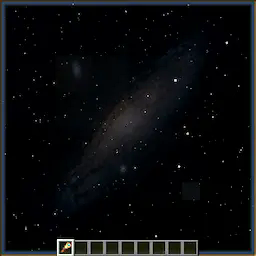
Shooting Stars / Meteor Showers
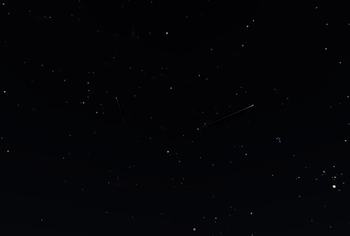
At night, you can occasionally see streaks of light shoot across the sky. Meteors often belong to a meteor shower, where multiple will appear to radiate from the same point in the sky. Some are sporadic, not associated with any shower. Meteors showers occur at predictable times each year. The Perseids for example, are visible around the middle of summer, around MC day 142. Occasionally, certain meteor showers can even produce "meteor storms". Below are a few example meteor showers:
| Name | Radiant | Peak Day (/365¼) | Peak Day (/96) |
|---|---|---|---|
| Lyrids | Lyra | 33 | 9 |
| Eta Aquariids | Aquarius | 46 | 12 |
| Perseids | Cassiopeia, Perseus | 142 | 37 |
| Orionids | Orion | 211 | 55 |
| Leonids | Leo | 239 | 63 |
| Geminids | Gemini | 266 | 70 |
| Quadrantids | Boötes | 287 | 75 |
Spyglass
The spyglass is an essential tool for exploring Astrocraft's skies, as it lets you observe an area of the sky in much greater detail. It increases the brightness of stars, and shows objects that would otherwise be too dim, like Uranus or Neptune.
What you can see using a spyglass depends on multiple factors, such as Y position or moon phase. It is better to climb a mountain and point upwards to observe very dim objects like nebulae.
Using the mouse scroll wheel, you can zoom in and out up to 500x.
Planets / Solar System Objects
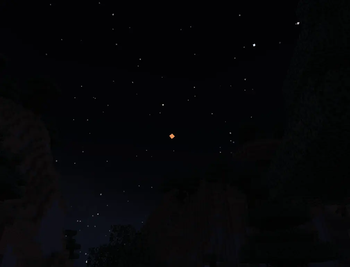
By default, this mod adds all major planets, along with many other objects in the solar system. Planets are rendered similar to stars when not zoomed in, although typically brighter, larger and more vividly colored. Unlike stars, planets move against the fixed background of stars, traversing the zodiac as the days go by.The positions of these planets in the sky are calculated using their orbital parameters (fully configurable), while also taking into account earth's own orbit. These include:
- Semi-Major Axis
- Orbital period
- Eccentricity
- Inclination
- Precession
The brightness or size of a planet is calculated using:
- Diameter and Albedo
- Distance to Earth / Observing Planet
- Distance to the Sun
- Phase Angle (Different phase curve models are used for different planets)
Satellites of planets (including The Moon) or even the Sun use the same algorithm. When the angular diameter of a planet exceeds a certain size, the mod switches from star-like rendering to vanilla-moon-like rendering.
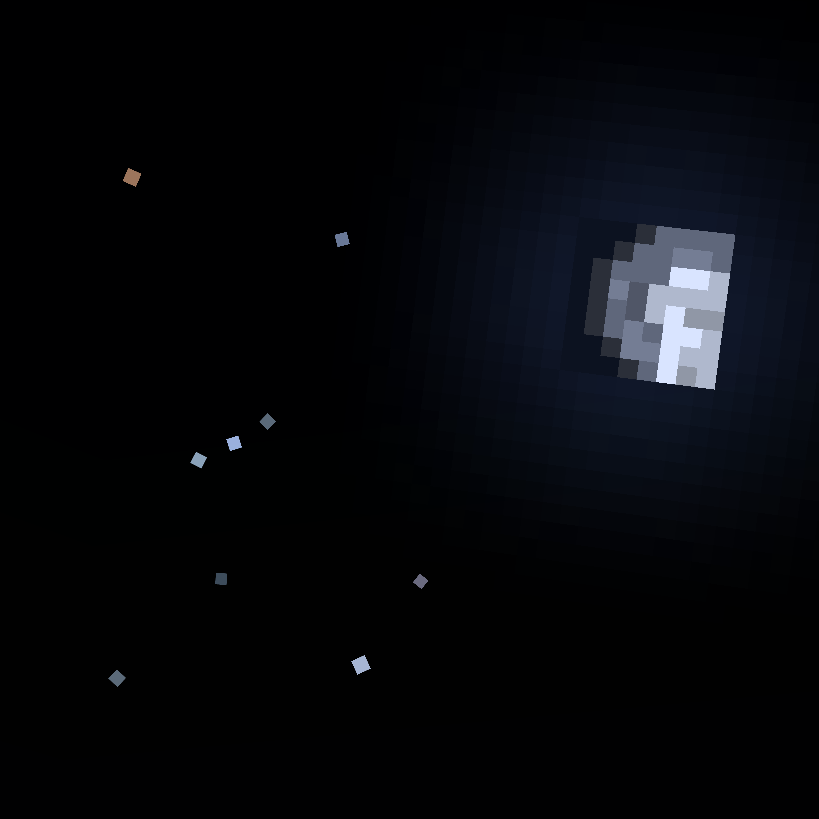
Using a spyglass allows you to see stars, planets, asteroids or moons that are too faint to see with the naked eye. If you zoom in enough, planets can be rendered with a texture, some showing phases like the moon (Venus and Mercury).
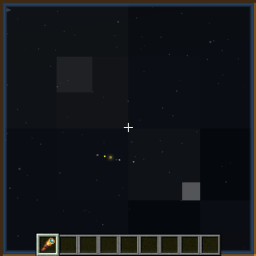
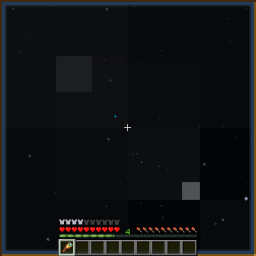
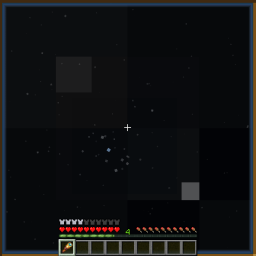

Below is a table of the planets (except Earth), with descriptions of their in-game appearances:
| Planet | Brightness | In-game Color | Notes |
|---|---|---|---|
| Mercury | Moderate | Beige | Visible at sunrise / sunset |
| Venus | Very Bright | White | Visible before sunrise / after sunset |
| Mars | Dim-Bright | Orange | Much brighter at opposition |
| Jupiter | Bright | Yellow-Brown | Four moons are visible using a spyglass |
| Saturn | Moderate | Yellow-Green | Shows rings with enough zoom |
| Uranus | Dim | Cyan | Usually requires a spyglass to see |
| Neptune | Dim | Blue | Requires a spyglass to see |
Over 100 asteroids have also been added, including Vesta and Ceres. These appear similar to dim stars.
Moons
Both Jupiter and Saturn have easily observable moons. In a spyglass, they look like stars revolving around the planet. You can see moons move around over a single night, as they often have short orbital periods. You can also see the moons of Mars, Uranus, and Neptune with some difficulty.
Big Planets Mode
This option scales up the planets and renders planets using textures like the MC moon, rather than realistic star-like rendering.
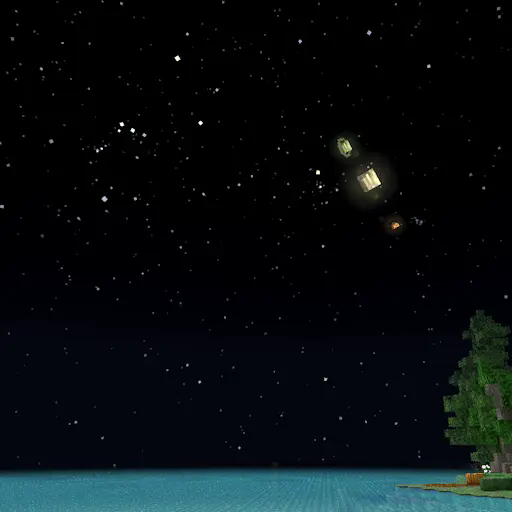
See space from other planets
Using the "Observing Location" option, you can easily switch the perspective from Earth to any other object, including planets, moons, asteroids or even the sun. This shows you how other planets / moons appear from planets other than Earth (like Earth from Mars, or Jupiter from Europa). It also simulates how lighting changes as you get further from the sun (try Pluto).
You can also switch to other nearby stars, for example "Proxima Centauri B". The sun will be visible as a yellow star near Cassiopeia.
Configuration + Custom Planets
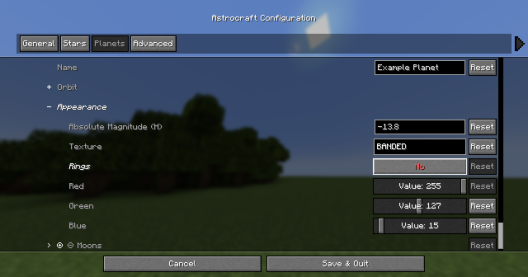
Planets are fully configurable, you can edit existing planets or even add your own.
| Orbit Options | - |
|---|---|
| Perihelion Distance (AU) | This is the closest the planet gets to the sun |
| Aphelion Distance (AU) | This is the furthest the planet gets to the sun |
| Orbital Period (years) | How many earth-years it takes for the planet to complete an orbit |
| Inclination (deg) | The angle which the orbit is tilted by, measured from the ecliptic |
You can also add or remove moons to each planet, which are editable just like planets. Setting a planet's model to "Star", will turn it into a star, you can make the solar system a binary stars system this way.
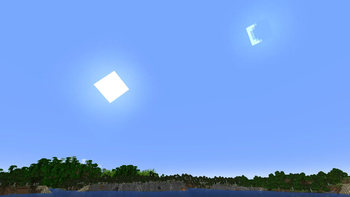
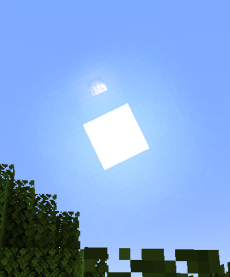
Below shows a custom planet so big that it is visible during the day:
Changes to the Sun & Moon
Positions in the Sky
Unlike in vanilla minecraft, where the sun and moon always pass overhead, they are instead tilted by the latitude set in the configuration (30°N by default). Additionally, the sun's path is also affected by its declination which changes throughout the year cycle (365 ingame days by default). Disable the 'Tilted Sky' setting in the config for vanilla behavior.
Throughout the year, the sun moves relative to the stars, travelling through the zodiac. This determines which stars can be seen at a given time.
Changing Day / Night Lengths
Times of sunrise / sunset are also affected by the sun's declination, with longer days and shorter nights during the summer, and the opposite during the winter. Setting latitude to 90° or -90° in the configuration will simulate the polar day / night experienced at the poles.
The Moon
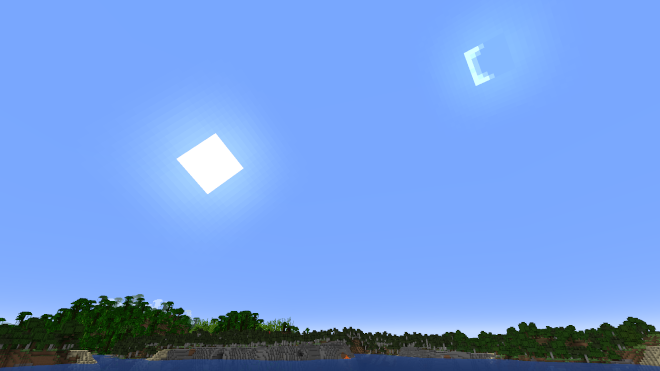
The moon's position relative to the sun will depend on the moon's phase. At full moon, the moon stays opposite the sun, just like in vanilla minecraft. However, during a crescent phase, the moon will appear just to the left or right of the sun, and can be seen during the day. This mod also adds moonlight, which lights up the night around the full moon.
Eclipses
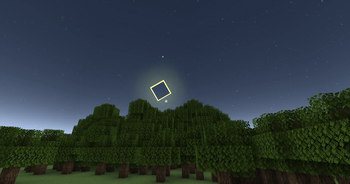
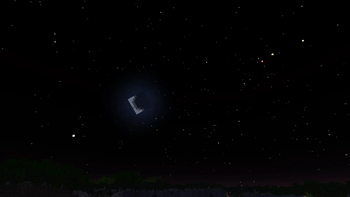
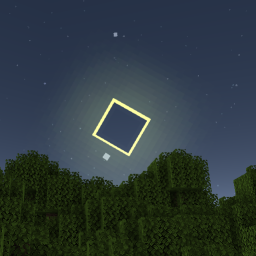
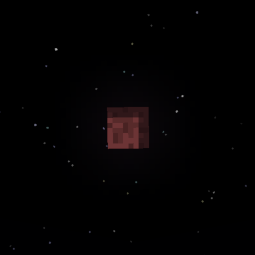
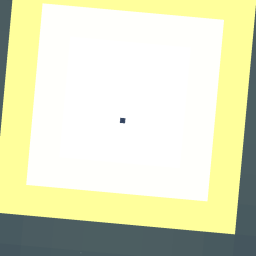
A lunar eclipse occurs when a full moon coincides with the moon crossing the ecliptic, the moon turns red and moonlight dims. During a new moon, the moon can partially or fully cover the sun, blocking out the sunlight and dimming the sky until it is just like night-time. Other astronomical objects, such as Mercury and Venus also eclipse the sun, which you can observe as a small black spot traversing the sun's disk.
Customization
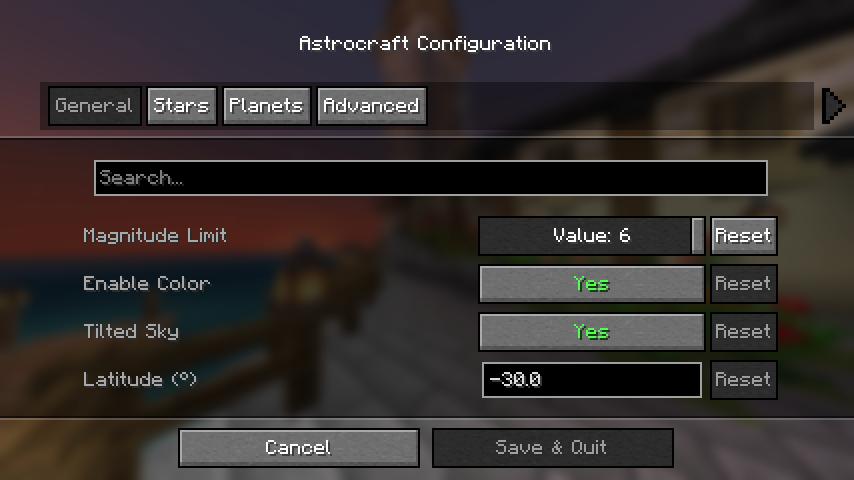
If you have mod menu installed you can open the configuration menu, otherwise edit the config file at: "config/astrocraft.json".Here you can toggle stars or planets off, reduce star coloring, add your own stars and planets, and much more.
Magnitude Limit
This is the main option affecting performance, it changes how many stars are shown. Increase to 6 for a more detailed night sky. Reduce if you have performance issues, or you want to simulate urban light pollution.
Year Length
Default "Year Length" is 365.25 minecraft days, this also affects the orbital period of every planet / moon. On singleplayer worlds, this may be too slow for you, so you can reduce it to something like 96 days.
Multiplayer Compatibility
Positions of planets and stars are calculated from the world time, therefore other players on the same world will see the same stars and planets as you. This won't be the case if you change certain settings, such as "year length" or most settings in the "Planets" category.
Overlays and Constellations
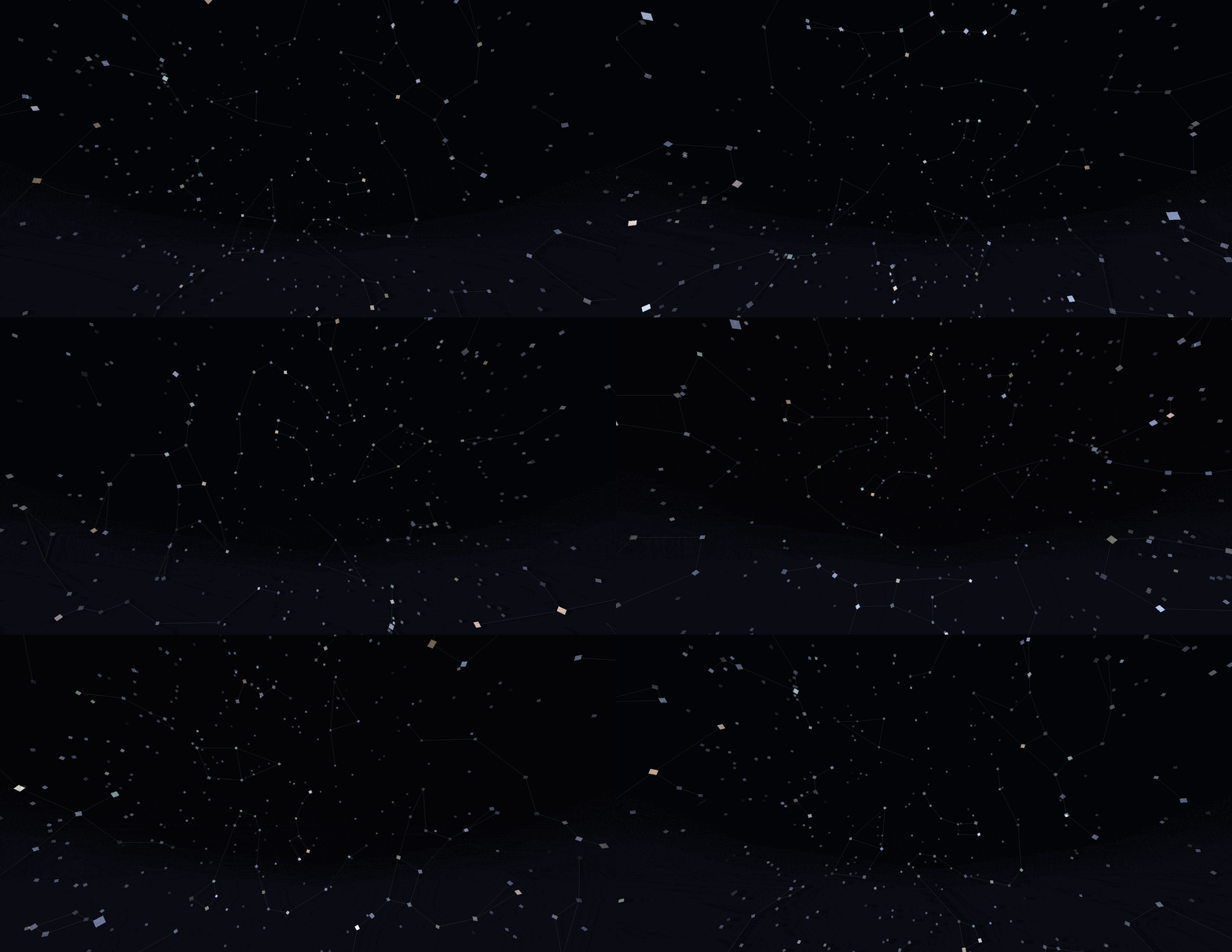
In the "Overlays" categories, you can enable overlays rendered over the sky. The "Show Constellations" option, helps you see constellations by drawing lines between stars, showing which stars make up each constellation. There are also options to show a grid or the ecliptic.
Live Mode
Live Mode uses the current real-life planet positions. It can also use irl time of day, but you have to set a longitude and latitude to use.
Globe Mode
Instead of fixed longitude and latitude, you can have it change based on your coordinates in the MC world.
Mod Compatibility
Serene or Fabric Seasons
Astrocraft automatically syncs to these mods' config files, so the seasons line up properly.
Default config Serene Seasons:
- "Year Length": 96
Default config Fabric Seasons:
- "Year Length": 112
Minor Compatibility Issues
Enchanced Celestials
Blood moons will not coincide with Astrocraft lunar eclipses, you may want to disable astrocraft eclipses to avoid confusion.
Ad Astra
Astrocraft's skies won't show up on other planets. There is a mod by mynameisjeffitowastaken to fix this, which also automatically changes the Observing Planet option to match your current planet.
Shaders
May have a lot of visual bugs, such as duplicated suns and moons, ugly stars, etc.
Fixable Compatibility Issues
Please read through this section if you use other mods, especially if you are a modpack creator.
BadOptimizations
Set "enable_sky_angle_caching_in_worldrenderer" to "false" in the BadOptimizations config file at "config/badoptimizations.txt" Otherwise, the sun and sky will move back and forth in weird directions.
AdditionZ
Disable AdditionZ's Polar Star, also messes up the sky.
Incompatible
These mods will probably not work or crash with Astrocraft:
- Fabric Skyboxes
- Blinking Stars
Forge
Install Sinytra Connector if you want to it use with forge or neoforge.
If you have any issues, contact the mod author pymsrps, and post the full logs.





Conversation