
AntiXray
A lightweight mod that allows server owners to combat xrayers.
Versions
AntiXray NeoForge 1.4.13+1.21.11
1.4.13+1.21.11 · 1 month ago · 125.45 KB
AntiXray Fabric 1.4.13+1.21.11
1.4.13+1.21.11 · 1 month ago · 140.27 KB
AntiXray Fabric 1.4.12+1.21.11-rc2
1.4.12+1.21.11-rc2 · 2 months ago · 140.04 KB
AntiXray NeoForge 1.4.12+1.21.10
1.4.12+1.21.10 · 2 months ago · 125.14 KB
AntiXray Fabric 1.4.12+1.21.10
1.4.12+1.21.10 · 2 months ago · 139.39 KB
Gallery
About
Anti Xray
Anti Xray is a lightweight fabric mod that allows server owners to combat xrayers.
Config
# Default values
enabled = false

# World specific values
[overworld]
enabled = true
engineMode = 3
maxBlockHeight = 256
updateRadius = 2
lavaObscures = false
hiddenBlocks = ["#c:ores", "raw_copper_block", "raw_iron_block", "raw_gold_block", "!#antixray:hidden_only_ores"]
replacementBlocks = ["#antixray:hidden_only_ores", "stone", "deepslate", "andesite", "calcite", "diorite", "dirt", "granite", "gravel", "sand", "tuff", "mossy_cobblestone", "obsidian", "clay", "infested_stone", "amethyst_block", "budding_amethyst", "chest"]

[the_nether]
enabled = true
engineMode = 1
maxBlockHeight = 128
updateRadius = 2
lavaObscures = true
hiddenBlocks = ["ancient_debris", "nether_quartz_ore", "nether_gold_ore", "gold_block", "gilded_blackstone"]
Config option overview
enabled if set to true anti xray will be active in the specified world
engineMode can either be 1, 2 or 3 see [Engine Modes](#Engine Modes)
maxBlockHeight controls the max height at which blocks should get obfuscated
updateRadius controls how many blocks away from shown blocks obfuscation should start (if your players see fake ores
it is recommended to increase this value)
lavaObscures if set to true blocks next to lava will get obscured
hiddenBlocks a list of blocks to hide (Engine mode 1) or a list of blocks to use for obfuscation (Engine mode 2/3)
replacementBlocks is a list of blocks that will be obfuscated, but not used as fake blocks (Engine mode 2/3 only)
Blocks / block tags can be prefixed ! to remove them from the block list.
The rules are applied from left to right, removals should be specified after additions. (since 1.4.10)
Engine Modes
| Info | Image |
|---|---|
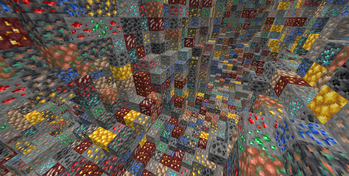
| Anti xray disabled: This is just for reference |  |
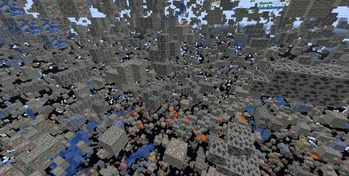
EngineMode 1: This mode will replace all fully obscured (no air around) blocks from hiddenBlocks with blocks from replacementBlocks |
 |
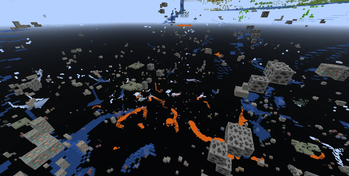
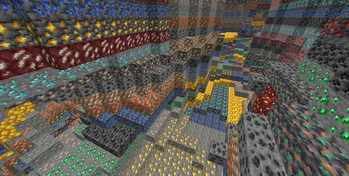
EngineMode 2: This mode will replace all blocks from hiddenBlocks and replacementBlocks with random blocks from hiddenBlocks |
 |
| EngineMode 3 (recommended): Works very similar to engine mode 2, but works better with slow connections | 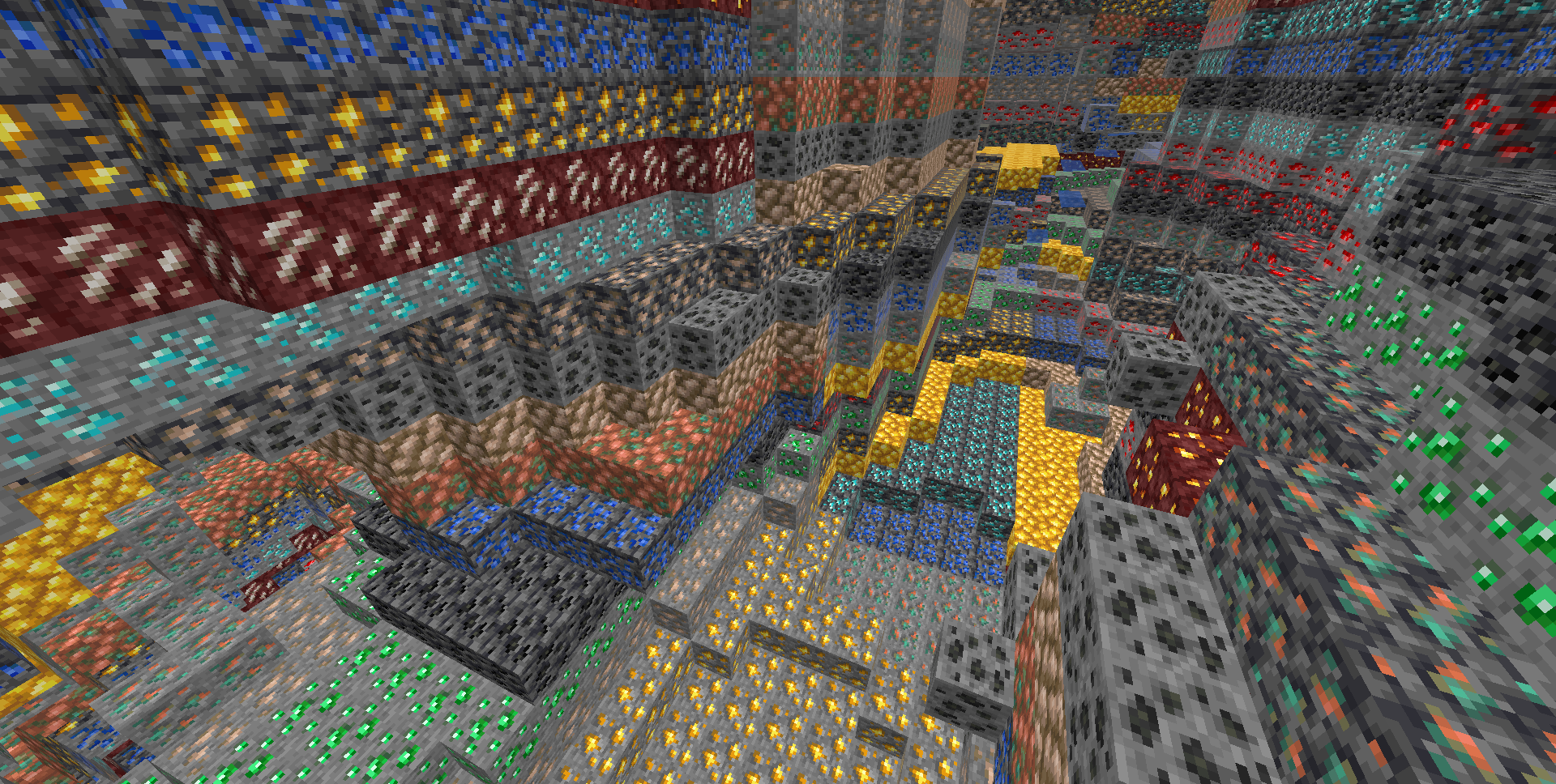 |
Legit player view: Legit players wont notice any changes when this mod is installed (unless they have high ping or modify a lot of blocks at once, eg: explosions)
Custom Dimensions
To configure antixray in custom dimensions, specify the dimension id like this: ["custom:cool_world"]
Mod Developers
Ore blocks added to the #antixray:hidden_only_ores block tag will be hidden from the world, but not used as fake ore.
This can be useful if your ore has effects, such as particles or sounds, that could cause problems. (since 1.4.10)
About
This mod is a port of Papers Async Anti Xray Patch from 1.17 and it's 1.14 patch for networking code, to fabric and forge
Related projects


Mod Menu
by Prospector
Adds a mod menu to view the list of mods you have installed.

YetAnotherConfigLib (YACL)
by isxander
A builder-based configuration library for Minecraft!

Xaero's Minimap
by thexaero
Displays a map of the nearby world terrain, players, mobs, entities in the corner of your screen. Lets you create waypoints which help you find the locations you've marked.
AntiXray
Download AntiXray
or
Select a game version to see available downloads
No versions match your filters
About the creator

DrexHD
Owner · AntiXray
Developing technical server-side Minecraft Fabric mods, which are barely noticeable to regular players, but very useful to server operators.
Member since November 2020
View profile on Modrinth
Conversation