Better Command Block UI
Provides a more usable Command Block UI
357.6K
Downloads
·
692
Followers
·
Updated 2 months ago
Fabric
Quilt
Technology
Utility
1.18.2
1.19
1.19.1
1.19.2
1.19.3
+21 more
Versions
Gallery
About
Tired of holding down your arrow keys to get to the middle of a long command, only to overshoot and spend another half an eternity backtracking? Wishing you could just see the whole thing in a more structured format without needing to copy it into external software and back again?
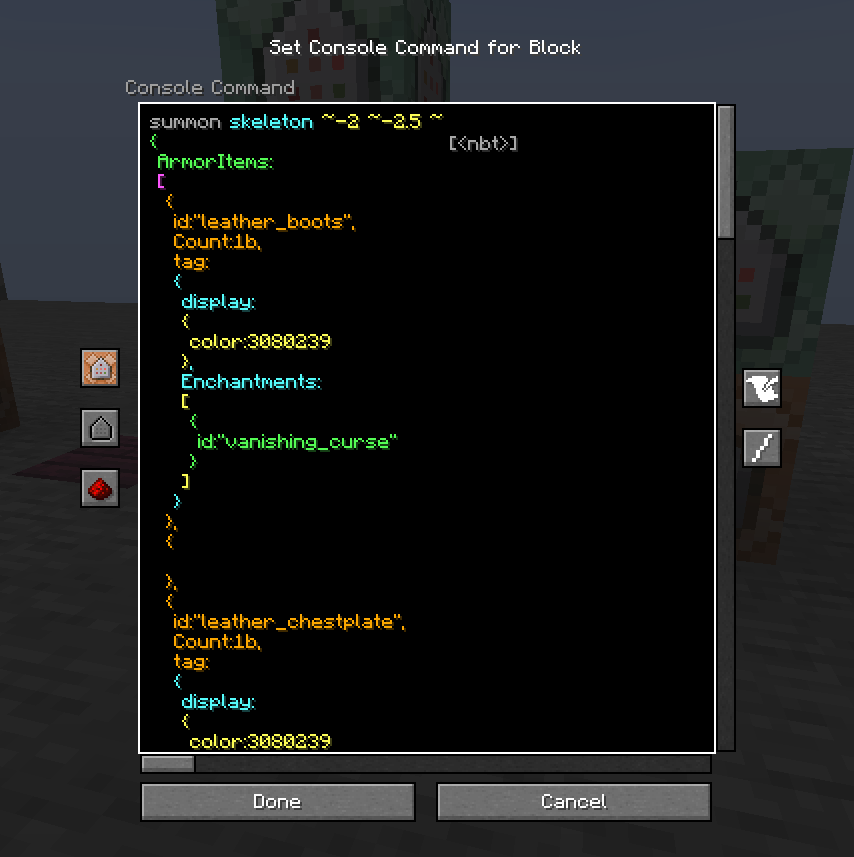
This clientside mod intends to address these issues and more by completely overhauling the Command Block UI.
Current features:
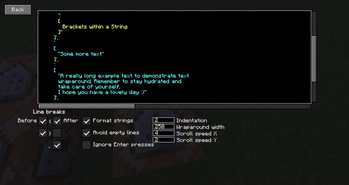
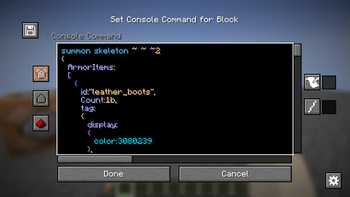
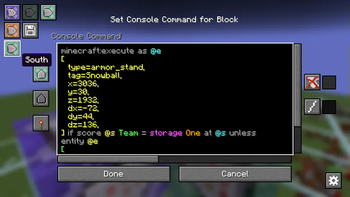
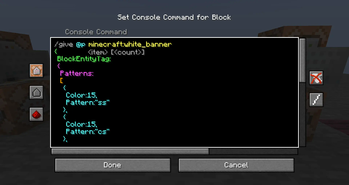
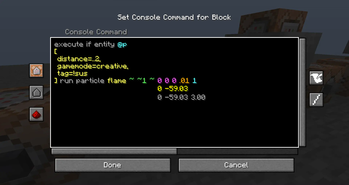
- Multi-line command text field
- Automatic indentation based on parentheses
- Colorcoding of nested NBT data
- Line wraparound
- Horizontal and vertical scrolling
- Improved selection & erasing
- Click-and-drag selection
- Double click word selection
- Ctrl-erasing only erases actual words instead of all NBT
- Adapts to UI scale and window dimensions
- Reorganization of existing buttons
- Command block state buttons (Type, conditionality, power mode, output tracking) reduced to simple icons with tooltips
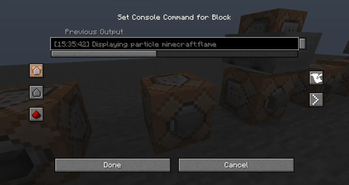
- New button to switch between viewing the command and output
- Command block chain navigation
- Buttons to move backwards and forwards through the chain without leaving the UI
- If multiple blocks point into current one, all of them are listed with the direction they're in as a tooltip. The one "in line" with the current block will be listed first
- UI Button and CTRL + S to save without leaving the UI
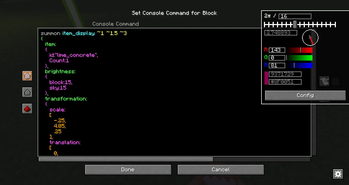
- Tools window
- Rotation selector, outputs radians
- Color selector, outputs integer and hex code
- Area selector keybind
- Press ; to select two opposite corners of a volume (akin to WorldEdit), and the mod will put the corresponding area selector (x=..,y=..,z=..,dx=..,dy=..,dz=..) in your clipboard
- Config options
- Fully configurable indentation behaviour
- Optional auto-saving when closing the screen or moving along chain
- ModMenu support
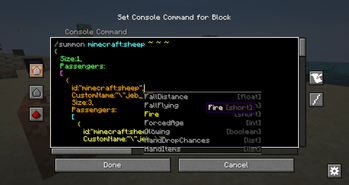
- Compatible with NBT Autocomplete, Component Utils, Better Suggestions, and Better Highlighting

As mentioned, the mod is entirely clientside. It takes in the command as received from the server and just displays it across multiple lines and with indentation, but doesn't actually add any line breaks to it.
Categories
Compatibility
Client:
Required
Server:
Unsupported
Links
CC0-1.0







Conversation